Mirroring in Flutter Linear Gauge (SfLinearGauge)
18 Nov 20181 minute to read
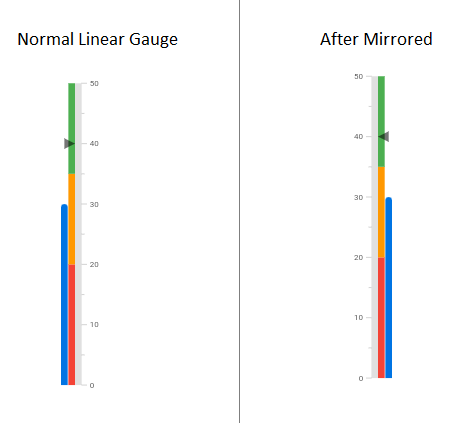
The isMirrored property in SfLinearGauge allows you to mirror all the gauge elements. This feature is useful when you need to display the gauge in the opposite direction.
import 'package:flutter/material.dart';
import 'package:syncfusion_flutter_gauges/gauges.dart';

void main() => runApp(const LinearGaugeDemo());

class LinearGaugeDemo extends StatelessWidget {
  const LinearGaugeDemo({Key? key}) : super(key: key);

  @override
  Widget build(BuildContext context) {
    return MaterialApp(
      title: 'Linear Gauge Demo',
      theme: ThemeData(primarySwatch: Colors.blue),
      home: const Scaffold(
        body: Center(
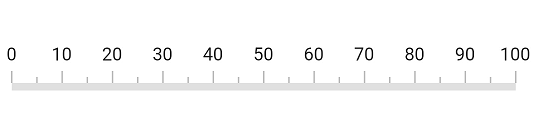
          child: SfLinearGauge(isMirrored: true),
        ),
      ),
    );
  }
}
Comparison for the mirrored and normal gauge
The following screenshot provides a visual comparison between a mirrored Linear Gauge and a normal Linear Gauge.