Welcome to Syncfusion Code Studio
25 Sep 20264 minutes to read
Overview
Syncfusion Code Studio is an AI-powered integrated development environment (IDE) with built-in assistance to support modern software development workflows. It understands your codebase and provides context-aware suggestions to help you design, implement, and refine features—while keeping developers in control.
Deeply integrated with Syncfusion’s component library, Code Studio helps teams build robust, scalable applications by automating common tasks such as UI generation, bug fixing, and documentation.
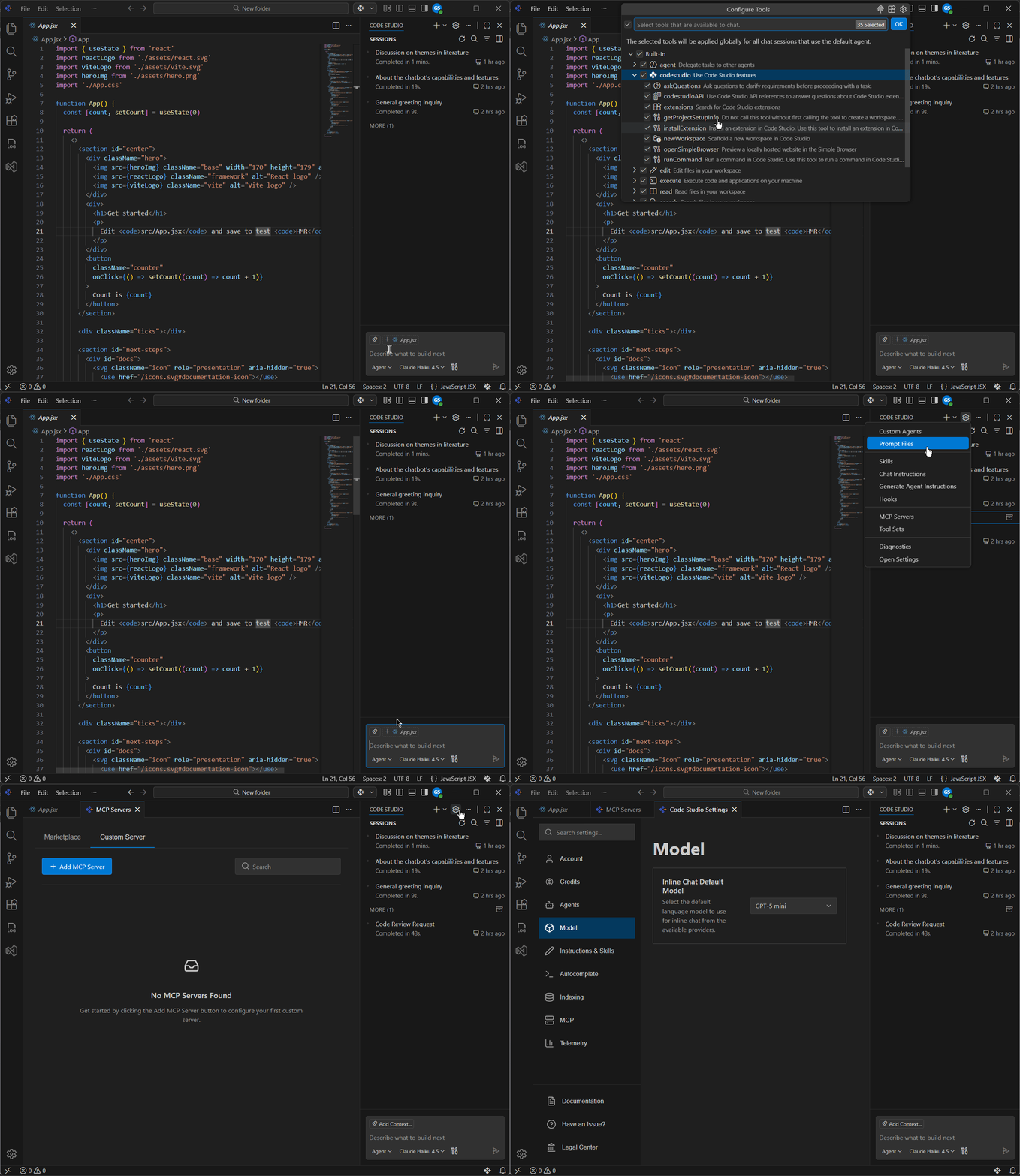
What can you do with Code Studio
- Generate code: Drafts code snippets and scaffolding to reduce repetitive work.
- Implement features: Turn ideas into complete, working solutions with AI‑assisted development.
- Find and fix errors: Detects common issues and proposes fixes to help you resolve problems quickly.
- Explain code: Breaks down code line by line or function by function to improve understanding and maintainability.
By combining these capabilities, Code Studio helps you write cleaner, more accurate code while staying focused and productive.
Key Features
Working with Code Studio will give you hands-on experience in the following areas:
-
Autocomplete Mode: AI‑powered code suggestions as you type, based on your current project.
Learn more on the Autocomplete page. -
Ask Mode: Get quick answers, explanations, and ready-to-use code snippets through simple questions in the IDE—no project files required.
Learn more on the Ask page. -
Edit Mode: Use AI prompts to modify source code with previewed changes, letting you keep or undo each edit for precise control and high accuracy.
Learn more on the Edit page. -
Agent Mode: The AI agent understands your codebase and autonomously performs multi‑step tasks. It can read files, reason about logic, and use built‑in tools (like file search, code edit, or UI generation) to complete complex workflows end‑to‑end.
Learn more on the Agent page. -
Plan Mode: Research tasks, identify requirements, and break work into clear, reviewable steps before writing any code—ensuring safer and more reliable implementation.
Learn more on the Plan page. -
Provide Context to Chat: Attach files, folders, code symbols, errors, screenshots, or tool outputs so the AI understands what you’re working on and gives accurate, relevant guidance.
Learn more on the Context page. -
Enterprise Server: Centralized administration for organizations, including users and teams, providers and models, budgets, alerts, and dashboards.
Learn more on the Enterprise Server page. -
Built‑in Tools: Perform file edits, searches, terminal commands, and more directly from the agent.
See Tools. -
Checkpoints: Automatically capture, compare, and restore your workspace state to track changes and recover easily.
Learn more in Checkpoints. -
Inline Chat: Apply AI‑powered fixes, optimizations, and docs right from the editor’s context menu.
See Inline Chat. -
Telemetry: Anonymous usage analytics to improve product quality; can be disabled anytime.
See Telemetry. -
Generate Code: Automate common coding tasks like fixing issues, reviewing code, generating documentation, and creating tests—directly inside your editor for faster, higher‑quality development.
Learn more on the Generate Code Generate Code page. -
Quick Fix: Instantly detect and resolve errors with context‑aware AI suggestions, inline previews, and explanations—so you can fix issues without leaving your editor.
Learn more on the Quick Fix page. -
MCP Integration: Discover and manage servers via the MCP Marketplace or connect Custom Servers including NPM package,pip package, docker image, HTTP, command.
-
Custom Agent: Pre‑configured AI agents for specific tasks that follow fixed rules, tools, and behaviors—ensuring consistent, repeatable workflows across teams. Learn more on the Custom Agent page.
-
Agent Skills: Reusable, task-specific instruction sets that extend the agent’s capabilities—such as running tests, generating docs, or enforcing code standards—without modifying the core agent configuration.
Learn more on the Agent Skills page. -
Hooks: Automated scripts triggered at defined points in the agent workflow (before or after a tool call) to enforce policies, validate outputs, or run custom logic—keeping AI actions consistent and auditable.
Learn more on the Hooks page. -
Custom Instructions: Custom instructions define reusable guidelines that shape how AI generates code and performs development tasks, eliminating the need to repeat context in every prompt. They can be applied automatically to all chats, targeted to specific files, or manually attached to individual prompts. Learn more on the Custom Instructions page.
-
Custom Prompts: Prompt files are on‑demand, reusable Markdown prompts that standardize specific development tasks like code generation and reviews. Learn more on the Custom Prompt page.
Get started
Ready to try Code Studio?
- Go to the Quick Start page to set up Code Studio and create your first code snippet with AI assistance.