Ask Mode
15 Jun 20261 minute to read
Overview
Ask Mode is a conversational interface within Code Studio that provides immediate technical guidance without modifying your workspace. It delivers explanations, code examples, and best practice recommendations based on your queries, operating independently of your project files. This mode is designed for knowledge acquisition and exploration rather than direct code manipulation.
Use Cases
Use Ask Mode when you need:
- Quick Technical Clarifications - Resolve coding questions without external documentation searches
- Code Snippet Generation - Obtain ready-to-use code examples for specific programming tasks
- Concept Explanations - Understand design patterns, framework architectures, or language features through concise technical summaries
- Non-Invasive Exploration - Test ideas and validate logic without workspace file modifications or context dependencies
How to Use Ask Mode
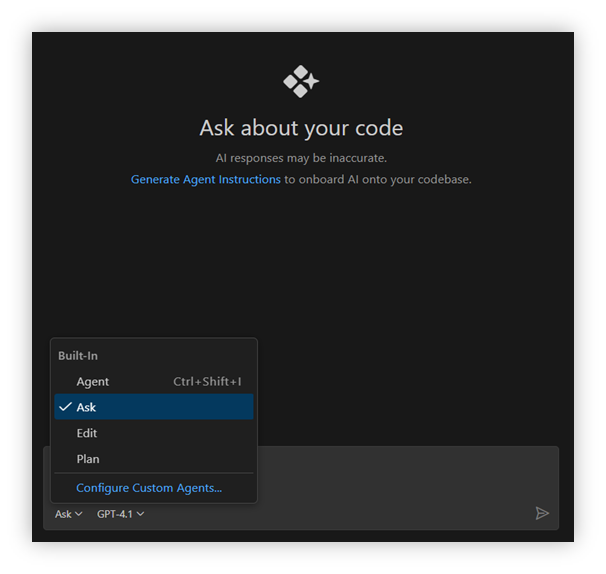
Step 1: Activate Ask Mode
- Launch Code Studio IDE
-
Select Ask from the agent dropdown menu in the chat panel
Step 2: Submit Your Query
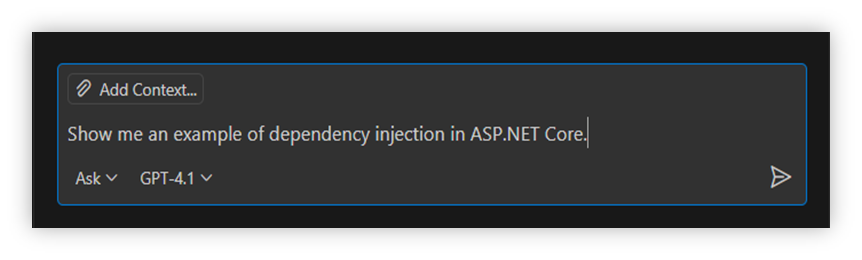
Type your query using natural language. For optimal results:
- State the programming language or framework explicitly
- Include relevant error messages or stack traces when troubleshooting
- Specify the desired output format
Example Query:
Step 3: Review the Response
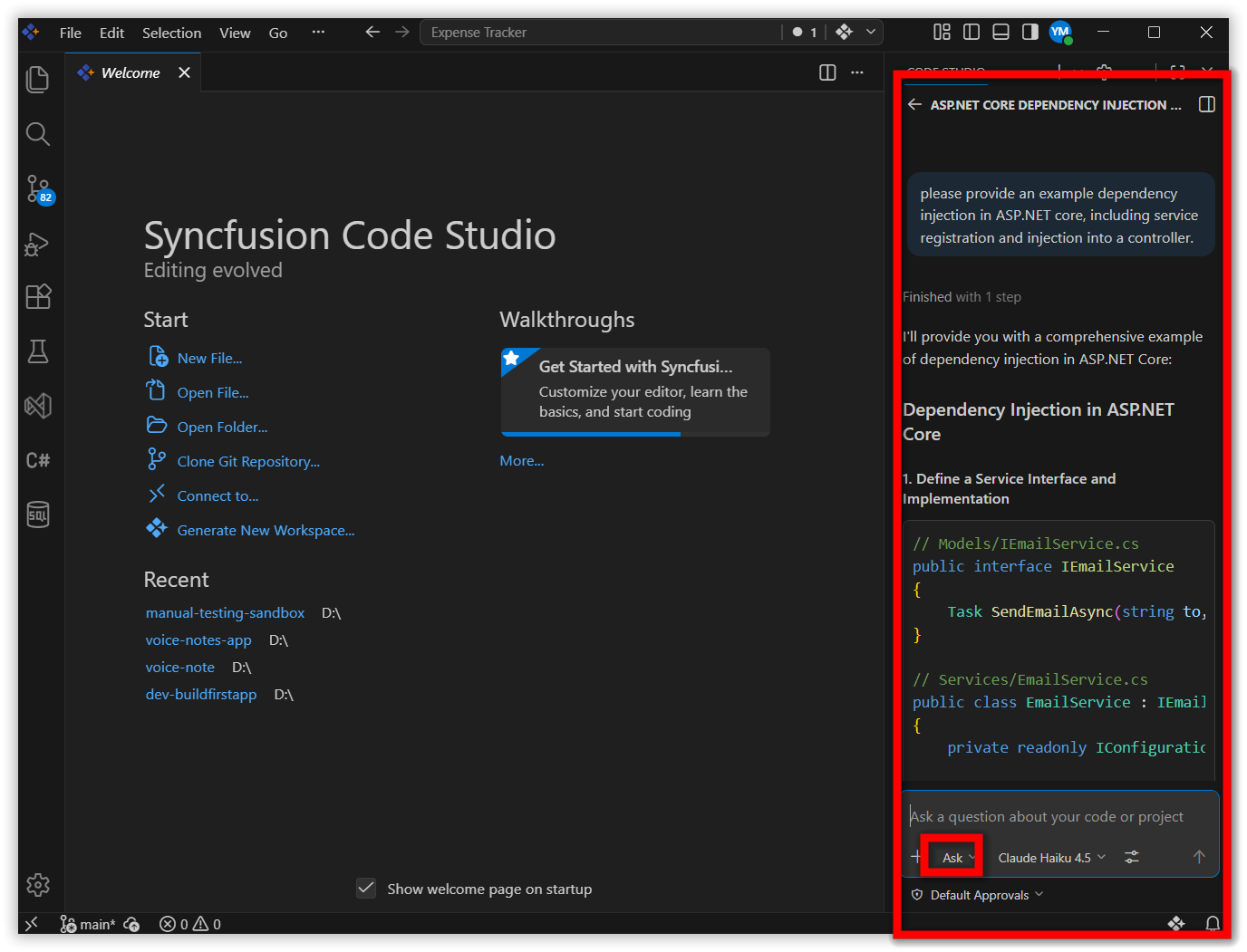
Code Studio processes your query and returns:
- Technical explanations with relevant context
- Executable code snippets with syntax highlighting
- Best practice recommendations specific to your query
- References to related concepts when applicable
Example Response:
Step 4: Apply or Iterate
- Copy snippets directly into your editor for immediate use
- Refine queries with follow-up questions to clarify edge cases
- Request alternatives by asking for different approaches or implementations
Best Practices
- Be Specific - Include framework versions, error codes, and technical constraints in your query
- Provide Context - Share minimal code snippets that demonstrate the problem or requirement
- Single-Purpose Queries - Ask one focused question per prompt for clearer responses
- Verify Outputs - Review generated code for security, performance, and compatibility before integration
- Iterate When Needed - Refine queries with additional details if the initial response is insufficient
- Use Proper Terminology - Technical accuracy in your question improves response quality
Related Features
- Edit Mode - Context-aware file editing with workspace integration
- Agent Mode - Multi-step task automation with tool execution