Header in WPF Charts
18 Nov 20182 minutes to read
Header property is used to define the title for the chart. This allows you to add any object (.Net object) as content for the chart title.
<syncfusion:SfChart Header="Chart Area Header"/>SfChart chart = new SfChart();
chart.Header = "Usage of Metals";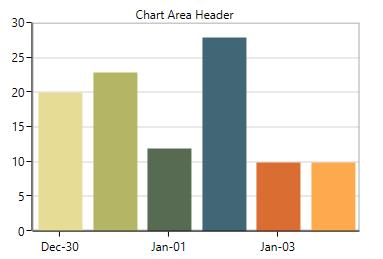
Header can be positioned on the left or right side of the chart using the HorizontalHeaderAlignment property.
You can also add more customization for the header as shown below:
<chart:SfChart.Header>
    <Border BorderThickness="0.5" BorderBrush="Black" Margin="10" CornerRadius="5">
        <TextBlock FontSize="14" Text="Chart Area Header" Margin="5">
            <TextBlock.Effect>
                <DropShadowEffect Color="Black" Opacity="0.5"/>
            </TextBlock.Effect>
        </TextBlock>
    </Border>
</chart:SfChart.Header>
SfChart chart = new SfChart();
Border border = new Border()
{
BorderThickness = new Thickness(0.5),
BorderBrush = new SolidColorBrush(Colors.Black),
Margin = new Thickness(10),
CornerRadius = new CornerRadius(5)
};
TextBlock textBlock = new TextBlock()
{
Text = "Chart Area Header",
Margin = new Thickness(5),
FontSize = 14
};
textBlock.Effect = new DropShadowEffect()
{
Color = Colors.Black,
Opacity = 0.5
};
border.Child = textBlock;
chart.Header = border;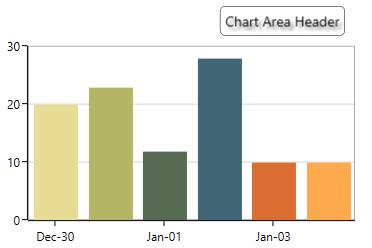
Here, HorizontalHeaderAlignment is set as ‘Right’.
You can refer to our WPF Charts feature tour page for its groundbreaking feature representations. You can also explore our WPF Charts example to know various chart types and how to easily configure them with built-in support for creating stunning visual effects.