Right To Left Flow Direction in .NET MAUI Image Editor (SfImageEditor)
21 Jul 20261 minute to read
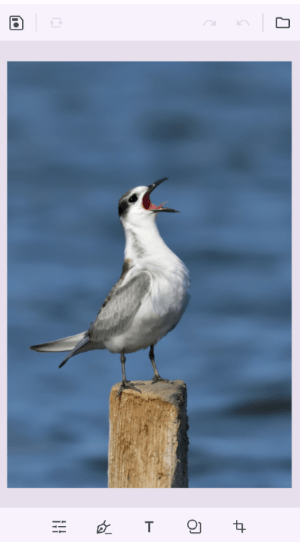
The SfImageEditor supports rendering content in right-to-left order by setting the FlowDirection to RightToLeft.
<imageEditor:SfImageEditor Source="image.jpeg" FlowDirection="RightToLeft" />using Microsoft.Maui.Controls;
using Syncfusion.Maui.ImageEditor;
SfImageEditor imageEditor = new SfImageEditor();
imageEditor.Source = ImageSource.FromFile("image.jpeg");
imageEditor.FlowDirection = FlowDirection.RightToLeft;
this.Content = imageEditor;