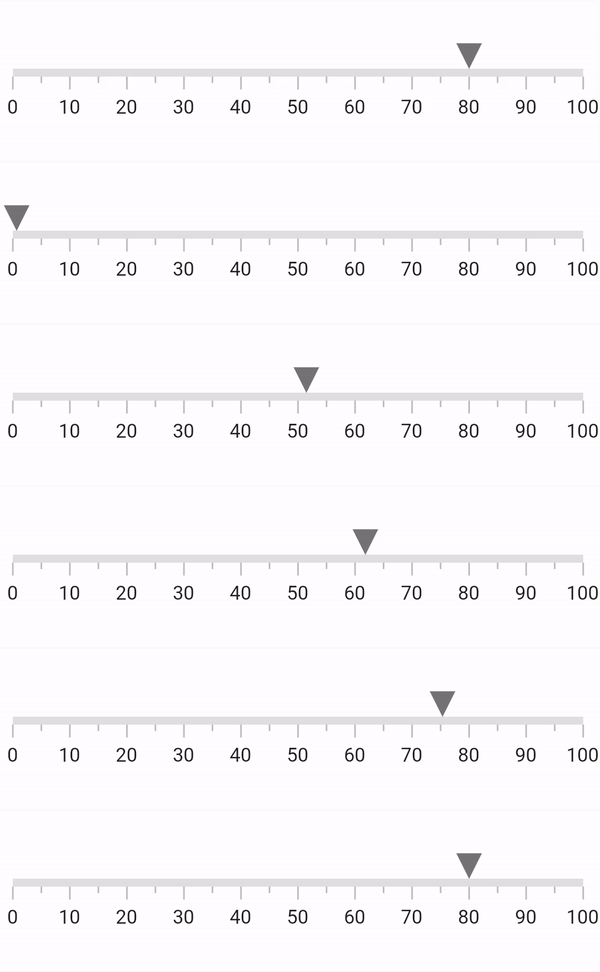
Animation in .NET MAUI Linear Gauge
18 Nov 20184 minutes to read
All Linear Gauge elements including the scale, ticks and labels, range, bar pointer, shape marker pointer, and content marker pointer, can be animated separately.
Prerequisite: Ensure that the required NuGet package is installed, the necessary namespaces are imported, and the .NET MAUI Linear Gauge control is properly configured in your application. For detailed setup and configuration instructions, refer to the Getting Started guide.
Animate axis
The EnableAxisAnimation and AnimationDuration properties in SfLinearGauge are used to animate the scale along with the ticks and labels. The scale will have a fade-in with opacity animation when this EnableAxisAnimation is set to true. By default, the EnableAxisAnimation is set to false and the default AnimationDuration is 1000 milliseconds. Animation can be re-triggered at runtime by changing the pointer value.
<gauge:SfLinearGauge EnableAxisAnimation="True" />SfLinearGauge gauge = new SfLinearGauge();
gauge.EnableAxisAnimation = true;
this.Content = gauge;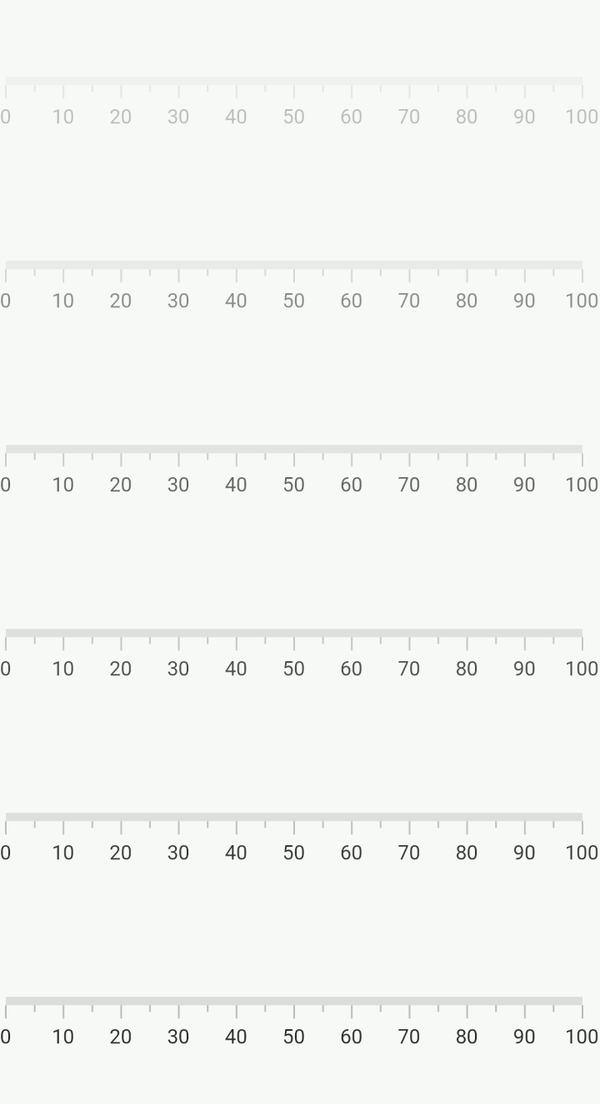
Animate range
The EnableRangeAnimation and AnimationDuration properties in SfLinearGauge are used to animate the range. The range will have a fade-in with opacity animation when this EnableRangeAnimation is set to true. By default, the EnableRangeAnimation is set to false and the default AnimationDuration is 1000 milliseconds.
<gauge:SfLinearGauge EnableRangeAnimation="True" />SfLinearGauge gauge = new SfLinearGauge();
gauge.EnableRangeAnimation = true;
this.Content = gauge;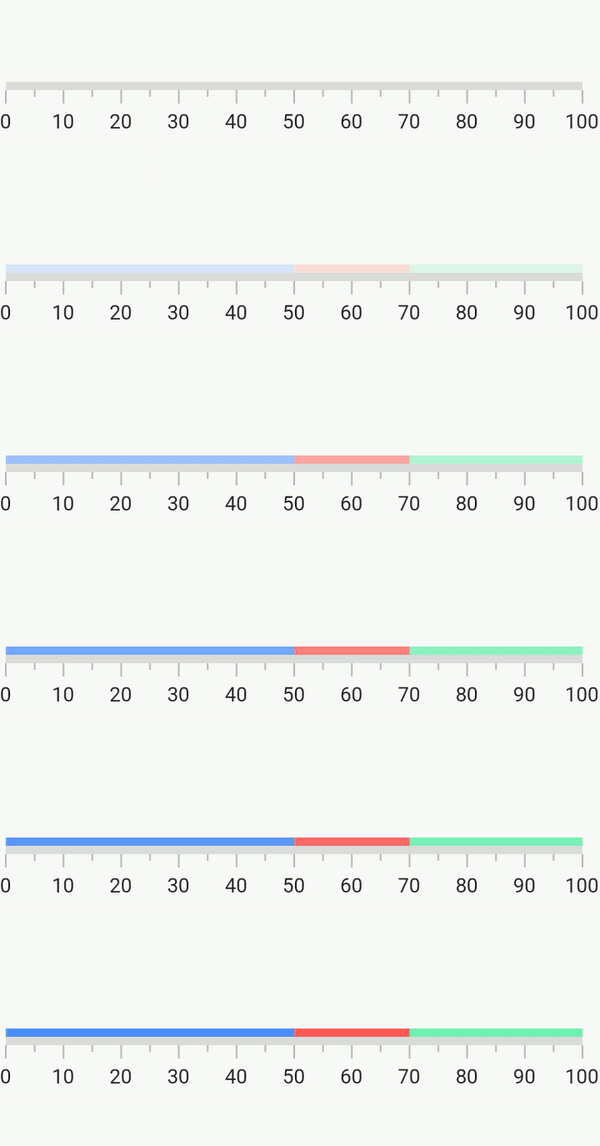
Pointer animation
The animation behavior is common for all three pointer types in Linear Gauge - shape, content, and bar pointer.
All three pointer types have the following properties for the animation:
-
EnableAnimation- Enable or disable the animation for pointer. The default value isfalse. -
AnimationDuration- Sets the animation duration. The default value is 1000 milliseconds. -
AnimationEasing- Sets the animation type.
The AnimationEasing supports the following animations. The default animation type is Easing.Linear.
LinearSinOutSinInSinInOutCubicInCubicOutCubicInOutBounceOutBounceInSpringInSpringOut
Animate bar pointer
The following code example demonstrates how to update the animation for bar pointer.
<gauge:SfLinearGauge>
    <gauge:SfLinearGauge.BarPointers>
        <gauge:BarPointer Value="70"
                          EnableAnimation="True"
                          AnimationDuration="2000"
                          AnimationEasing="{x:Static Easing.SpringOut}"/>
    </gauge:SfLinearGauge.BarPointers>
</gauge:SfLinearGauge>
SfLinearGauge gauge = new SfLinearGauge();
gauge.BarPointers.Add(new BarPointer()
{
Value = 70,
EnableAnimation = true,
AnimationDuration = 2000,
AnimationEasing = Easing.SpringOut
});
this.Content = gauge;Animate marker pointers (Shape and Content Pointers)
Both the shape and content marker pointers have the same set of properties and behave similarly for animation.
Therefore, this section demonstrates the LinearShapePointer only, but the same is applicable for LinearContentPointer too.
Marker pointer with SpringOut animation
<gauge:SfLinearGauge>
    <gauge:SfLinearGauge.MarkerPointers>
        <gauge:LinearShapePointer Value="70"
                                  EnableAnimation="True"
                                  AnimationEasing="{x:Static Easing.SpringOut}"/>
    </gauge:SfLinearGauge.MarkerPointers>
</gauge:SfLinearGauge>
SfLinearGauge gauge = new SfLinearGauge();
gauge.MarkerPointers.Add(new LinearShapePointer()
{
Value = 70,
EnableAnimation = true,
AnimationEasing = Easing.SpringOut
});
this.Content = gauge;