About Syncfusion® WinUI Masked TextBox Control
18 Nov 20181 minute to read
The WinUI Masked TextBox is an advanced version of the input control that restricts input of certain characters, text, and numbers by using a mask pattern. This control is used to create a template for providing information such as telephone numbers, email IDs, IP addresses, product keys, and so on.
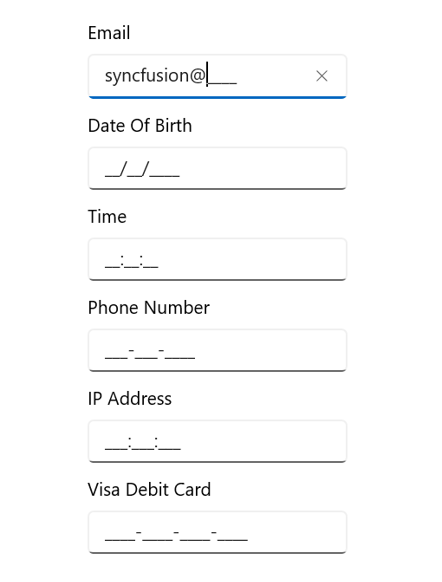
Key features
-
MaskType: The input can be masked with a fixed or variable length by setting the mask type to simple or regex, respectively. -
PromptChar: Customize the prompt character used to indicate the absence of input. The default value is_. -
Value: Enter values in the control. The format of the value can be controlled using theValueMaskFormatproperty. -
ValueMaskFormat: Format the value using mask format values such as prompt, literals, and both. -
Error Indication: Indicates errors or other information by displaying an icon and showing additional details when hovering the cursor over the icon.