About Syncfusion® WPF Color Picker Palette Control
18 Nov 20181 minute to read
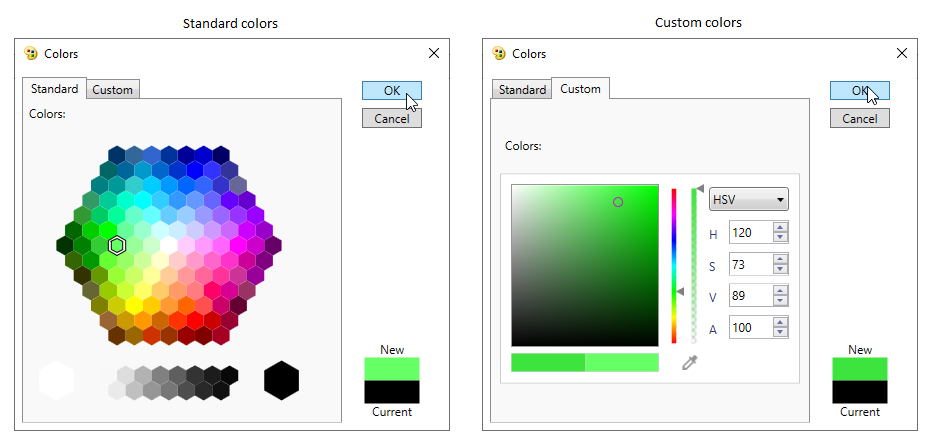
The WPF Color Picker Palette control provides a rich visual interface for color selection. The structure of the control represents a palette that is displayed as a drop-down with the selected color highlighted at the top. It provides standard colors and various theme colors to choose from. The control also has tooltip support that displays the name of each color. More color options are embedded in the control, providing a wide range of color options.
Features
- Three display modes: drop-down, palette, and split.
- Built-in standard, theme, automatic, recently-used, and custom color panels.
- Theme color variants and standard color variants.
- Customizable header, icons, color item size, and popup size.
- Tooltip support showing the name of each color.
- MVVM-friendly with
SelectedCommand,SelectedBrushChanged, andColorproperties.