Theme Support in WinUI AI AssistView
18 Nov 20181 minute to read
This section explains AI AssistView Control’s various themes.
Set the Themes in AI AssistView Control
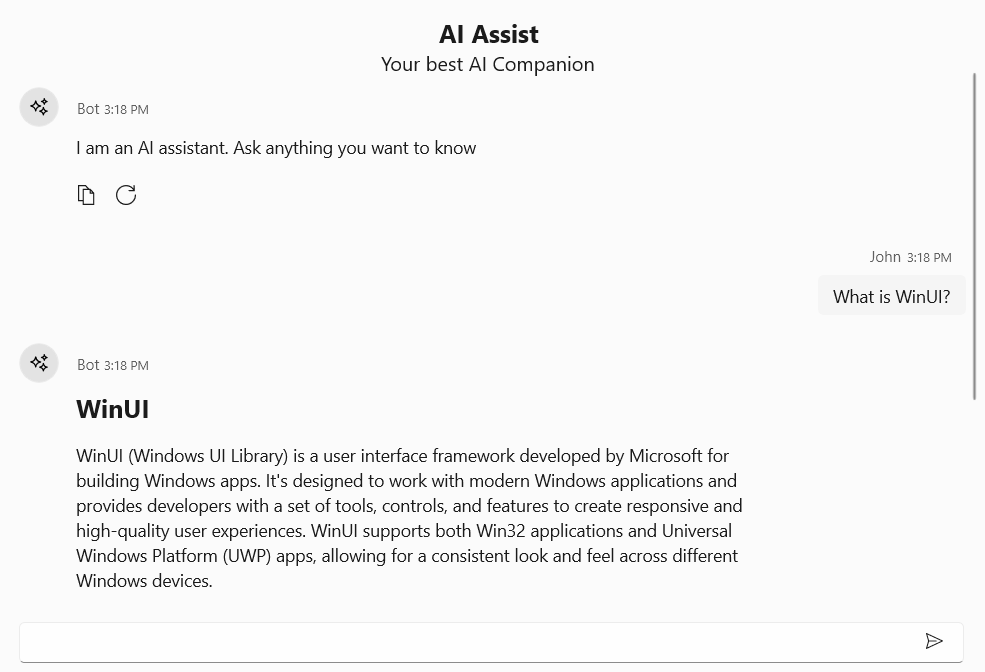
The AI AssistView Control provides various themes to be applied by setting the theme name in RequestedTheme property in the App.xaml file.
Dark Theme
<Application
    x:Class="UI_Customization.App"
    xmlns="http://schemas.microsoft.com/winfx/2006/xaml/presentation"
    xmlns:x="http://schemas.microsoft.com/winfx/2006/xaml"
    xmlns:local="using:UI_Customization" RequestedTheme="Dark">
</Application>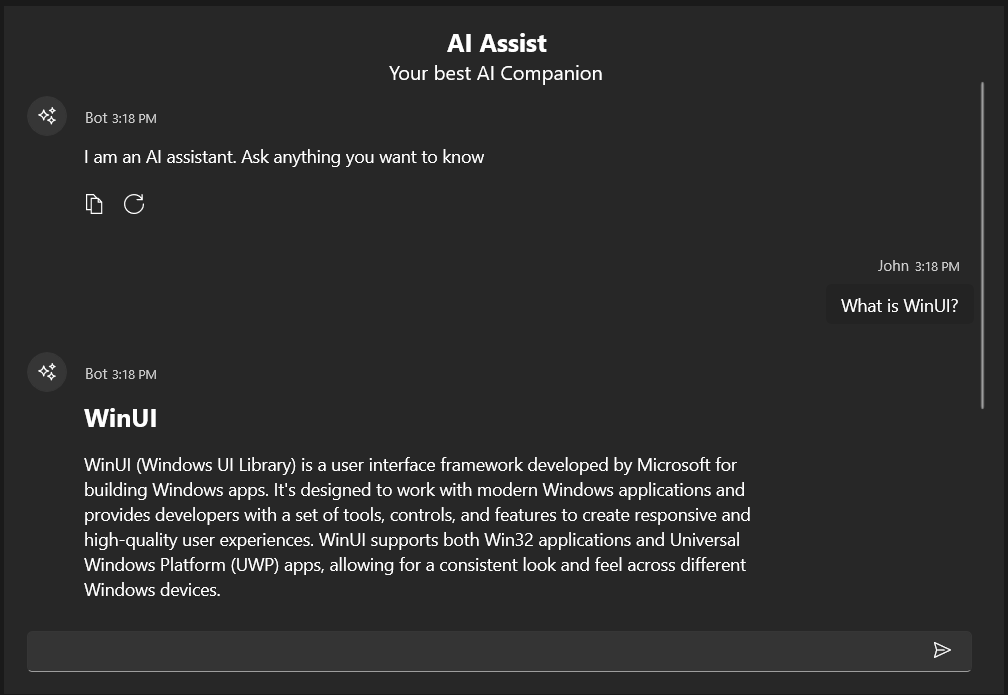
Light Theme
<Application
    x:Class="UI_Customization.App"
    xmlns="http://schemas.microsoft.com/winfx/2006/xaml/presentation"
    xmlns:x="http://schemas.microsoft.com/winfx/2006/xaml"
    xmlns:local="using:UI_Customization" RequestedTheme="Light">
</Application>