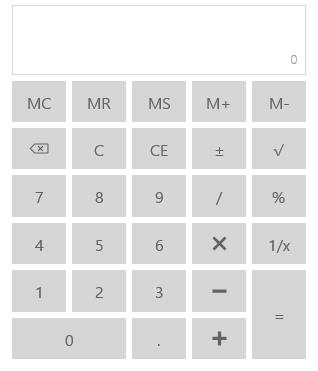
Getting Started with UWP Calculator
18 Nov 20181 minute to read
This section explains how to create a standalone UWP Calculator control that provide options to perform basic arithmetic operations.
Adding UWP Calculator Control
Create a Universal Windows Platform project in Visual Studio and refer to the following assemblies.
-
Syncfusion. SfInput.UWP
-
Syncfusion.SfShared.UWP
1.Include the namespace for Syncfusion.SfInput.UWP assembly in MainPage.xaml
<Page xmlns="http://schemas.microsoft.com/winfx/2006/xaml/presentation"

xmlns:x="http://schemas.microsoft.com/winfx/2006/xaml"

xmlns:input="using:Syncfusion.UI.Xaml.Controls.Input">
2.Now add the UWP Calculator control with a required optimal name using the included namespace
<input:SfCalculator x:Name="calculator">SfCalculator calculator = new SfCalculator();Dim calculator As New SfCalculator()Above code example creates the UWP Calculator as follows and performs mathematical arithmetic operations using the provided buttons: