How can I help you?
Responsive Layout in ASP.NET MVC PivotClient Control
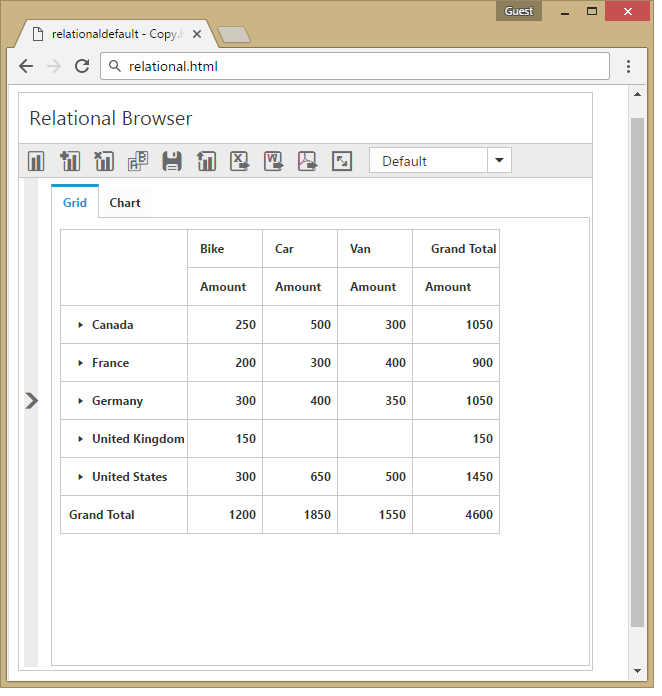
PivotClient widget supports responsive rendering based on the target device (desktop and tablet) resolution. It supports resolution up to 1024x600. You can enable responsiveness in PivotClient by setting IsResponsive property to true.
@Html.EJ().Pivot().PivotClient("PivotClient1").ClientSideEvents(clientSideEvents => clientSideEvents.Load("onLoad")).DataSource(dataSource => dataSource.Rows(rows => { rows.FieldName("Country").FieldCaption("Country").Add(); }).Columns(columns => { columns.FieldName("Product").FieldCaption("Product").Add(); }).Values(values => { values.FieldName("Amount").Format("currency").Add(); })).IsResponsive(true)