About Syncfusion® .NET MAUI Effects View Control
18 Nov 20184 minutes to read
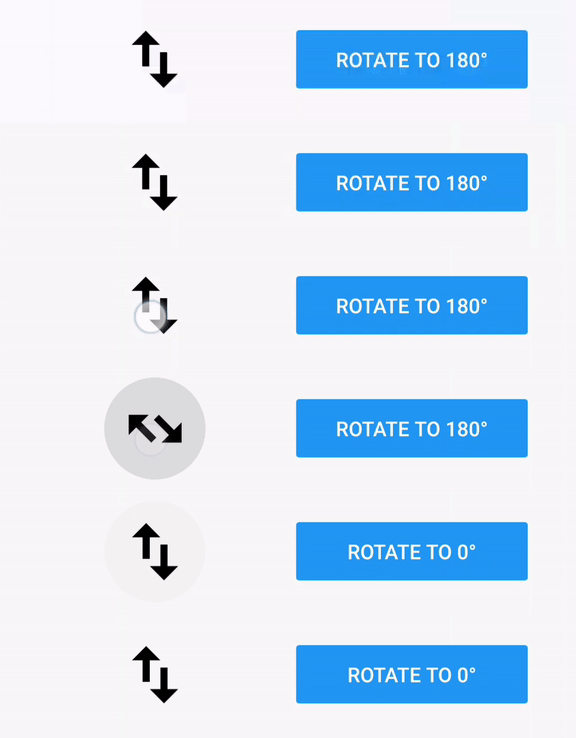
The Syncfusion® .NET MAUI Effects View is a container control that provides modern effects such as ripple, selection, scaling, and rotation. Users can render these effects through touch interactions like touch down, touch up, long press, and by utilizing the available APIs.
Business use cases
- Mobile applications that require interactive touch feedback for buttons, cards, or list items.
- E-commerce and business apps that use visual effects to improve user engagement and usability.
- Dashboard and productivity apps that provide feedback during user interactions and selections.
- Custom UI components that require enhanced animation effects for better user experience.
Key features
- Highlight and ripple animation support allows providing visual feedback on touch interactions.
- Selection effects support allows handling selection states with built-in notifications when the state changes.
- Scale and rotation effects support allows applying scale up, scale down, and rotation animations for interactive UI behavior.
Related controls
- Button for applying interaction effects to action elements.
- Cards for enhancing card interactions with visual effects.
- ListView for applying effects to list-based UI elements.
See Also
- Getting Started shows a step‑by‑step guide to begin using the Effects View control.
- Effects lets you apply visual effects like highlight, ripple, or selection to make interactions stand out.
- Features helps you discover built‑in options that enhance visuals and improve user experience.
- UI Kit provides interactive demos and ready‑made UI examples.
Resources
Feature Tour
Get a quick overview of key features and capabilities to kick start your journey.
Explore Features
Tutorial Videos
Watch step‑by‑step video guides to quickly understand concepts and implementation.
Watch now
Knowledge Base
Find practical solutions, troubleshooting tips and how‑to guides for common scenarios.
Search KB's
Use Case Sample
Explore a real-world application that demonstrates the practical use of the Effects View.
View Sample