Remove Annotations in Angular PDF Viewer
14 Aug 20262 minutes to read
Annotations can be removed using the built-in UI or programmatically. This page shows common methods to delete annotations in the viewer.
Delete via UI
A selected annotation can be deleted in three ways:
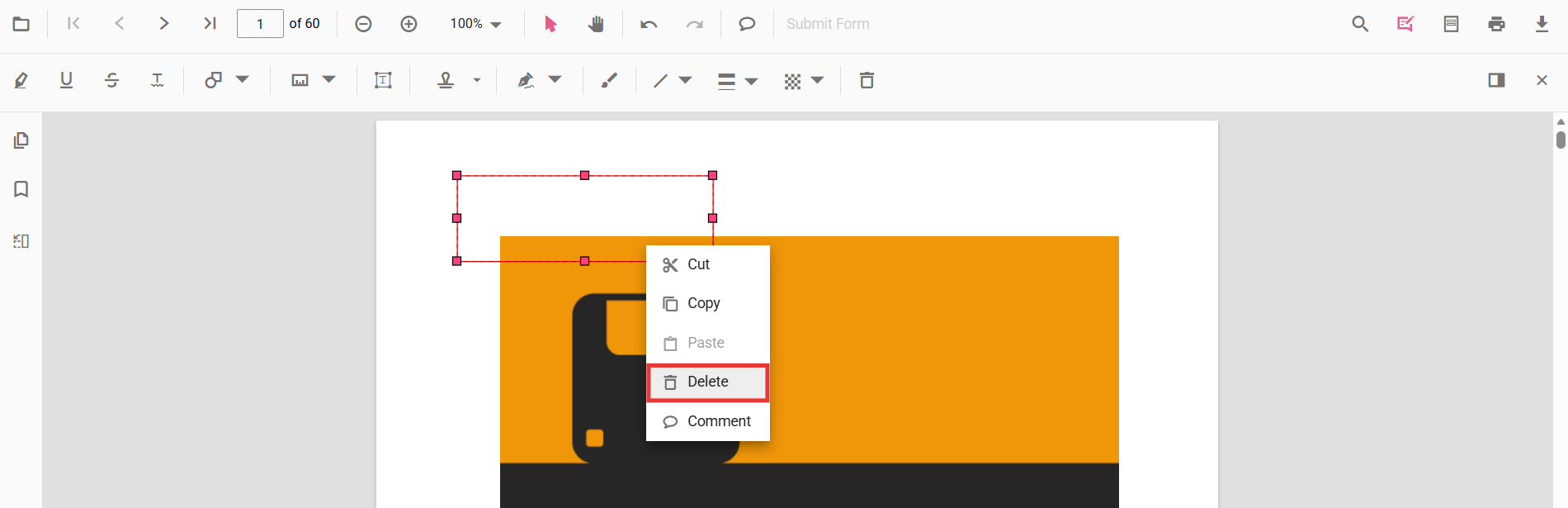
- Context menu: right-click the annotation and choose Delete.
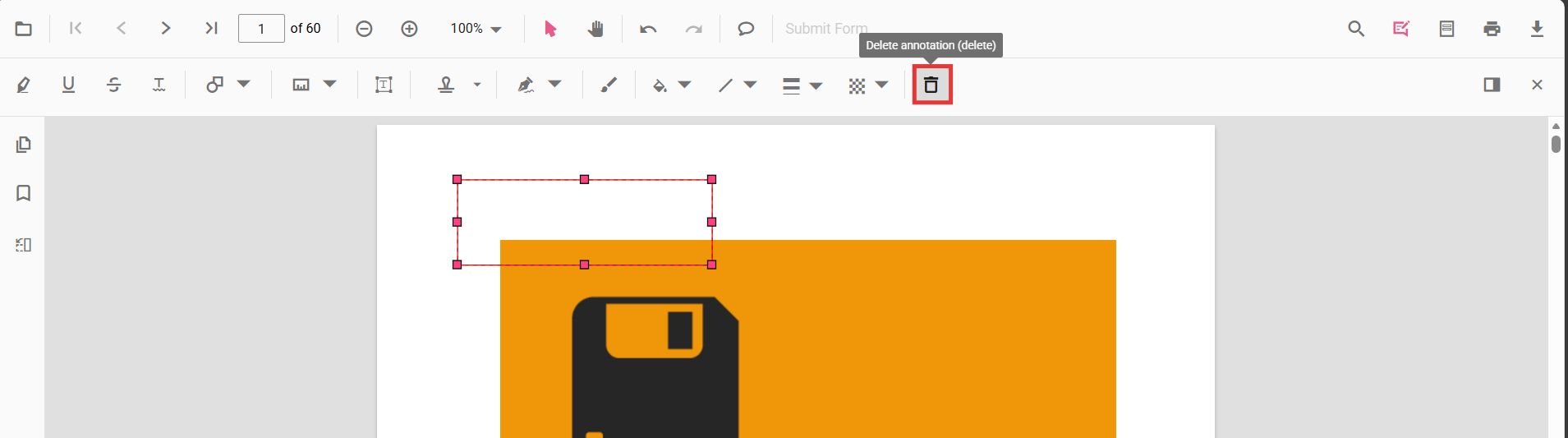
- Annotation toolbar: select the annotation and click the Delete button on the annotation toolbar.
- Keyboard: select the annotation and press the
Deletekey.
Delete programmatically
Annotations can be deleted programmatically either by removing the currently selected annotation or by specifying an annotation id.
import { Component } from '@angular/core';
import { PdfViewerModule, ToolbarService, AnnotationService } from '@syncfusion/ej2-angular-pdfviewer';

@Component({
  selector: 'app-root',
  template: `
    <button (click)="deleteAnnotation()">Delete Annotation</button>
    <button (click)="deleteAnnotationById()">Delete Annotation By ID</button>
    <ejs-pdfviewer
      id="pdfViewer"
      [documentPath]="documentPath"
      [resourceUrl]="resourceUrl"
      style="height:650px;display:block">
    </ejs-pdfviewer>
  `,
  imports: [PdfViewerModule],
  providers: [ToolbarService, AnnotationService]
})
export class AppComponent {
  public documentPath: string = 'https://cdn.syncfusion.com/content/pdf/pdf-succinctly.pdf';
  public resourceUrl: string = 'https://cdn.syncfusion.com/ej2/31.2.2/dist/ej2-pdfviewer-lib';

  getViewer() {
    return (document.getElementById('pdfViewer') as any).ej2_instances[0];
  }

  deleteAnnotation() {
    // Delete the selected annotation
    this.getViewer().annotation.deleteAnnotation();
  }

  deleteAnnotationById() {
    const viewer = this.getViewer();
    // Delete the first annotation using its id from the annotation collection
    if (viewer.annotationCollection.length > 0) {
      viewer.annotation.deleteAnnotationById(viewer.annotationCollection[0].id);
    }
  }
}
Deleting via the API requires the annotation to exist in the current document. Ensure an annotation is selected when using
deleteAnnotation(), or pass a valid id todeleteAnnotationById().