Accessibility in .NET MAUI Time Picker
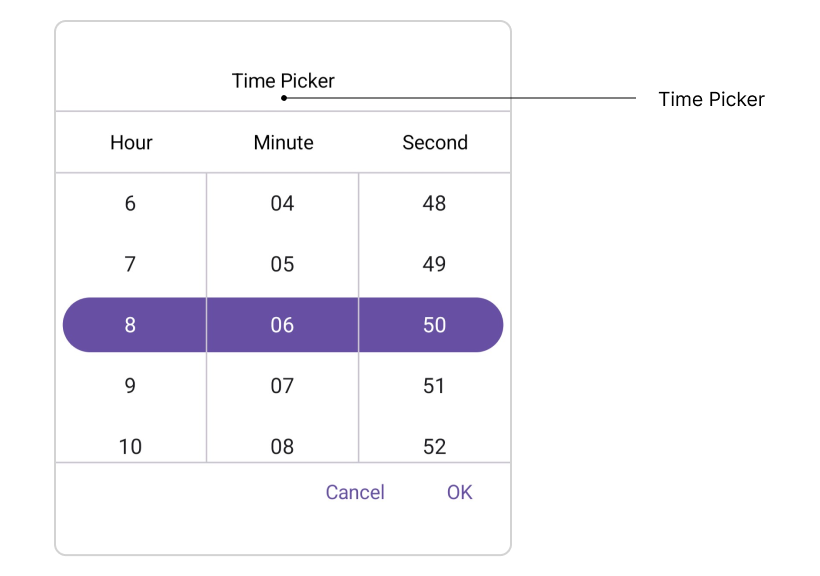
The .NET MAUI Time Picker control exposes accessibility for the Header, Column Header, Footer, and Picker Items.
Header Layout
The SfTimePicker exposes the Header Text for screen readers through localization of header layout.
Column Header Layout
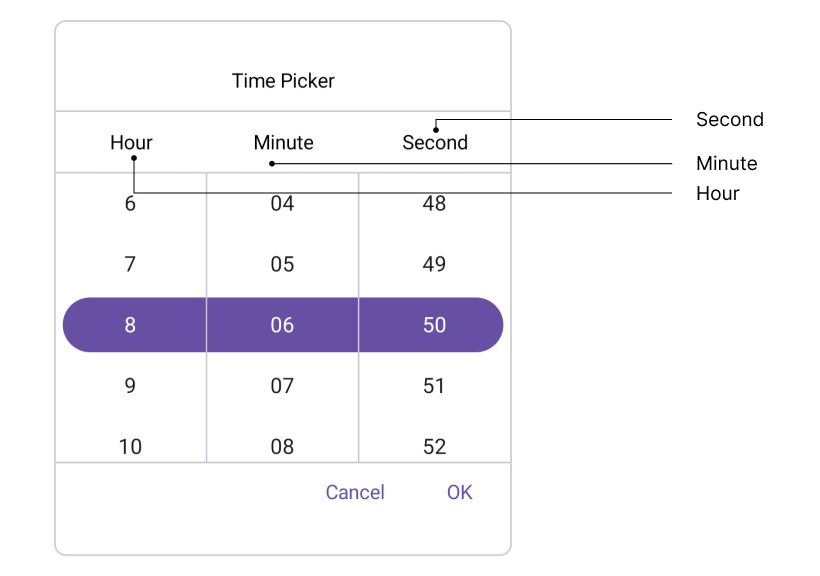
The SfTimePicker exposes column header text through the TimePickerColumnHeaderView. It contains the HourHeaderText, MinuteHeaderText, SecondHeaderText, MilliSecondHeaderText, and MeridiemHeaderText properties. The default values are: HourHeaderText is “Hour”, MinuteHeaderText is “Minute”, SecondHeaderText is “Second”, MilliSecondHeaderText is “MilliSecond”, and MeridiemHeaderText is string.Empty.
Footer Layout
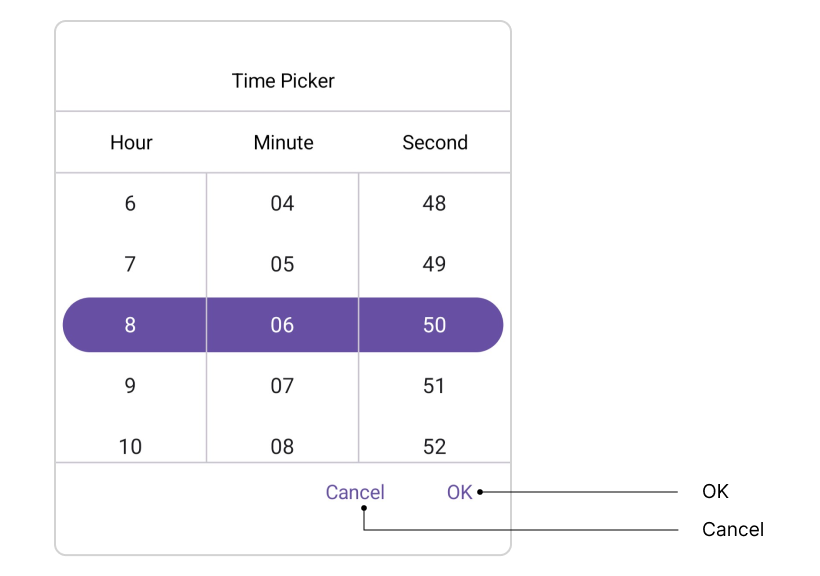
The SfTimePicker exposes the validation buttons (OK and Cancel) through the PickerFooterView. The default value of the OkButtonText property is “OK”, and CancelButtonText is “Cancel”.
Picker Items
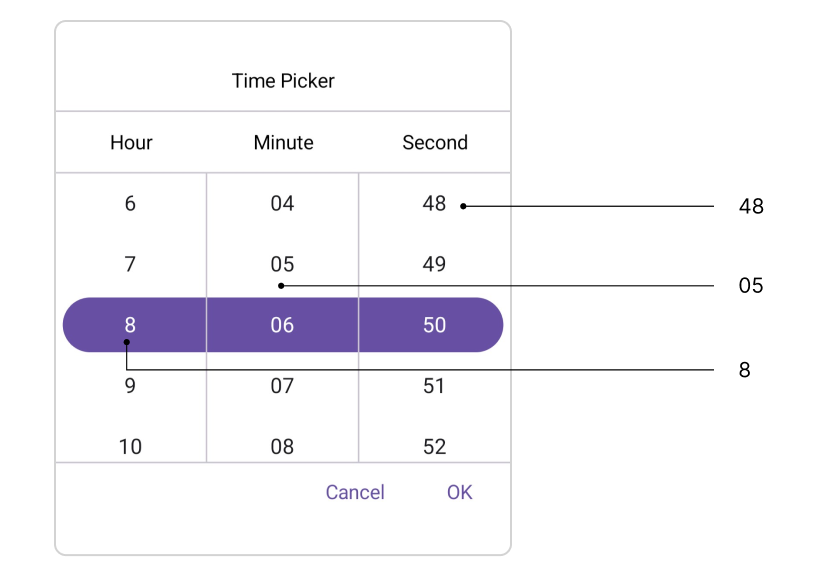
The SfTimePicker renders picker items based on the Time format. The screen reader announces each item based on the format, for example:
| Format | Example |
|---|---|
| h, H | 1 |
| hh, HH | 01 |
| mm, ss | 01 |
| tt | AM/PM |
Keyboard
SfTimePicker supports selection using keyboard interactions.
| Key | Description |
|---|---|
| Tab | Focus the picker. |
| Enter | Opens the selected picker. |
| DownArrow | Selects an item from the currently expanded list by moving downwards. |
| UpArrow | Selects an item from the currently expanded list by moving upwards. |
| RightArrow / Tab | Navigates to the right within the picker. |
| LeftArrow / Shift+Tab | Navigates to the left within the picker. |
| Esc / Enter | Exit and commit selection. |