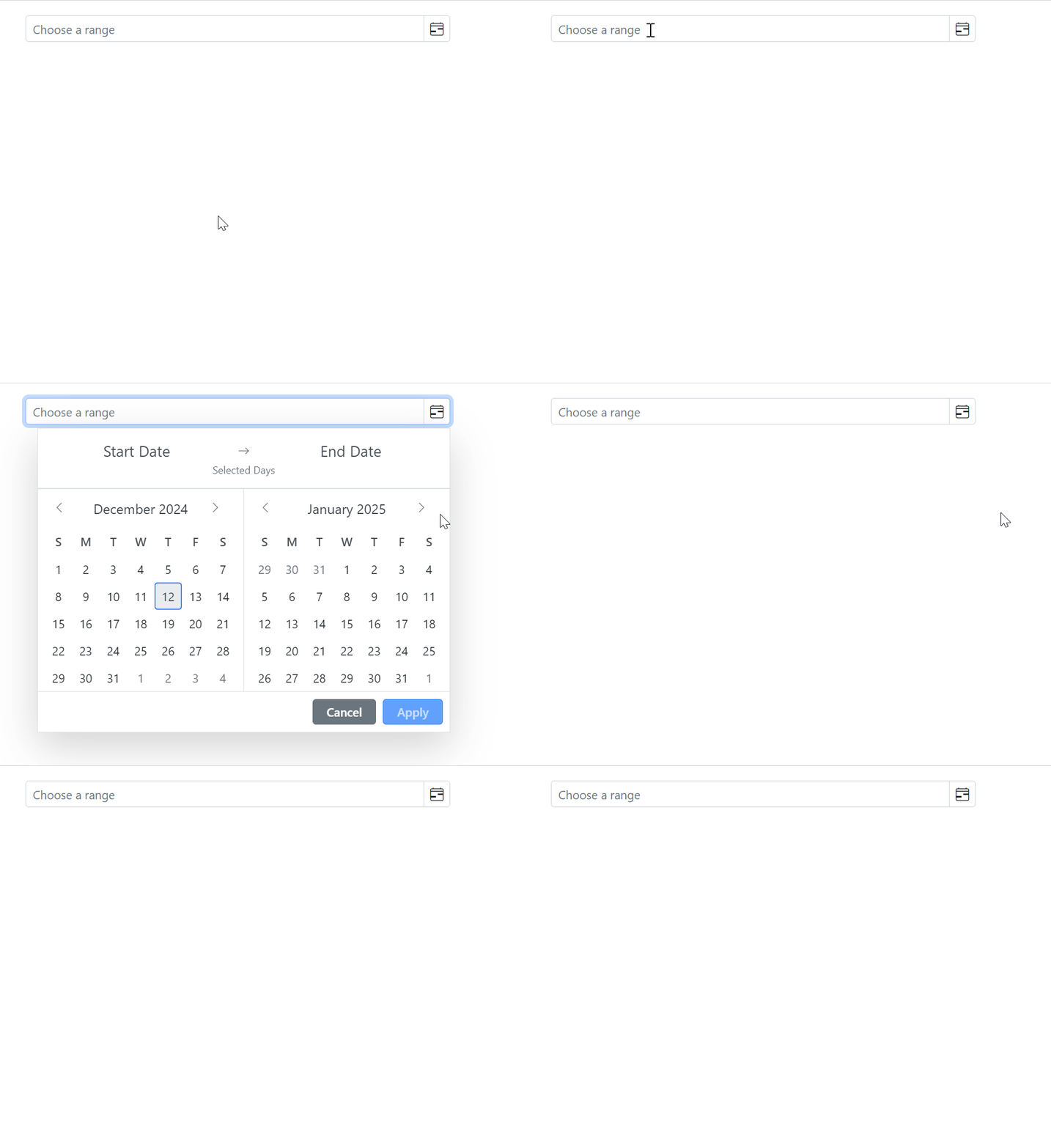
Open the Blazor DateRangePicker popup on Focus
You can also open the DateRangePicker popup on input focus by setting the OpenOnFocus property to true.
The following example demonstrates how to open the DateRangePicker popup when the input is focused.
@using Syncfusion.Blazor.Calendars

<SfDateRangePicker TValue="DateTime?" Placeholder="Choose a range" OpenOnFocus="true" ShowClearButton="true"></SfDateRangePicker>