Sorting Style in React Data Grid
The appearance of the sorting icons and multi sorting icons in the React Data Grid component can be customized using CSS. Available Syncfusion® icons can be used based on the active theme.
Customizing the grid sorting icon
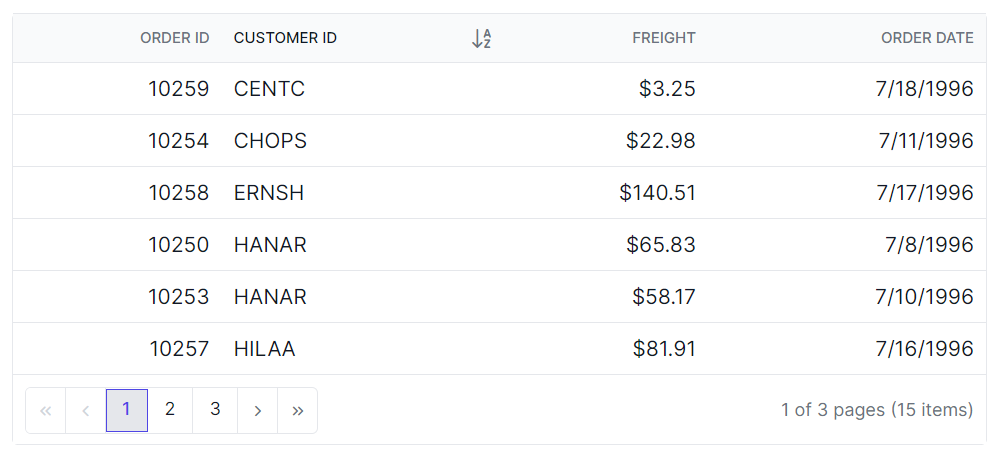
The .e-icon-ascending::before and .e-icon-descending::before classes are used to style the sorting icons for ascending and descending order.
.e-grid .e-icon-ascending::before {
    content: '\e7a3'; /* Icon code for ascending order */
}
.e-grid .e-icon-descending::before {
    content: '\e7b6'; /* Icon code for descending order */
}
Customizing the grid multi sorting icon
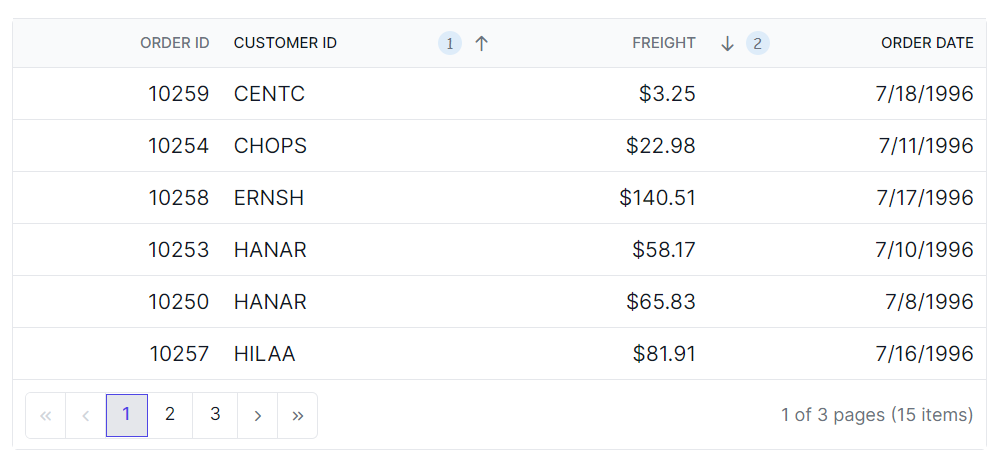
The .e-sortnumber class is used to style the multi sorting icon.
.e-grid .e-sortnumber {
    background-color: #deecf9;
    font-family: cursive;
}