Row Resizing in MAUI DataGrid (SfDataGrid)
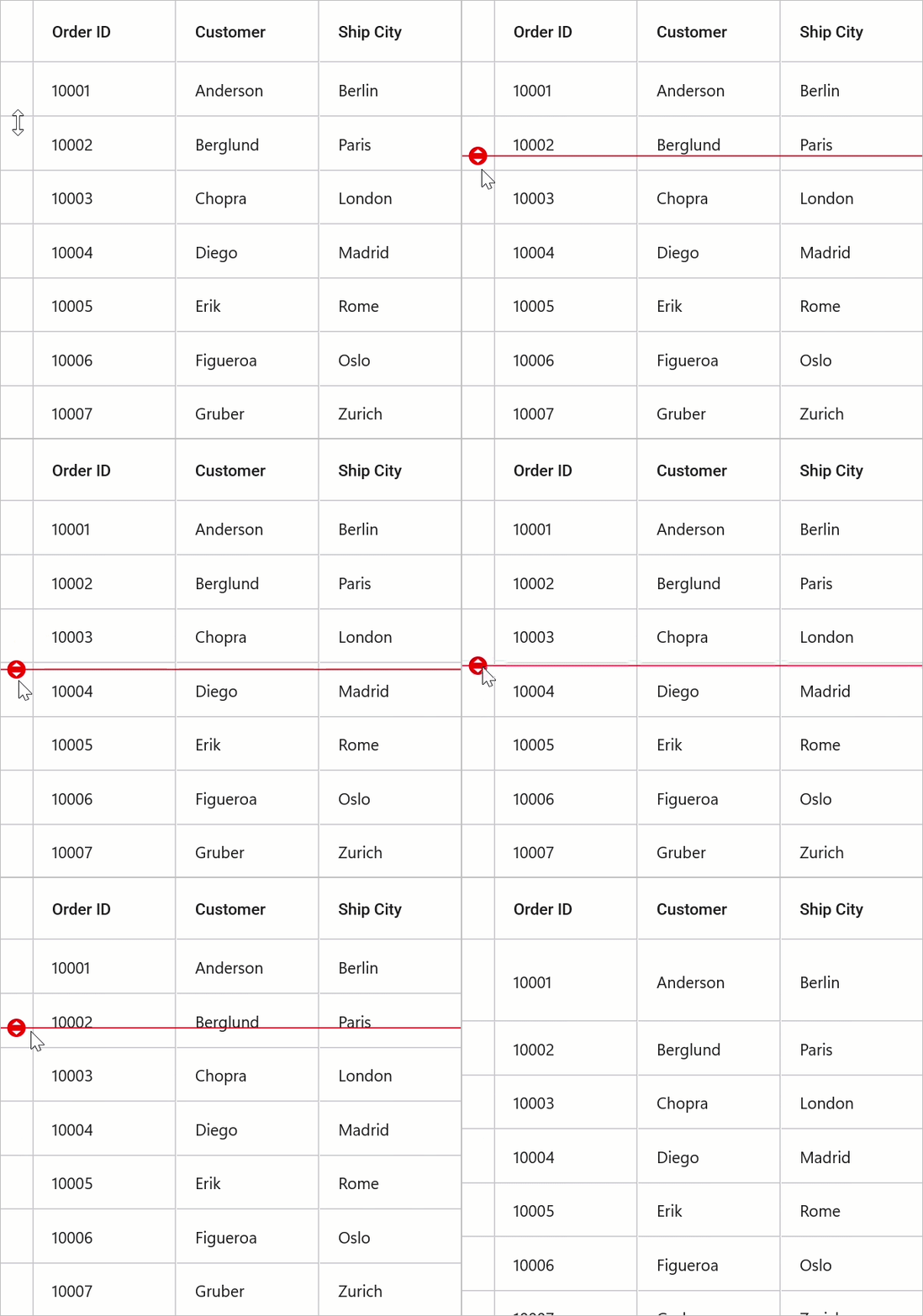
The SfDataGrid supports interactive row resizing. When enabled, users can long-press the bottom edge of a row header to change that row’s height. Resized heights are cached and preserved during scrolling.
Note: Row resizing requires
ShowRowHeaderto be set totrue, and defaults tofalse.
Enable Row Resizing
Set the SfDataGrid.AllowResizingRows property to true to enable interactive resizing.
<syncfusion:SfDataGrid x:Name="dataGrid"
                       ItemsSource="{Binding Orders}"
                       ShowRowHeader="True"
                       AllowResizingRows="True" />
SfDataGrid dataGrid = new SfDataGrid();
dataGrid.ItemsSource = viewModel.Orders;
dataGrid.ShowRowHeader = true;
dataGrid.AllowResizingRows = true;
this.Content = dataGrid;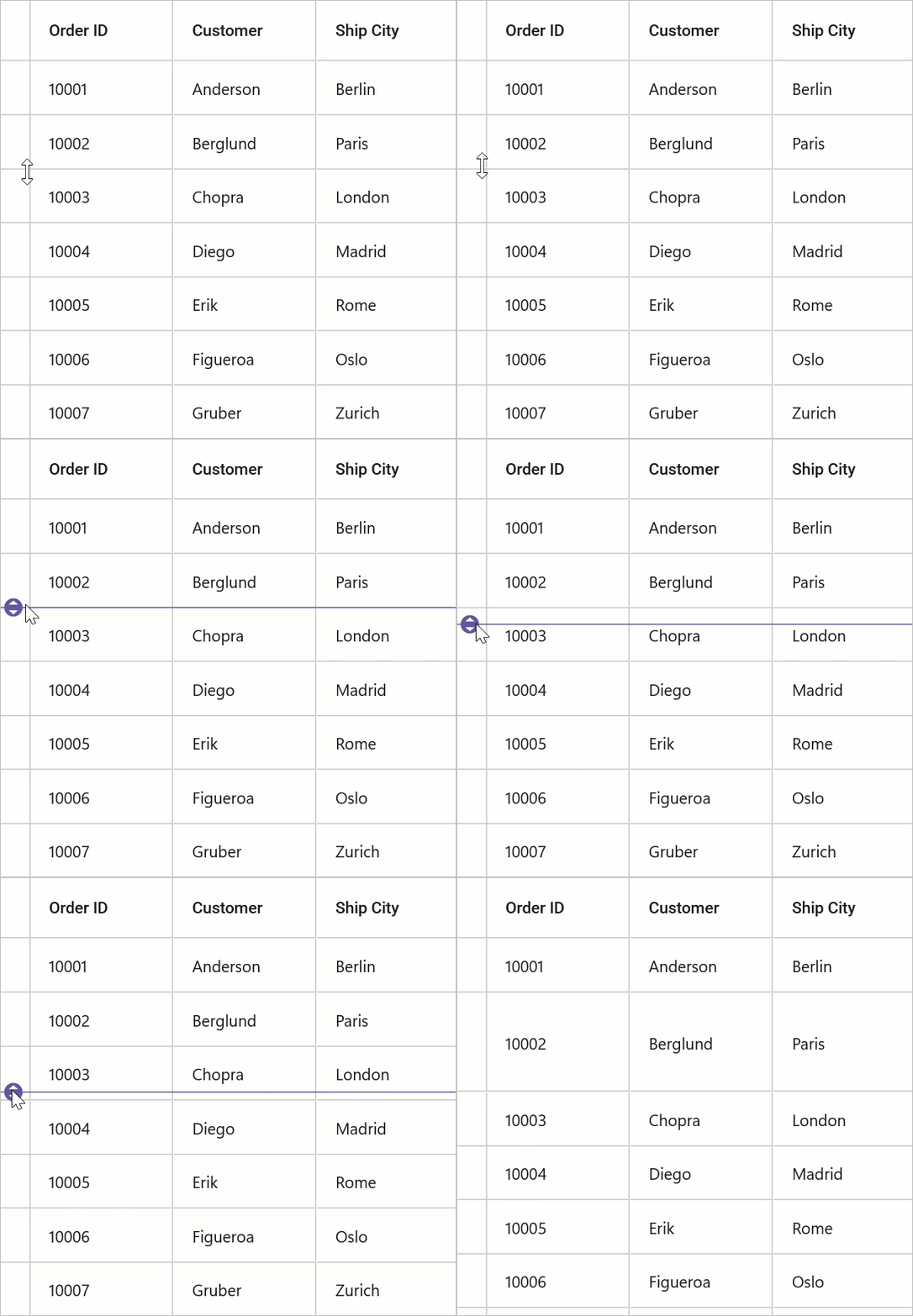
Row Resize Mode
The RowResizeMode determines when the requested height is applied during an interactive resize:
-
OnTouchUp- New height is applied when the user releases the pointer (touch-up or mouse-up). -
OnMoved- New height is applied continuously as the resize indicator moves (live update).
<syncfusion:SfDataGrid x:Name="dataGrid"
                       ItemsSource="{Binding Orders}"
                       ShowRowHeader="True"
                       AllowResizingRows="True"
                       RowResizeMode="OnMoved" />
SfDataGrid dataGrid = new SfDataGrid();
dataGrid.ItemsSource = viewModel.Orders;
dataGrid.ShowRowHeader = true;
dataGrid.AllowResizingRows = true;
dataGrid.RowResizeMode = DataGridRowResizeMode.OnMoved;
this.Content = dataGrid;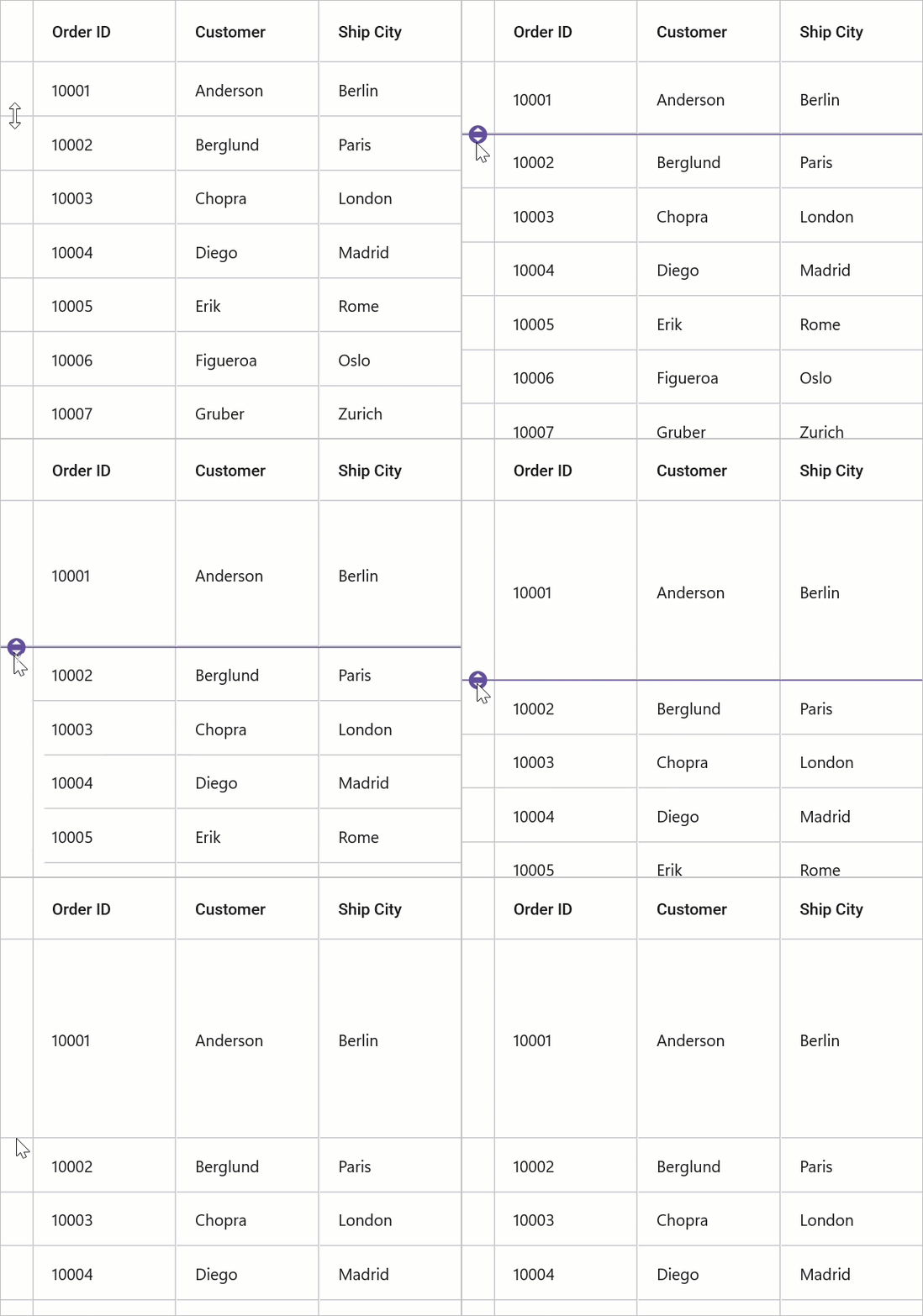
RowResizing Event
Use SfDataGrid.RowResizing to validate or cancel resizes. The event provides DataGridRowResizingEventArgs with the following properties:
-
RowIndex- Index of the row being resized. -
RowData- The underlying data item for the row. -
NewValue- The requested height of the row. -
Cancel- Set totrueto cancel the operation.
<syncfusion:SfDataGrid x:Name="dataGrid"
                       ItemsSource="{Binding Orders}"
                       ShowRowHeader="True"
                       AllowResizingRows="True"
                       RowResizing="DataGrid_RowResizing" />
SfDataGrid dataGrid = new SfDataGrid();
dataGrid.ItemsSource = viewModel.Orders;
dataGrid.ShowRowHeader = true;
dataGrid.AllowResizingRows = true;
this.Content = dataGrid;
public MainPage()
{
InitializeComponent();
SfDataGrid dataGrid = new SfDataGrid();
OrderInfoViewModel viewModel = new OrderInfoViewModel();
dataGrid.ItemsSource = viewModel.Orders;
dataGrid.ShowRowHeader = true;
dataGrid.AllowResizingRows = true;
dataGrid.RowResizing += DataGrid_RowResizing;
this.Content = dataGrid;
}
private void DataGrid_RowResizing(object? sender, DataGridRowResizingEventArgs e)
{
if (e.NewValue < 20 || e.NewValue > 400)
e.Cancel = true;
}Customize Appearance
Change the indicator color using DataGridStyle.RowResizingIndicatorColor.
<syncfusion:SfDataGrid x:Name="dataGrid"
                       ItemsSource="{Binding Orders}"
                       ShowRowHeader="True"
                       AllowResizingRows="True">

    <syncfusion:SfDataGrid.DefaultStyle>
        <syncfusion:DataGridStyle RowResizingIndicatorColor="Red"/>
    </syncfusion:SfDataGrid.DefaultStyle>

</syncfusion:SfDataGrid>
SfDataGrid dataGrid = new SfDataGrid();
dataGrid.ItemsSource = viewModel.Orders;
dataGrid.ShowRowHeader = true;
dataGrid.AllowResizingRows = true;
dataGrid.DefaultStyle = new DataGridStyle { RowResizingIndicatorColor = Colors.Red };
this.Content = dataGrid;