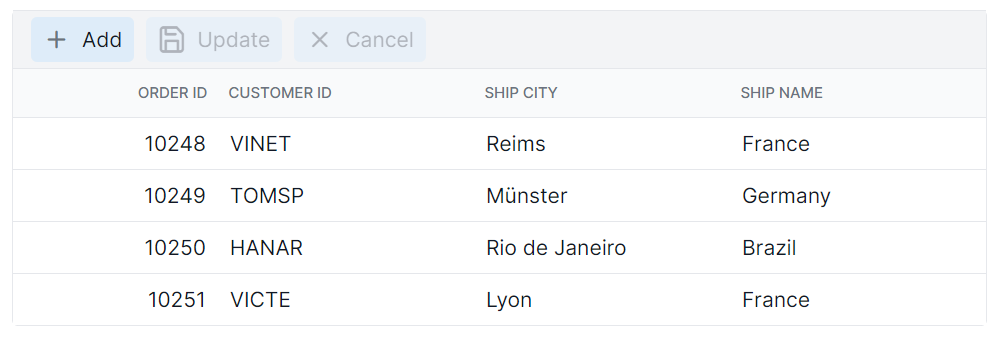
Toolbar Style in Angular Data Grid
The appearance of the toolbar in the Angular Data Grid component can be customized using CSS. Here are examples for customizing the toolbar root element and toolbar button element.
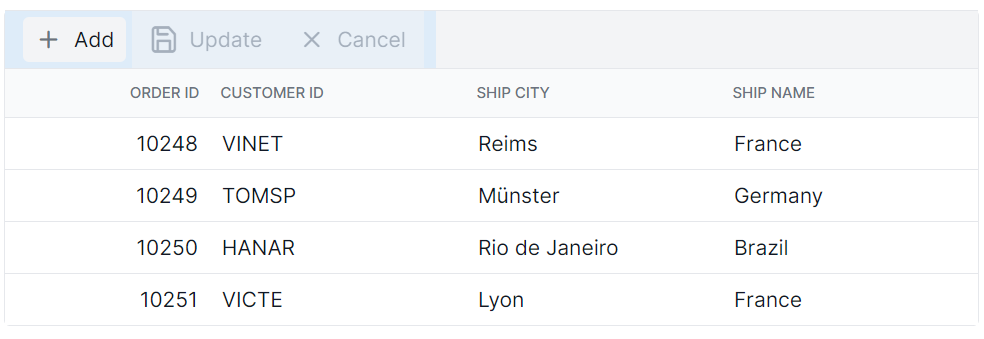
Customize the toolbar root element
The .e-toolbar-items class is used to style the toolbar root element.
.e-grid .e-toolbar-items {
    background-color: #deecf9;
}
Customize the toolbar button element
The .e-toolbar .e-btn selector is used to style the toolbar button elements.
.e-grid .e-toolbar .e-btn {
    background-color: #deecf9;
}