Remove Form Fields in JavaScript (ES5) PDF Viewer
14 Aug 20261 minute to read
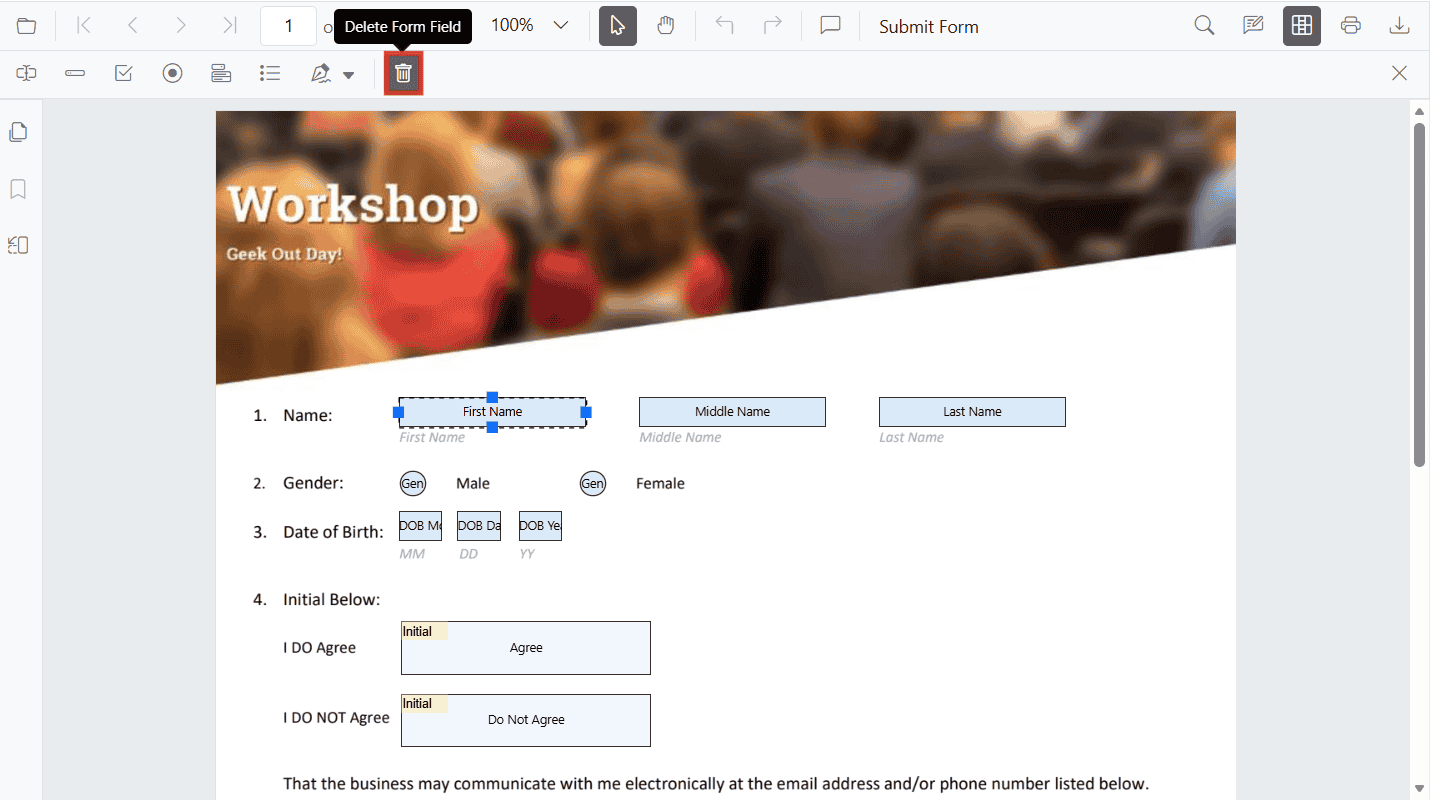
Remove form fields using the UI
Steps:
- Enable Form Designer mode.
- Select the form field.
- Click Delete in the toolbar or press the Delete key.
Remove form fields programmatically
Use deleteFormField() with a field reference or ID.
<button id="deleteAllFields">Delete Form Fields</button>
<button id="deleteById">Delete First Field By ID</button>
// Delete all added form fields on button click
document.getElementById('deleteAllFields').addEventListener('click', function () {
var fields = (pdfviewer.formFieldCollections || []).slice(); // clone to avoid mutation issues
fields.forEach(function (field) { return pdfviewer.formDesignerModule.deleteFormField(field); });
});
// Delete by ID on button click (example uses the first field's ID)
document.getElementById('deleteById').addEventListener('click', function () {
if (pdfviewer.formFieldCollections && pdfviewer.formFieldCollections.length > 0) {
var id = pdfviewer.formFieldCollections[0].id;
if (id) {
pdfviewer.formDesignerModule.deleteFormField(id);
}
}
});