Page navigation in Blazor PDF Viewer
14 Aug 20262 minutes to read
Navigate pages using the toolbar or programmatic APIs.
SfPdfViewer’s toolbar includes these page navigation tools:
- First page: Navigate to the first page.
- Previous page: Scroll backward one page.
- Next page: Scroll forward one page.
- Last page: Navigate to the last page.
- Go to page: Jump to a specified page number.
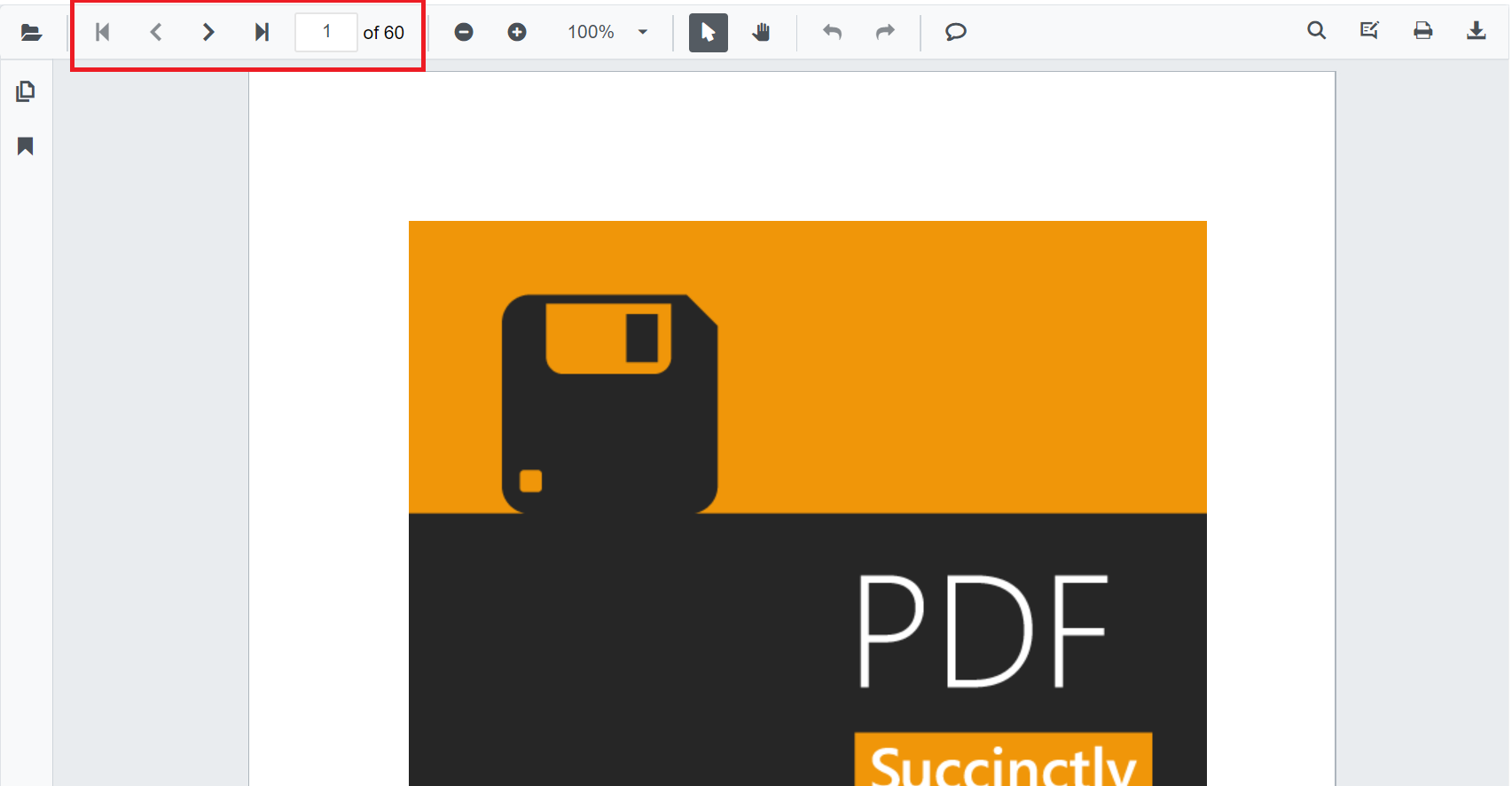
These toolbar buttons are controlled by the EnableNavigation property. The programmatic navigation APIs remain available even when the toolbar buttons are hidden.
@using Syncfusion.Blazor.SfPdfViewer

<SfPdfViewer2 Width="100%"
              Height="100%"
              DocumentPath="@DocumentPath"
              EnableNavigation="false" />

@code{
    private string DocumentPath { get; set; } = "wwwroot/data/PDF_Succinctly.pdf";
}
Navigate pages programmatically using the APIs shown in the example below.
GoToPageAsyncexpects a 1‑based page number.
@using Syncfusion.Blazor.Buttons
@using Syncfusion.Blazor.Inputs
@using Syncfusion.Blazor.SfPdfViewer

<div style="display:inline-block">
    <SfButton OnClick="OnFirstPageClick">Go To First Page</SfButton>
</div>

<div style="display:inline-block">
    <SfButton OnClick="OnPreviousPageClick">Go To Previous Page</SfButton>
</div>

<div style="display:inline-block">
    <SfButton OnClick="OnNextPageClick">Go To Next Page</SfButton>
</div>

<div style="display:inline-block">
    <SfButton OnClick="OnLastPageClick">Go To Last Page</SfButton>
</div>

<div style="display:inline-block">
    <SfTextBox @ref="@TextBox"></SfTextBox>
</div>

<div style="display:inline-block;">
    <SfButton OnClick="OnPageClick">Go To Page</SfButton>
</div>

<SfPdfViewer2 Width="100%" Height="100%" DocumentPath="@DocumentPath" @ref="@Viewer" />

@code{
    private SfPdfViewer2 Viewer;
    SfTextBox TextBox;
    private string DocumentPath { get; set; } = "wwwroot/data/PDF_Succinctly.pdf";

    private async Task OnFirstPageClick(MouseEventArgs args)
    {
        await Viewer.GoToFirstPageAsync();
    }

    private async Task OnLastPageClick(MouseEventArgs args)
    {
        await Viewer.GoToLastPageAsync();
    }

    private async Task OnNextPageClick(MouseEventArgs args)
    {
        await Viewer.GoToNextPageAsync();
    }

    private async Task OnPageClick(MouseEventArgs args)
    {        // GoToPageAsync expects a 1-based page number.        int pageIndex =  int.Parse(TextBox.Value.ToString());
        await Viewer.GoToPageAsync(pageIndex);
    }

    private async Task OnPreviousPageClick(MouseEventArgs args)
    {
        await Viewer.GoToPreviousPageAsync();
    }
}