Getting Started with Blazor Server App PDF Viewer
14 Aug 20261 minute to read
This section explains how to enable, view, and use the bookmark panel to navigate to labeled destinations in a PDF.
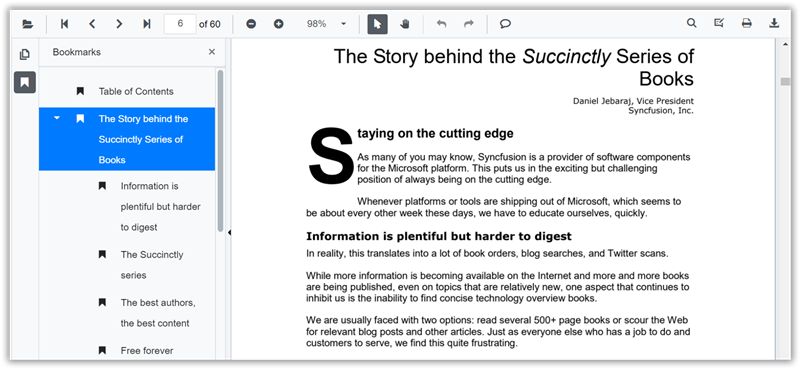
Bookmarks embedded in the PDF are loaded automatically and listed in the bookmark panel. Selecting a bookmark navigates to its target. Nested bookmarks are supported and are displayed as collapsible children. When a document has no bookmarks, the panel is still visible but appears empty.
Enable or disable the bookmark panel
Show or hide the bookmark panel by setting the EnableBookmarkPanel property. This property controls only the panel’s visibility; bookmarks are read from the PDF document.
@using Syncfusion.Blazor.SfPdfViewer

<SfPdfViewer2 Height="100%" Width="100%" DocumentPath="@DocumentPath" EnableBookmarkPanel="true" />

@code{
    private string DocumentPath { get; set; } = "wwwroot/Data/PDF_Succinctly.pdf";
}
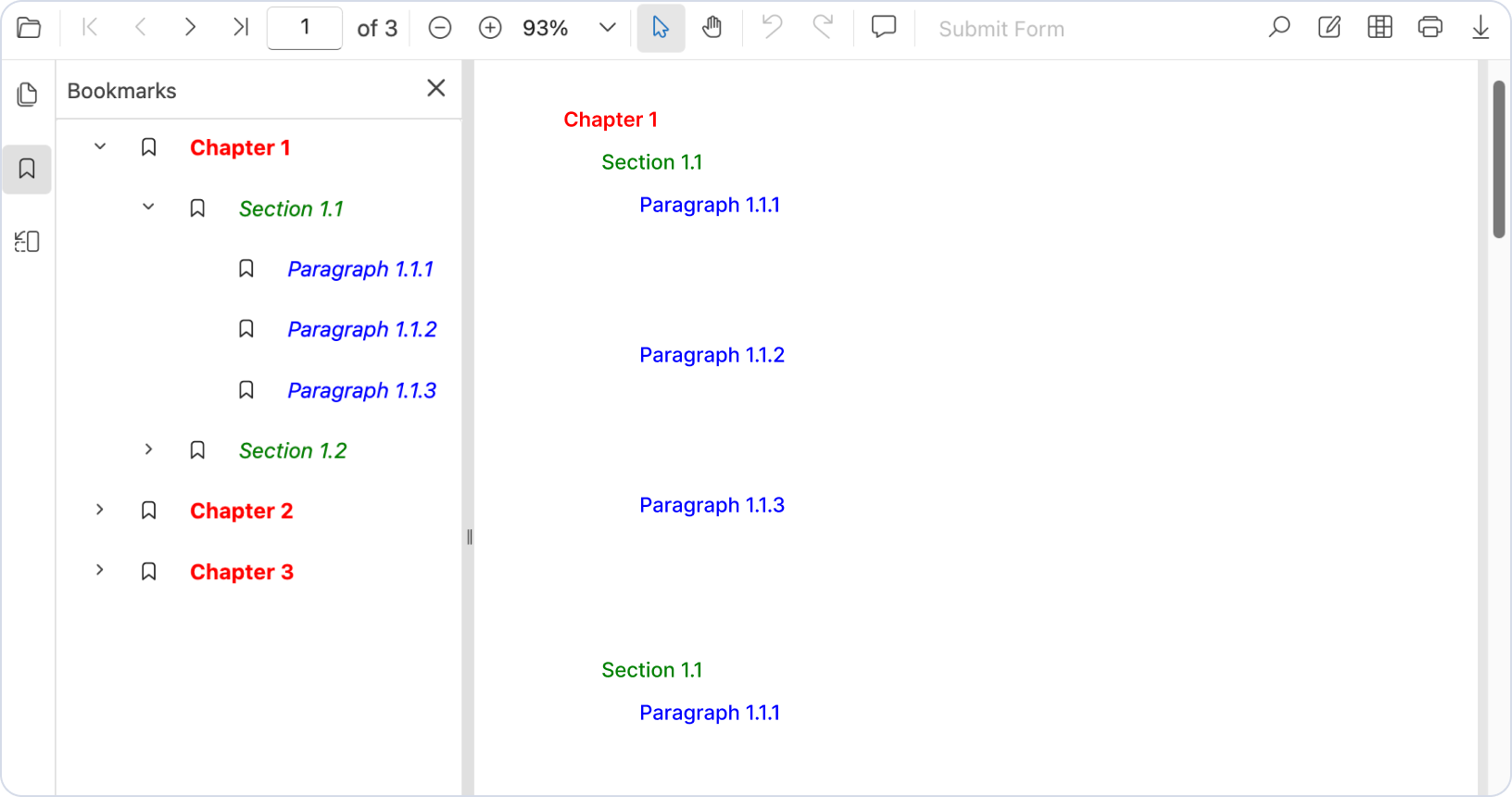
Bookmark rendering styles
Blazor PDF Viewer supports rendering bookmark text in view-only mode with the formatting styles defined in the source document. This enhancement ensures that bookmarks are displayed exactly as authored, preserving their original styling and structure while improving readability and navigation.