Remove PDF Form Fields from a PDF in Blazor
17 Aug 20263 minutes to read
The Blazor SfPdfViewer supports removing form fields using the Form Designer UI or programmatically via the API.
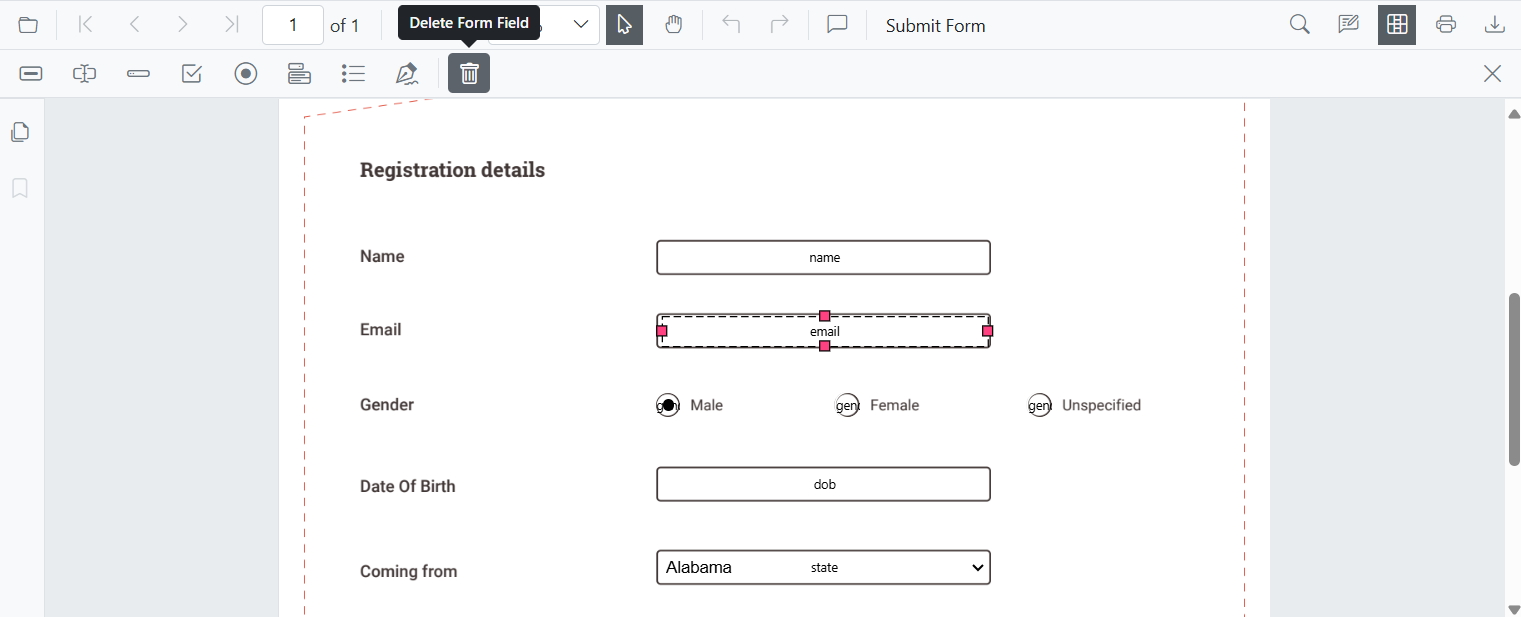
Remove form fields using the UI
Steps:
- Enable Form Designer mode.
- Select the form field.
- Click Delete in the toolbar or press the Delete key.
Remove Form Fields Programmatically
The DeleteFormFieldsAsync() method removes form fields from the loaded PDF document.
Delete all form fields
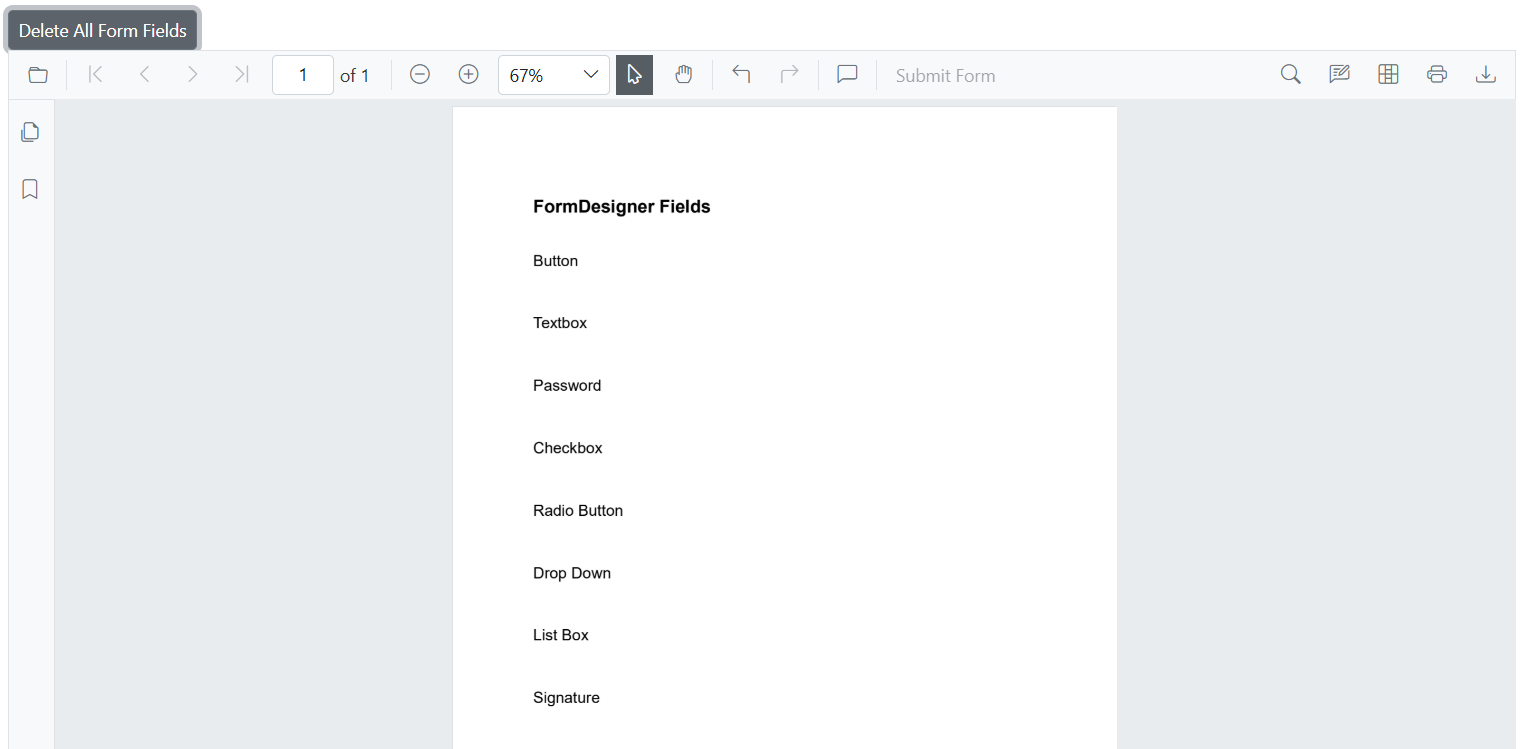
Removes all form fields from the document using DeleteFormFieldsAsync() when called with true, clearing all interactive elements at once.
@using Syncfusion.Blazor.Buttons

<!-- Button to delete all form fields -->
<SfButton OnClick="DeleteAllFormFields">Delete All Form Fields</SfButton>

<!-- PDF Viewer component with reference binding and document loading -->
<SfPdfViewer2 @ref="@viewer" Height="100%" Width="100%" DocumentPath="@DocumentPath">
</SfPdfViewer2>

@code {
    // Reference to the PDF Viewer instance
    private SfPdfViewer2 viewer;

    // Path to the PDF document
    private string DocumentPath = "wwwroot/data/formDesigner_Document.pdf";

    private async Task DeleteAllFormFields()
    {
        // Deletes all form fields from the PDF Viewer.
        await viewer.DeleteFormFieldsAsync(true);
    }
}
The following image illustrates deleting all form fields in Blazor SfPdfViewer:
Delete selected form fields
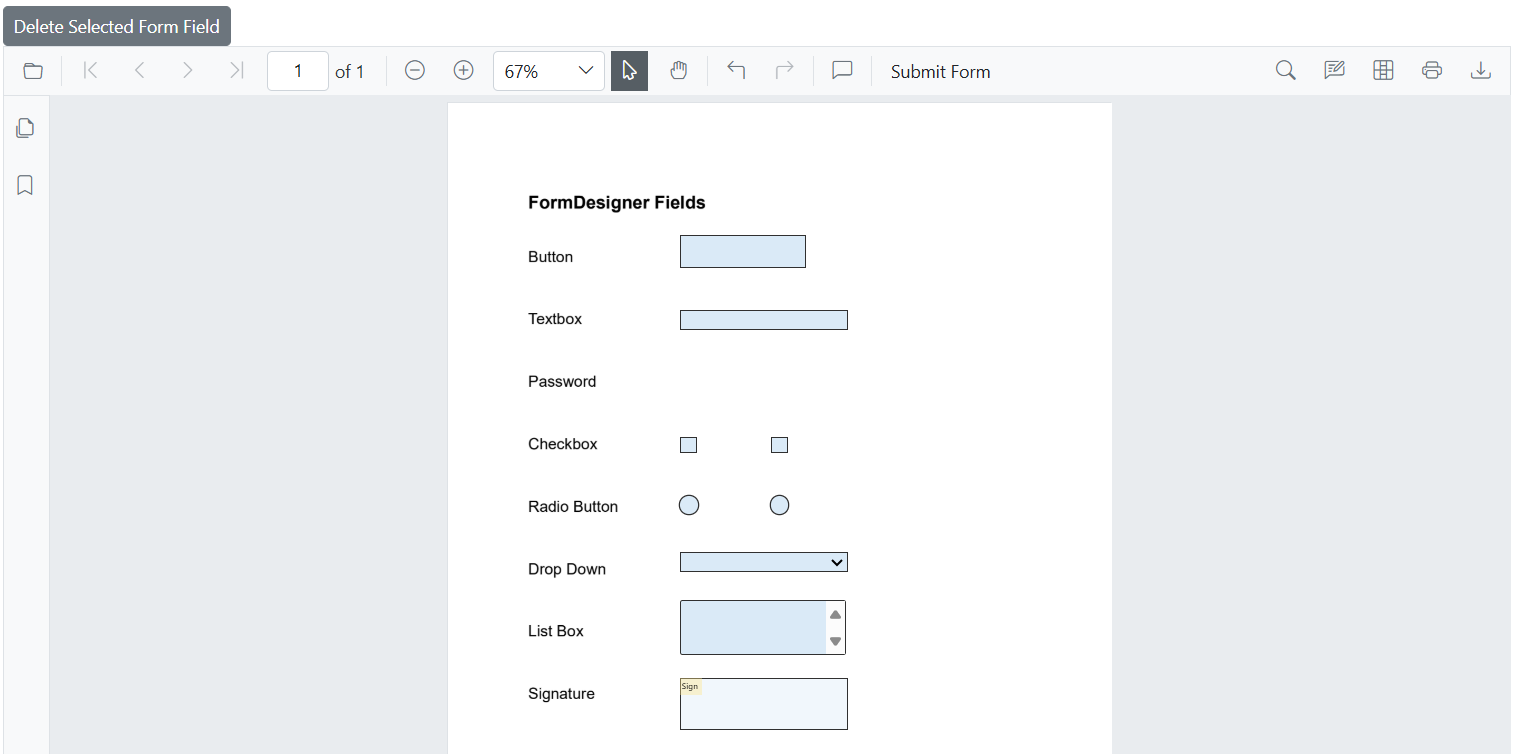
Deletes only the currently selected form field using DeleteFormFieldsAsync() when called with false, leaving the rest of the form structure intact.
@using Syncfusion.Blazor.Buttons

<!-- Button to delete the selected form fields -->
<SfButton OnClick="DeleteSelectedFormField">Delete Selected Form Field</SfButton>

<!-- PDF Viewer component with reference binding and document loading -->
<SfPdfViewer2 @ref="@viewer" Height="100%" Width="100%" DocumentPath="@DocumentPath">
</SfPdfViewer2>

@code {
    // Reference to the PDF Viewer instance
    private SfPdfViewer2 viewer;

    // Path to the PDF document
    private string DocumentPath = "wwwroot/data/formDesigner_Document.pdf";

    private async Task DeleteSelectedFormField()
    {
        // Delete selected form field from the PDF Viewer.
        await viewer.DeleteFormFieldsAsync(false);
    }
}
The following image illustrates deleting a selected form field in Blazor SfPdfViewer:
Delete form fields by IDs
Removes specific form fields using the [DeleteFormFieldsAsync(List
@using Syncfusion.Blazor.Buttons

<!-- Delete form fields by ID -->
<SfButton @onclick="DeleteFormFields">Delete Form Field By ID</SfButton>

<!-- PDF Viewer component with reference binding and document loading -->
<SfPdfViewer2 @ref="@viewer" Height="100%" Width="100%" DocumentPath="@DocumentPath">
</SfPdfViewer2>

@code {
    // Reference to the PDF Viewer instance
    private SfPdfViewer2 viewer;

    // Path to the PDF document that will be loaded into the viewer
    private string DocumentPath = "wwwroot/data/formDesigner_Document.pdf";

    // Method to delete form fields based on their ID
    private async Task DeleteFormFields()
    {
        List<FormFieldInfo> formFields = await viewer.GetFormFieldsAsync();
        // Delete the first two form fields by ID
        await viewer.DeleteFormFieldsAsync(new List<string> { formFields[0].Id, formFields[1].Id });
    }
}
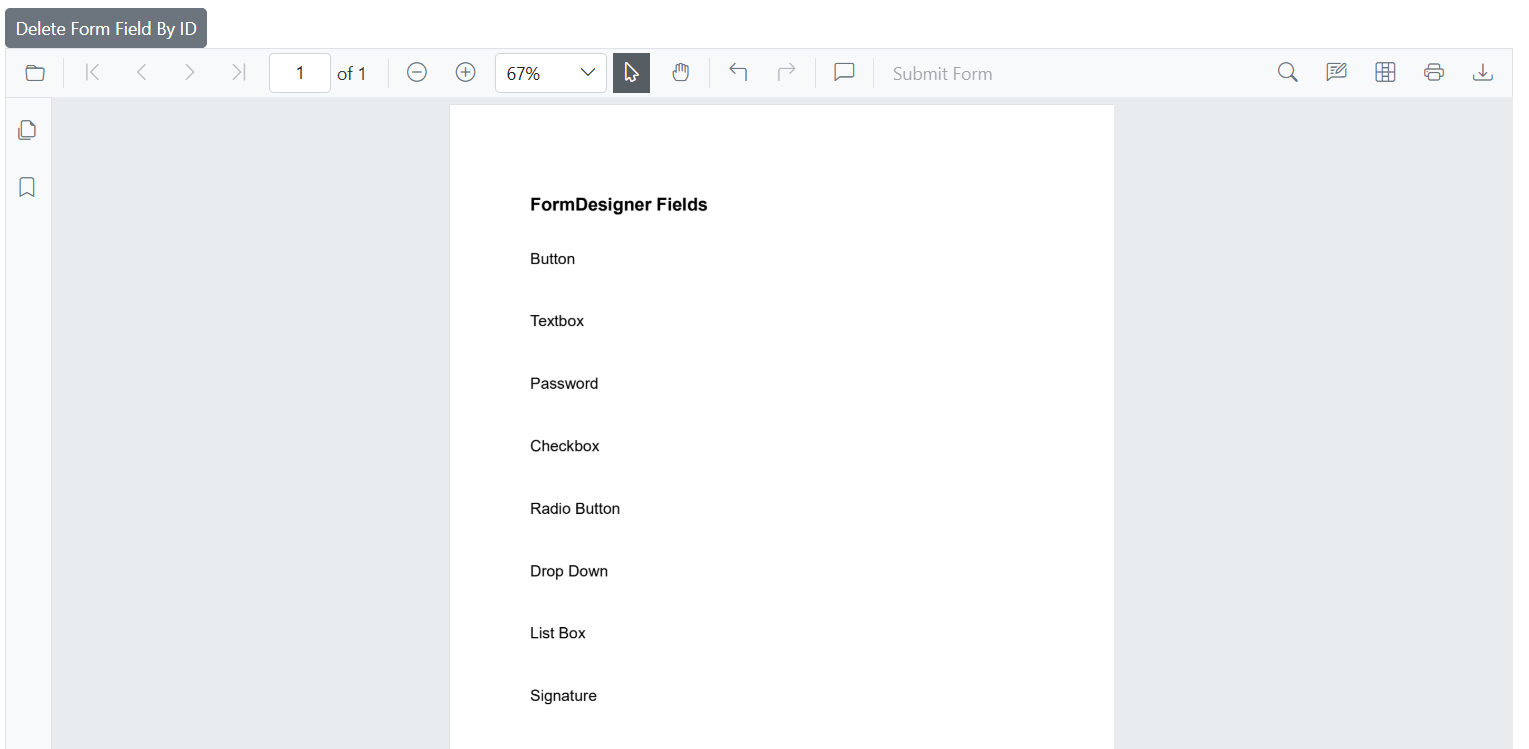
The following image illustrates deleting form fields by their IDs in Blazor SfPdfViewer: