How can I help you?
No Results Found
17 Jan 20251 minute to read
When the entered item is not in the suggestion list, SfAutoComplete displays a text indicating there is no search results found. We can set the desire text to be displayed for indicating no results found with the NoResultsFoundText property.
countryAutoComplete.NoResultsFoundText = "No Results Found";
countryAutoComplete.SuggestionMode = SuggestionMode.StartsWith;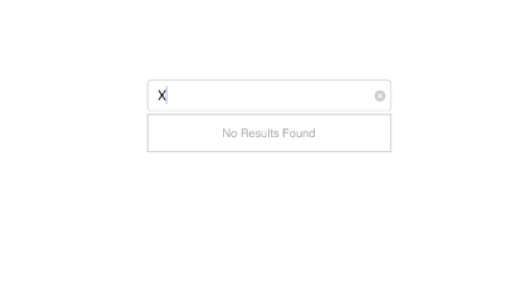
Customizing NoResultsFoundText
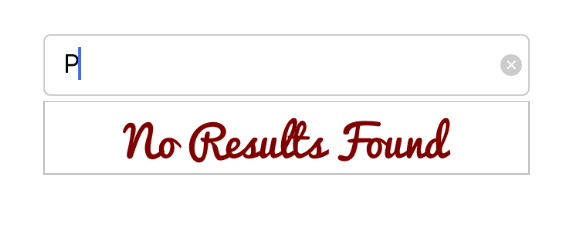
The NoResultsFoundTextColor and NoResultsFoundFont are the properties used to customize the foreground color and font of the NoResultsFoundText.
countryAutoComplete.SuggestionMode = SuggestionMode.StartsWith;
countryAutoComplete.NoResultsFoundText = "No Results Found";
countryAutoComplete.NoResultsFoundTextColor = UIColor.FromRGB(128,0,0);
countryAutoComplete.NoResultsFoundFont = UIFont.FromName("Pacifico", 20);