How can I help you?
Input Toolbar in WPF AI AssistView
16 Dec 202512 minutes to read
The SfAIAssistView control includes a toolbar feature inside the input textbox. This toolbar allows users to add custom toolbar items directly within the text input area, providing quick access to frequently used actions and tools.
InputToolbarItem
The InputToolbarItem class is used to define and add items to the input textbox toolbar in the SfAIAssistView. The following properties are available in this class:
- IsEnabled: Specifies whether the toolbar item is enabled (interactive) or disabled (non-interactive).
- Tooltip: Sets the tooltip text displayed when the user hovers over the toolbar item.
- Visible: Indicates whether the toolbar item is visible.
- ItemTemplate: Allows you to set a custom template for rendering the toolbar item.
Adding an input toolbar item to the input toolbar
The InputToolbarItem in SfAIAssistView the text area does not include built-in toolbar items like the response toolbar (e.g., Copy, Like, Dislike, Regenerate). However, you can add custom items using the InputToolbarItem class.
Use the ItemTemplate property to define the appearance and behavior of each toolbar item. This allows you to display icons, buttons, text, or even complex UI elements such as Path, Image, or TextBlock within the toolbar.
<syncfusion:SfAIAssistView x:Name="aiAssistView" CurrentUser="{Binding CurrentUser}"
                            IsInputToolbarVisible="True"
                            Messages="{Binding Chats}" >
    <syncfusion:SfAIAssistView.InputToolbarItems>
        <syncfusion:InputToolbarItem>
            <syncfusion:InputToolbarItem.ItemTemplate>
                            <DataTemplate>
                                <Button Height="24" Width="30" Padding="3" >
                                        <Viewbox>
                                            <Path Fill="{Binding Foreground, RelativeSource={RelativeSource AncestorType={x:Type syncfusion:SfAIAssistView}}}" Stretch="UniformToFill"
Data="M10.2656 3.0293C10.5 3.0293 10.7207 3.07422 10.9277 3.16406C11.1348 3.25391 11.3145 3.37695 11.4668 3.5332C11.623 3.68555 11.7461 3.86523 11.8359 4.07227C11.9258 4.2793 11.9707 4.5 11.9707 4.73438C11.9707 4.96484 11.9277 5.18164 11.8418 5.38477C11.7559 5.58789 11.6309 5.77148 11.4668 5.93555L6.31055 11.1152C6.16211 11.2637 5.98633 11.3633 5.7832 11.4141L3.46875 11.9824C3.45312 11.9863 3.4375 11.9902 3.42188 11.9941C3.41016 11.9941 3.39453 11.9941 3.375 11.9941C3.27344 11.9941 3.18555 11.957 3.11133 11.8828C3.04102 11.8086 3.00586 11.7207 3.00586 11.6191C3.00586 11.5996 3.00586 11.584 3.00586 11.5723C3.00977 11.5566 3.01367 11.541 3.01758 11.5254L3.60938 9.22266C3.63281 9.12891 3.66992 9.03711 3.7207 8.94727C3.77539 8.85352 3.83594 8.77344 3.90234 8.70703L9.06445 3.52734C9.22461 3.36719 9.4082 3.24414 9.61523 3.1582C9.82617 3.07227 10.043 3.0293 10.2656 3.0293ZM10.2656 3.7793C10.1406 3.7793 10.0195 3.80273 9.90234 3.84961C9.78906 3.89648 9.6875 3.96484 9.59766 4.05469L4.43555 9.24023C4.38477 9.29102 4.35156 9.34766 4.33594 9.41016L3.90234 11.1035L5.60742 10.6816C5.67383 10.666 5.73242 10.6328 5.7832 10.582L10.9395 5.4082C11.0293 5.31836 11.0977 5.21484 11.1445 5.09766C11.1914 4.98047 11.2148 4.85938 11.2148 4.73438C11.2148 4.60547 11.1895 4.48242 11.1387 4.36523C11.0918 4.24805 11.0254 4.14648 10.9395 4.06055C10.8535 3.97461 10.752 3.90625 10.6348 3.85547C10.5215 3.80469 10.3984 3.7793 10.2656 3.7793ZM5.58398 5.95898L5.00391 6.53906L4.5 5.25H1.50586L0.726562 7.25977C0.699219 7.33008 0.652344 7.38672 0.585938 7.42969C0.523438 7.47266 0.455078 7.49414 0.380859 7.49414C0.275391 7.49414 0.185547 7.45898 0.111328 7.38867C0.0371094 7.31836 0 7.23047 0 7.125C0 7.10156 0.00195312 7.07812 0.00585938 7.05469C0.00976562 7.02734 0.015625 7.00391 0.0234375 6.98438L2.64844 0.234375C2.67969 0.160156 2.72656 0.101562 2.78906 0.0585938C2.85156 0.015625 2.92188 -0.00585938 3 -0.00585938C3.07812 -0.00585938 3.14844 0.015625 3.21094 0.0585938C3.27344 0.101562 3.32031 0.160156 3.35156 0.234375L5.58398 5.95898ZM3 1.40039L1.79883 4.5H4.21289L3 1.40039Z"/>
                                        </Viewbox>
                                    </Button>
                            </DataTemplate>
            </syncfusion:InputToolbarItem.ItemTemplate>
        </syncfusion:InputToolbarItem>
    </syncfusion:SfAIAssistView.InputToolbarItems>
</syncfusion:SfAIAssistView>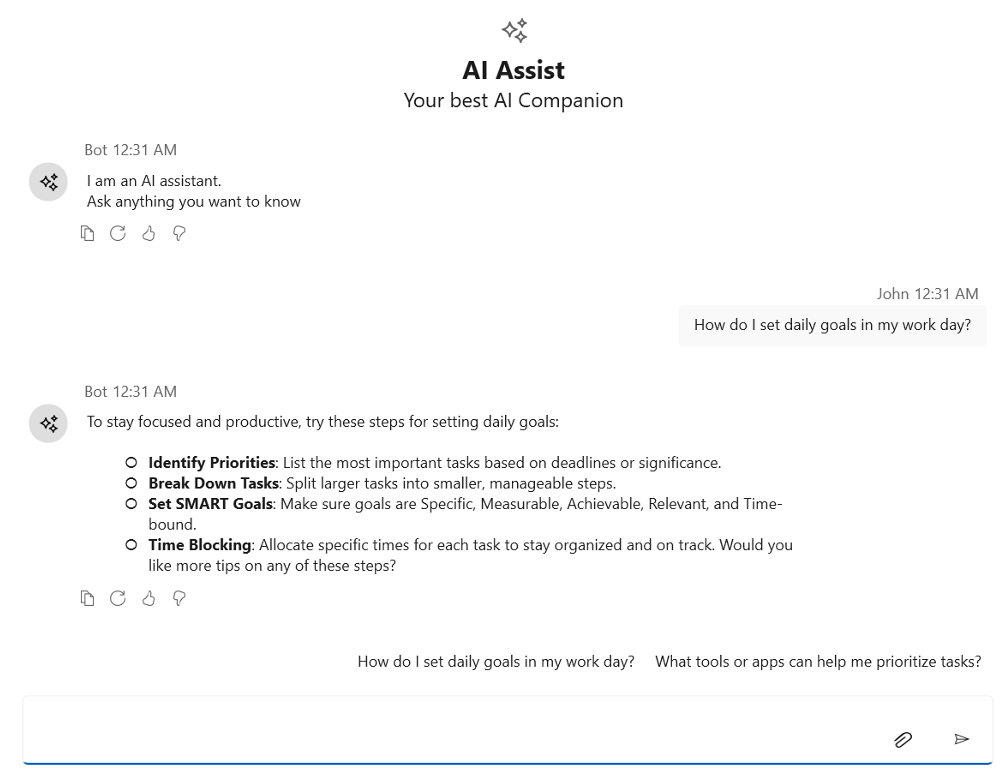
Input toolbar position
The InputToolbarPosition property of the SfAIAssistView control specifies the placement of the input toolbar within the control. By default, the toolbar is positioned on the right side of the control.
<syncfusion:SfAIAssistView CurrentUser="{Binding CurrentUser}"
                           Messages="{Binding Chats}" IsInputToolbarVisible="True"
                           InpuToolbarPosition="Left">
</syncfusion:SfAIAssistView>
SfAIAssistView aiAssistView = new SfAIAssistView();
aiAssistView.InputToolbarPosition = ToolbarPosition.Left;
Input toolbar visibility
The IsInputToolbarVisible property of the SfAIAssistView control determines whether the input toolbar is displayed in the SfAIAssistView. When set to true, the input toolbar becomes visible. By default, this property is set to false.
<syncfusion:SfAIAssistView CurrentUser="{Binding CurrentUser}"
                           Messages="{Binding Chats}" IsInputToolbarVisible="True">
</syncfusion:SfAIAssistView>
SfAIAssistView aiAssistView = new SfAIAssistView();
aiAssistView.IsInputToolbarVisible = True;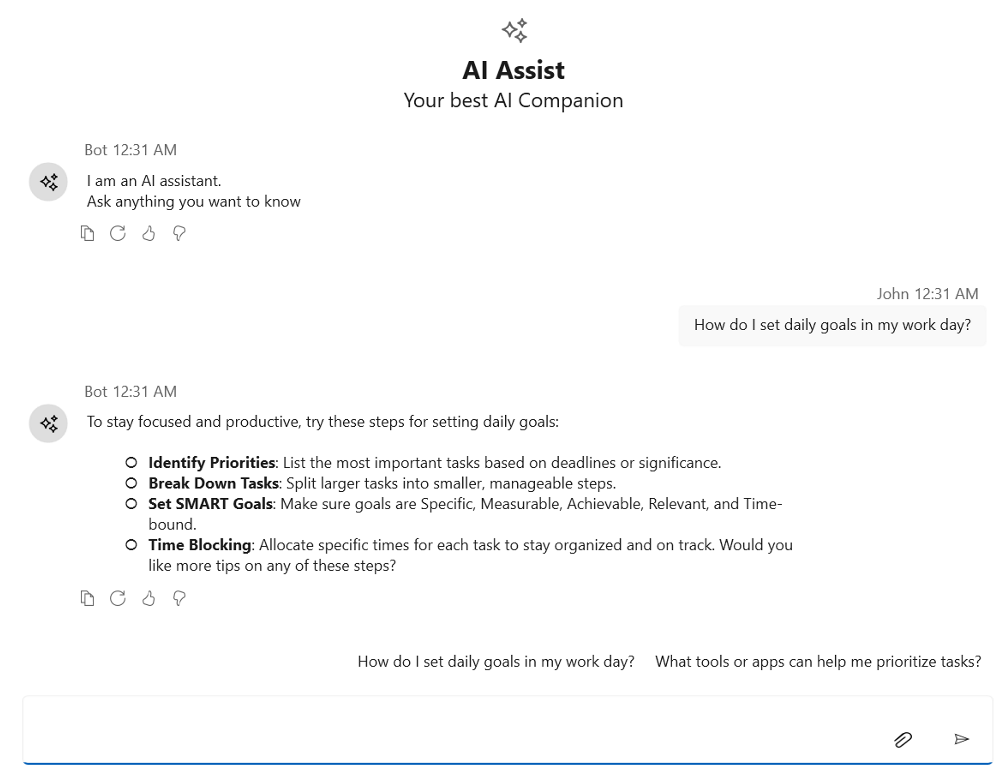
Item clicked event
The InputToolbarItemClicked event is triggered whenever a toolbar item in the InputToolbarItems collection is clicked by the user. You can handle this event to perform custom actions based on which item was clicked.
<syncfusion:SfAIAssistView x:Name="sfAIAssistView" CurrentUser="{Binding CurrentUser}"
                               Messages="{Binding Chats}" InputToolbarItemClicked="AiAssistView_InputToolbarItemClicked"/>
SfAIAssistView sfAIAssistView = new SfAIAssistView();
sfAIAssistView.InputToolbarItemClicked += AiAssistView_InputToolbarItemClicked;
private void AiAssistView_InputToolbarItemClicked(object sender, InputToolbarItemClickedEventArgs e)
{
// Call your actions based on the toolbar item clicked.
}Input toolbar header template
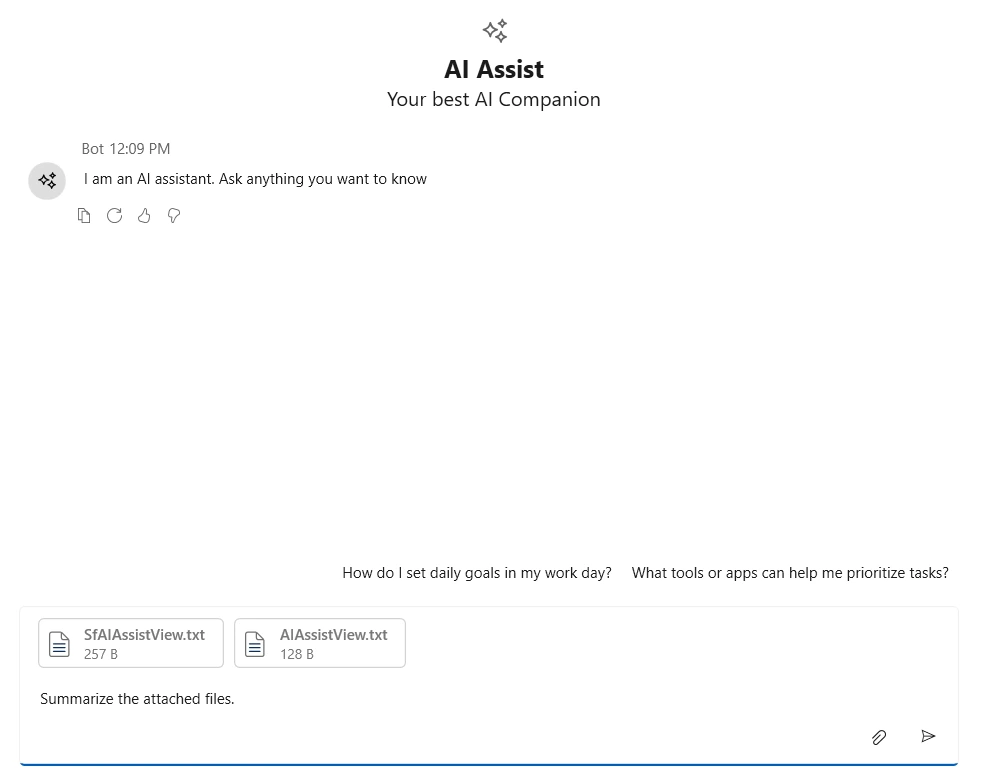
This feature allows users to customize the header section of the input area using a flexible template. The layout and styling of the header can include elements such as file upload information, error details, notifications, or other custom components to display relevant information.
<syncfusion:SfAIAssistView
       x:Name="sfAIAssistView"
       CurrentUser="{Binding CurrentUser}"
       Messages="{Binding Chats}">
    <syncfusion:SfAIAssistView.InputToolbarHeaderTemplate>
        <DataTemplate>
            <Border>
                <ItemsControl ItemsSource="{Binding DataContext.Files, RelativeSource={RelativeSource AncestorType=syncfusion:SfAIAssistView}}">
                    <ItemsControl.ItemsPanel>
                        <ItemsPanelTemplate>
                            <WrapPanel Orientation="Horizontal"/>
                        </ItemsPanelTemplate>
                    </ItemsControl.ItemsPanel>
                    <ItemsControl.ItemTemplate>
                        <DataTemplate>
                            <Border BorderBrush="LightGray" BorderThickness="1" CornerRadius="4" Margin="4" Padding="4">
                                <StackPanel Orientation="Horizontal">
                                    <Viewbox Width="22" Height="22">
                                        <Grid>
                                            <Path Data="M19.5 20V9.12132C19.5 8.7235 19.342 8.34196 19.0607 8.06066L13.9393 2.93934C13.658 2.65804 13.2765 2.5 12.8787 2.5H6C5.17157 2.5 4.5 3.17157 4.5 4V20C4.5 20.8284 5.17157 21.5 6 21.5H18C18.8284 21.5 19.5 20.8284 19.5 20Z" Fill="white"/>
                                            <Path Data="M12.8789 2C13.4093 2.00006 13.9179 2.21092 14.293 2.58594L19.4141 7.70703C19.7891 8.08205 19.9999 8.59074 20 9.12109V20C20 21.1046 19.1046 22 18 22H6C4.89543 22 4 21.1046 4 20V4C4 2.89543 4.89543 2 6 2H12.8789ZM6 3C5.44772 3 5 3.44772 5 4V20C5 20.5523 5.44772 21 6 21H18C18.5523 21 19 20.5523 19 20V9.12109C19 9.08039 18.9971 9.03999 18.9922 9H15C13.8954 9 13 8.10457 13 7V3.00781C12.96 3.00292 12.9196 3.00001 12.8789 3H6ZM14 7C14 7.55228 14.4477 8 15 8H18.293L14 3.70703V7Z" Fill="#707070"/>
                                            <Path Data="M16.5 17C16.7761 17 17 17.2239 17 17.5C17 17.7761 16.7761 18 16.5 18H7.5C7.22386 18 7 17.7761 7 17.5C7 17.2239 7.22386 17 7.5 17H16.5ZM16.5 14C16.7761 14 17 14.2239 17 14.5C17 14.7761 16.7761 15 16.5 15H7.5C7.22386 15 7 14.7761 7 14.5C7 14.2239 7.22386 14 7.5 14H16.5ZM16.5 11C16.7761 11 17 11.2239 17 11.5C17 11.7761 16.7761 12 16.5 12H7.5C7.22386 12 7 11.7761 7 11.5C7 11.2239 7.22386 11 7.5 11H16.5Z" Fill="#0F2F56"/>
                                        </Grid>
                                    </Viewbox>
                                    <StackPanel Margin="10,0,10,0" Orientation="Vertical">
                                        <TextBlock Text="{Binding Name}" Foreground="Black" FontWeight="SemiBold"/>
                                        <TextBlock Text="{Binding Size}" Foreground="Black" FontSize="11"/>
                                    </StackPanel>
                                </StackPanel>
                            </Border>
                        </DataTemplate>
                    </ItemsControl.ItemTemplate>
                </ItemsControl>
            </Border>
        </DataTemplate>
    </syncfusion:SfAIAssistView.InputToolbarHeaderTemplate>

</syncfusion:SfAIAssistView>