Code block support in .NET MAUI Rich Text Editor
18 Nov 20181 minute to read
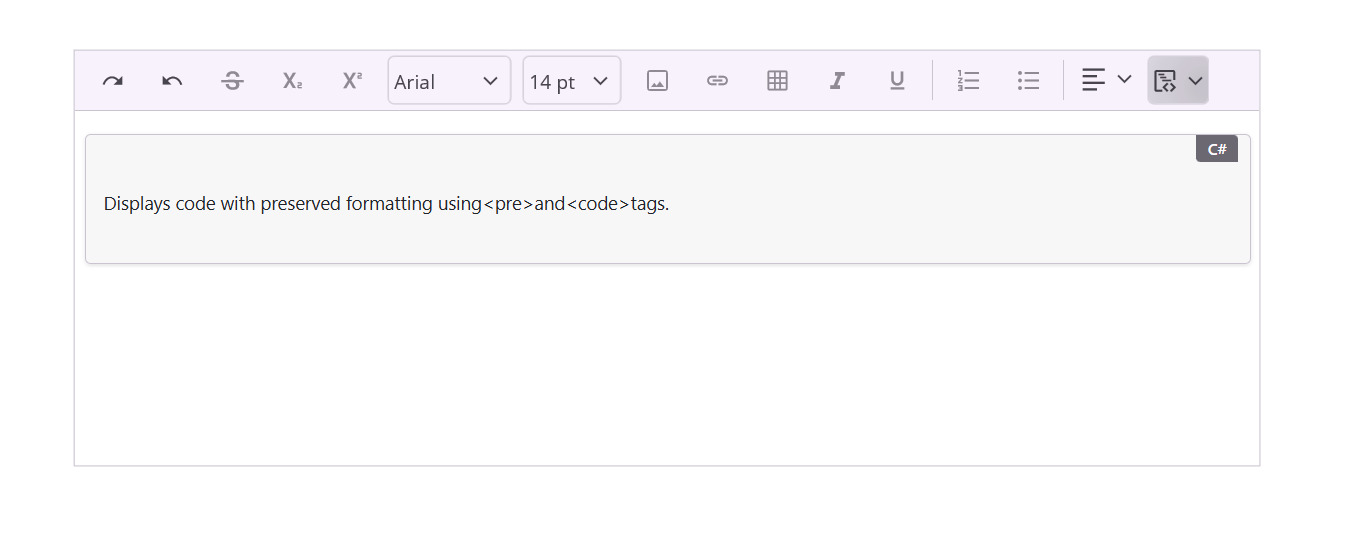
The Syncfusion .NET MAUI SfRichTextEditor includes built-in support for inserting and managing code blocks. This feature enables developers and end users to embed formatted code snippets within rich text content while preserving structure, readability, and formatting consistency.
Code blocks are especially useful in applications that involve technical documentation, blogging platforms, or developer-centric tools.
Insert code block
You can insert a code block using the CodeBlock toolbar item available in the rich text editor toolbar.
Example
<rte:SfRichTextEditor ShowToolbar="True">
        <rte:SfRichTextEditor.ToolbarItems>
            <rte:RichTextToolbarItem Type="CodeBlock" />
        </rte:SfRichTextEditor.ToolbarItems>
</rte:SfRichTextEditor>
// Create the Rich Text Editor
var editor = new SfRichTextEditor
{
ShowToolbar = true
};
// Add CodeBlock toolbar item
editor.ToolbarItems.Add(new RichTextToolbarItem
{
Type = RichTextToolbarOptions.CodeBlock
});