Retrieve the formatted content
18 Nov 20181 minute to read
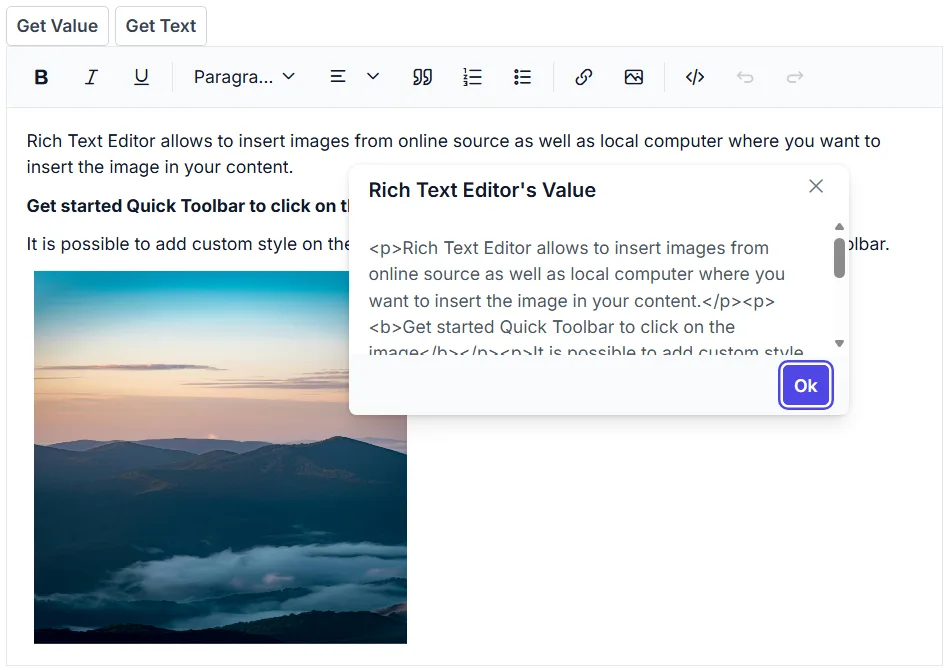
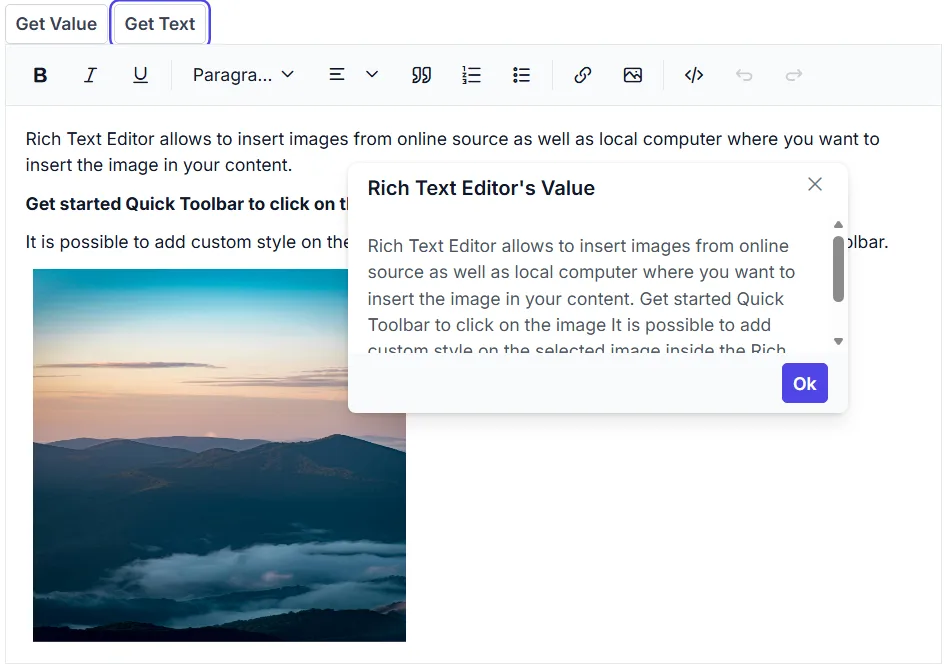
To retrieve the editor contents in HTML format, use the Value property of Rich Text Editor, and to fetch the editor content as plain text, use the GetText method of Rich Text Editor.
@using Syncfusion.Blazor.Buttons
@using Syncfusion.Blazor.RichTextEditor
@using Syncfusion.Blazor.Popups

<SfButton @onclick="@GetValue">Get Value</SfButton>
<SfButton @onclick="@GetText">Get Text</SfButton>

<br />
<SfDialog @ref="DialogObj" @bind-Visible="@Visibility" Content="@Content" Header="@Header" Target="#target" Height="200px"
          Width="400px" ShowCloseIcon="true">
    <DialogButtons>
        <DialogButton Content="Ok" IsPrimary="true" OnClick="@DlgButtonClick" />
    </DialogButtons>

</SfDialog>
<SfRichTextEditor @ref="RteObj" Value="@RteValue" />

@code {
    SfRichTextEditor RteObj;
    SfDialog DialogObj;
    private string Content;
    private bool Visibility = false;
    private string Header = "Rich Text Editor's Value";
    private string RteValue = @"<p>Rich Text Editor allows to insert images from online source as well as local computer where you want to insert the image in your content.</p><p><b>Get started Quick Toolbar to click on the image</b></p><p>It is possible to add custom style on the selected image inside the Rich Text Editor through quick toolbar.</p><img alt='Logo' style='width: 300px; height: 300px; transform: rotate(0deg);' src='https://cdn.syncfusion.com/ej2/richtexteditor-resources/RTE-Portrait.png' />";
    private async Task GetValue()
    {
        this.Content = this.RteValue;
        await this.DialogObj.ShowAsync();
    }
    private async Task GetText()
    {
        this.Content = await this.RteObj.GetTextAsync();
        this.DialogObj.ShowAsync();
    }
    private async Task DlgButtonClick(object arg)
    {
        await this.DialogObj.HideAsync();
    }
}