Format code block using toolbar button
18 Nov 20181 minute to read
You can configure code block formatting as a separate toolbar button by adding the InsertCode keyword within the ToolbarSettings items property.
The InsertCode button has a toggle state to apply code block formatting to the editor and remove code block formatting from the editor.
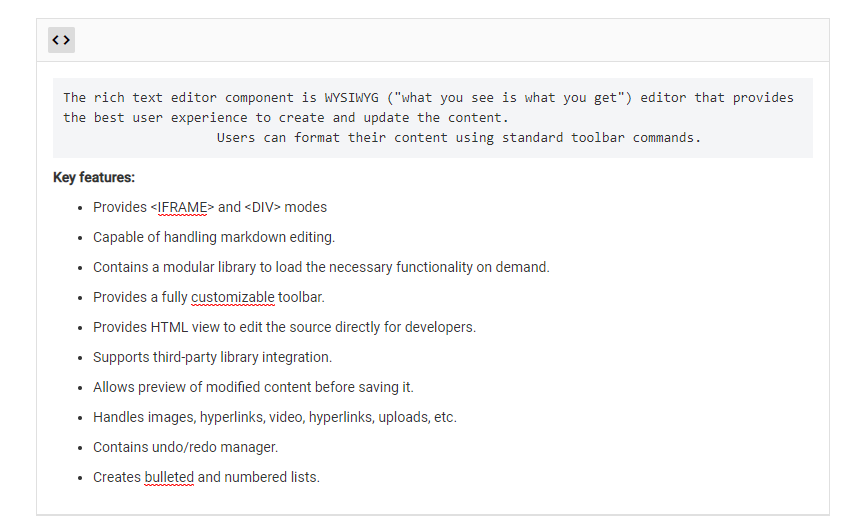
The following sample demonstrates how to config the InsertCode button in toolbar and set the background color to “pre” tag for highlighting the code block.
The output will be as follows.