Animation Duration in .NET MAUI Navigation Drawer
18 Nov 20181 minute to read
Prerequisites
Before using the SfNavigationDrawer, ensure the following NuGet package is installed in your .NET MAUI project:
Syncfusion.Maui.NavigationDrawer
For step-by-step setup, refer to the Getting Started documentation.
Duration
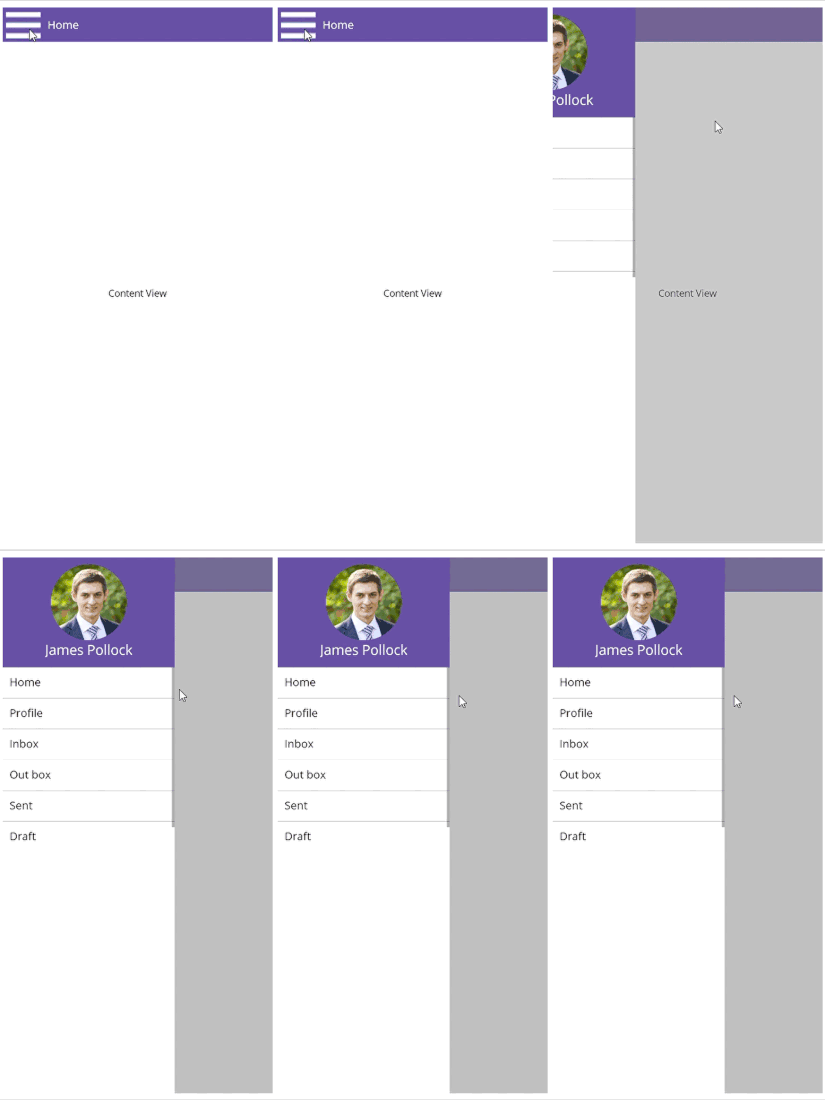
The Duration property of the Navigation Drawer specifies the timeline for completing one animation cycle. Setting a smaller duration value accelerates animation speed.
The following code example illustrates how to set the animation duration of the Navigation Drawer.
<navigationDrawer:SfNavigationDrawer x:Name="navigationDrawer">
    <navigationDrawer:SfNavigationDrawer.DrawerSettings>
        <navigationDrawer:DrawerSettings Duration="2000"/>
    </navigationDrawer:SfNavigationDrawer.DrawerSettings>
</navigationDrawer:SfNavigationDrawer>
SfNavigationDrawer navigationDrawer = new SfNavigationDrawer
{
DrawerSettings = new DrawerSettings
{
Duration = 2000
}
};The
Durationproperty for theNavigation Draweris measured in milliseconds.
The following screenshot illustrates the result of the above code.