About Syncfusion® .NET MAUI Markdown Viewer Control
18 Nov 20185 minutes to read
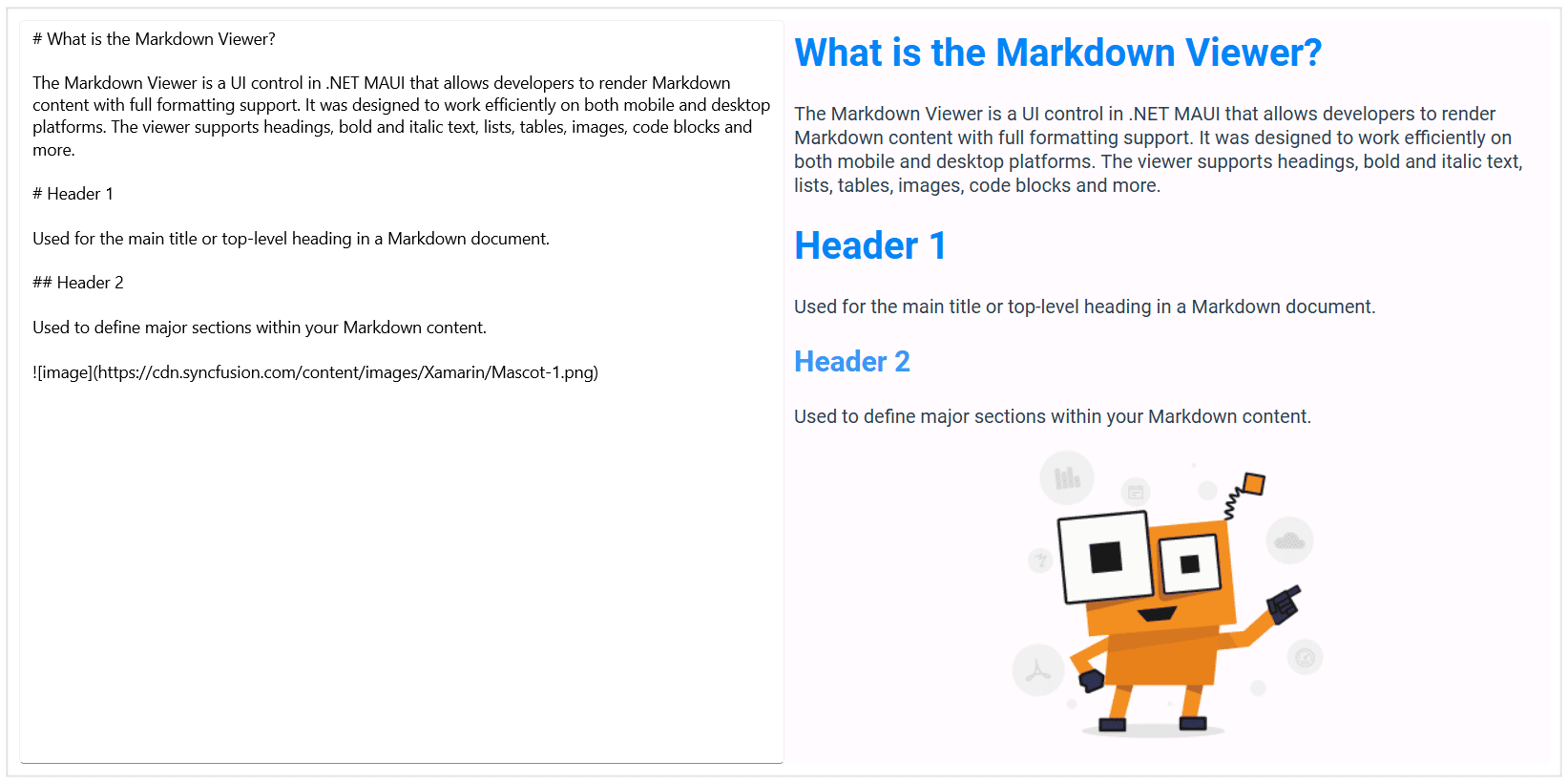
The .NET MAUI Markdown Viewer is a lightweight and efficient UI control that enables developers to render Markdown content with full formatting support. It provides a seamless way to display documentation, help content, release notes, and other rich text formats in both mobile and desktop applications.
Business use cases
- Applications that display in-app documentation such as User guides and Onboarding content.
- Software products that present release notes and feature updates in a structured and readable format.
- Help and support modules that provide FAQs, troubleshooting guides, and instructional content.
- Content-driven applications that require rendering external or dynamic Markdown-based data.
Key features
- Standard Markdown rendering support allows displaying headings, bold text, lists, tables, images, and code blocks with proper formatting.
- Flexible input source support allows loading Markdown content from local files, embedded resources, or strings.
- Smooth scrolling support allows navigating large Markdown documents with a fluid user experience across devices.
- Automatic link rendering support allows handling hyperlinks for external navigation or internal app navigation.
Globalization
The following table summarizes the globalization support available in this control.
 Full Support
 No Support
 Not Applicable
| Control | Localization | RTL | Time zone | Screen reader | Keyboard navigation |
|---|---|---|---|---|---|
| Markdown Viewer | |
|
|
|
|
Related controls
- Rich Text Editor for editing rich text content within applications.
- ListView for presenting structured content alongside Markdown views.
- Text Input Layout for capturing and structuring input that can be used to create or update Markdown content.
See Also
- Getting Started shows a step‑by‑step guide to begin using the MarkdownViewer control.
- Data Binding explains how to bind markdown content from local files or data sources to display formatted text easily.
- Customization helps customize appearance and behavior of the control.
- UI Kit provides interactive demos and ready‑made UI examples.
Resources
Feature Tour
Get a quick overview of key features and capabilities to kick start your journey.
Explore Features
Tutorial Videos
Watch step‑by‑step video guides to quickly understand concepts and implementation.
Watch now
Knowledge Base
Find practical solutions, troubleshooting tips and how‑to guides for common scenarios.
Search KB's