Common installation errors
18 Nov 20183 minutes to read
Applies to: Syncfusion® Essential Studio® .NET MAUI installers (Online and Offline) on Windows.
This article describes the most common installation errors, their causes, and solutions.
- Unlocking the license installer using the trial key
- License has expired
- Unable to find a valid license or trial
- Unable to install because of another installation
- Unable to install due to controlled folder access
Unlocking the license installer using the trial key
Problem
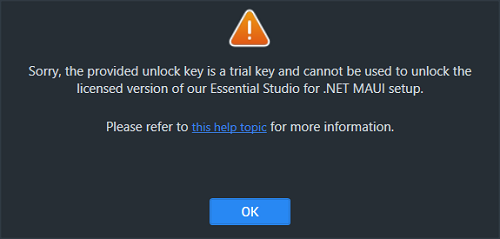
Error message: Sorry, the provided unlock key is a trial unlock key and cannot be used to unlock the licensed version of our Essential Studio® for .NET MAUI installer.
Reason
You are attempting to use a trial unlock key to unlock the licensed installer.
Suggested solution
Only a licensed unlock key can unlock a licensed installer. To unlock the licensed installer, use the licensed unlock key. To generate the licensed unlock key, refer to this article.
License has expired
Problem
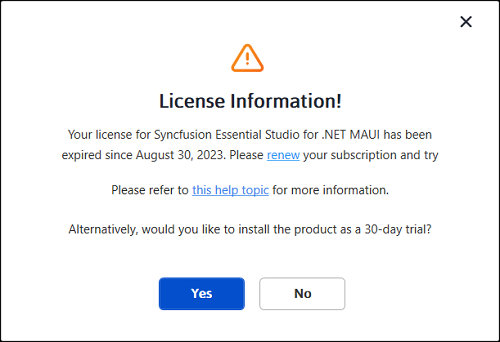
Error message: Your license for Syncfusion® Essential Studio® for .NET MAUI has been expired since <date>. Please renew your subscription and try again.
Note:
<date>is replaced with the actual expiry date when the message is shown to the user.
Online installer
Reason
This error message will appear if your license has expired.
Suggested solution
You can choose from the options listed below.
- Renew your subscription here.
- Get a new license here.
- Reach out to our sales team by emailing [email protected].
- Extend the 30-day trial period before it expires.
Unable to find a valid license or trial
Problem
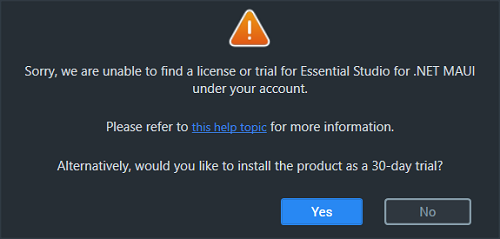
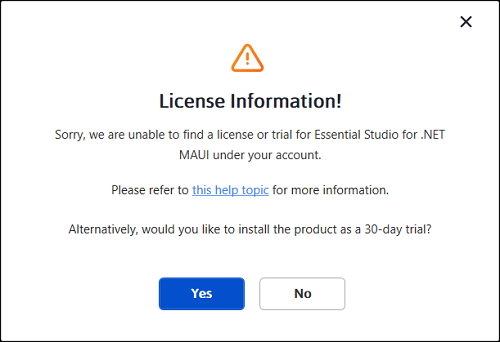
Error message: Sorry, we are unable to find a valid license or trial for Essential Studio® for .NET MAUI under your account.
Offline installer
Online installer
Reason
The following are possible causes of this error:
- Your trial period has expired.
- You do not have a license or an active trial.
- You are not the license holder of your license.
- Your account administrator has not yet assigned you a license.
Suggested solution
You can choose from the options listed below.
- Get a new license here.
- Contact your account administrator.
- Send an email to [email protected] to request a license.
- Reach out to our sales team by emailing [email protected].
Unable to install because of another installation
Problem
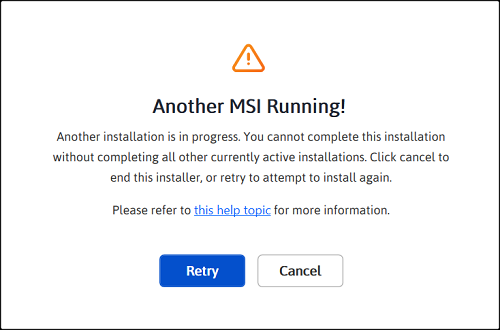
Error message: Another installation is in progress. You cannot start this installation without completing all other currently active installations. Click cancel to end this installer or retry after currently active installation have completed.
Reason
You are trying to install while another installation is running on your machine.
Suggested solution
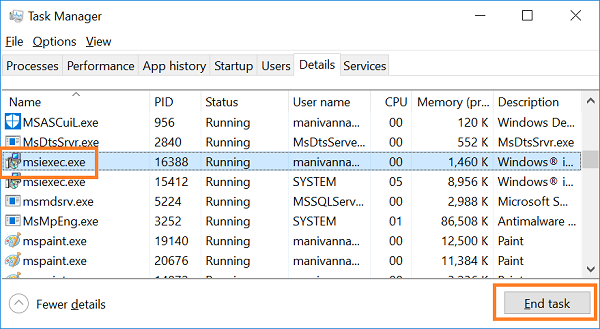
To resolve the issue, end the active msiexec.exe process using Task Manager, then run the Syncfusion® installer again. If the problem persists, restart the computer and try again.
-
Open Windows Task Manager.
-
Go to the Details tab.
-
Select msiexec.exe (it may appear as msiexec.exe *32 on 64-bit systems) and click End task.
Unable to install due to controlled folder access
Problem
Offline
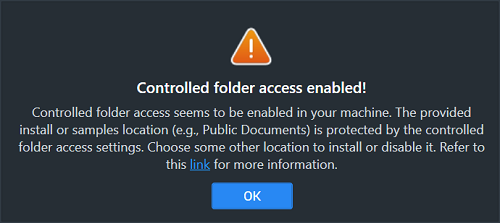
Error message: Controlled folder access is enabled on your machine. The provided install or samples location (e.g., Public Documents) is protected by the controlled folder access settings.
Online
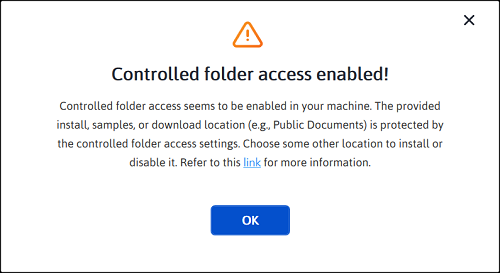
Error message: Controlled folder access is enabled on your machine. The provided install, samples, or download location (e.g., Public Documents) is protected by the controlled folder access settings. (The Online installer references the additional download location, while the Offline installer does not.)
Reason
Controlled folder access is enabled on your machine.
Suggested solution
Suggestion 1:
- Our demos are installed in the Public Documents folder by default.
- Controlled folder access is enabled on your machine, so the demos cannot be installed in the Documents folder. If you need to install the demos in the Documents folder, follow the steps in this link and disable controlled folder access. You can also allow the Syncfusion installer through Controlled Folder Access instead of disabling it entirely.
- You can re-enable controlled folder access after installing the Syncfusion® installer.
Suggestion 2:
- If you do not want to disable controlled folder access, install the demos in another directory. In the installer, click Browse on the install location screen and choose a folder that is not protected by controlled folder access.