Looping support in .NET MAUI Date Time Picker (SfDateTimePicker)
21 Jul 20261 minute to read
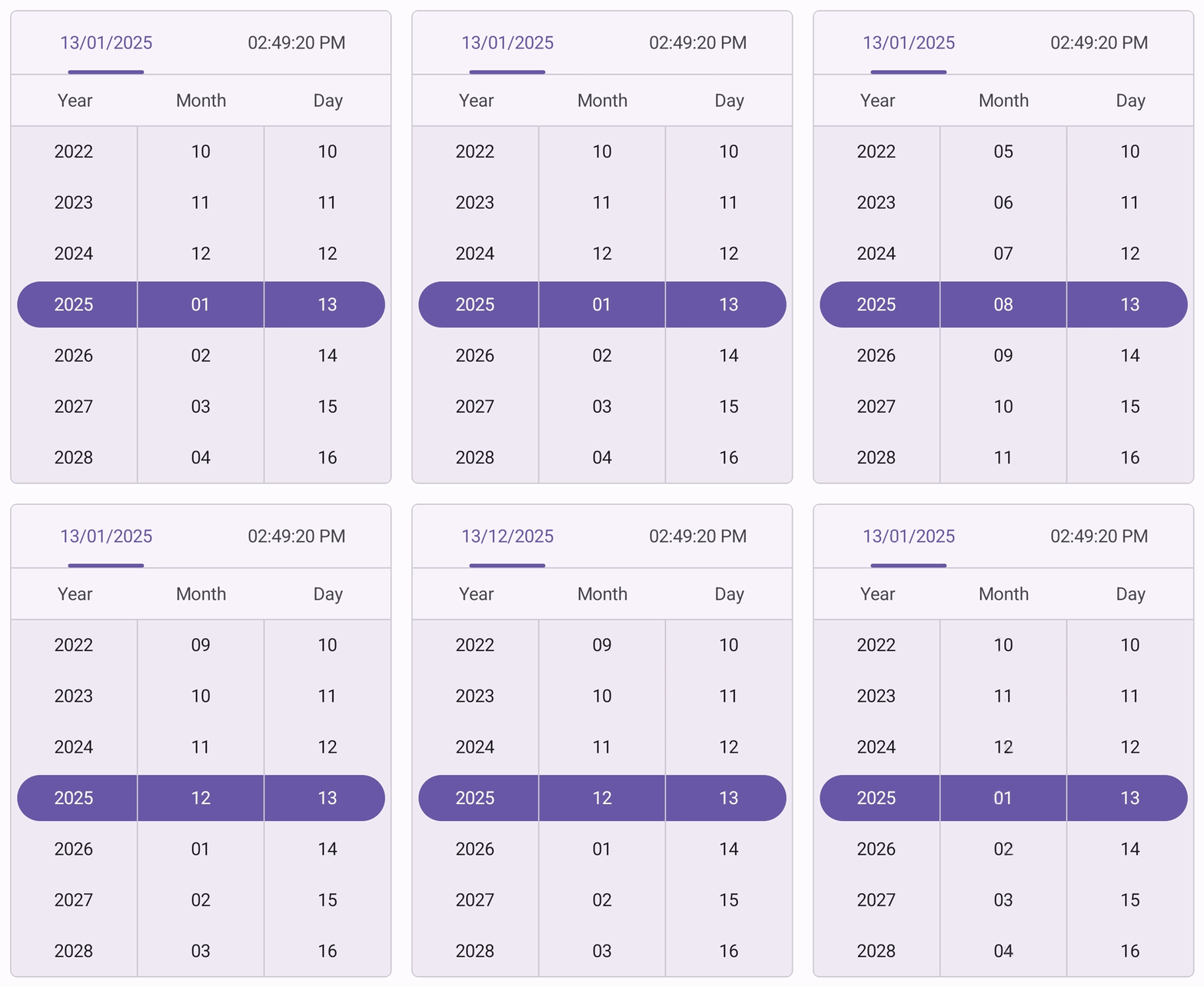
The EnableLooping property enables cyclic navigation in the SfDateTimePicker. When enabled, supported columns wrap from the last item to the first item and vice versa during both forward and backward navigation.
To enable looping in the SfDateTimePicker, set the EnableLooping property to true. The default value is false.
<ContentPage
    . . .
    xmlns:picker="clr-namespace:Syncfusion.Maui.Picker;assembly=Syncfusion.Maui.Picker">
    <picker:SfDateTimePicker x:Name="dateTimePicker"
                             EnableLooping="True"/>
</ContentPage>
using Syncfusion.Maui.Picker;
. . .
public partial class MainPage : ContentPage
{
public MainPage()
{
InitializeComponent();
SfDateTimePicker dateTimePicker = new SfDateTimePicker()
{
EnableLooping = true,
};
this.Content = dateTimePicker;
}
}