Accessibility in .NET MAUI Date Picker (SfDatePicker)
21 Jul 20261 minute to read
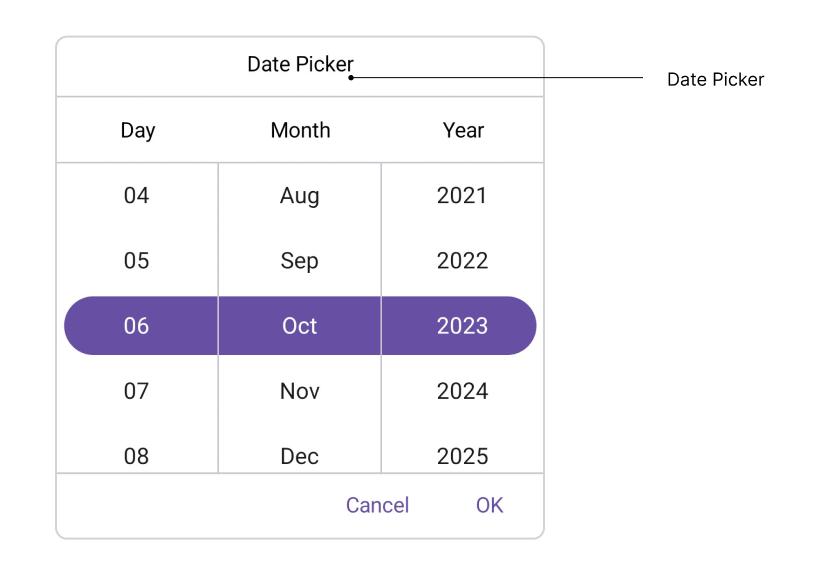
The .NET MAUI Date Picker control has interact with the Header, Column Header, Footer, and Picker Items.
Header Layout
The SfDatePicker supports an accessible header through the Text property of PickerHeaderView.
Column Header Layout
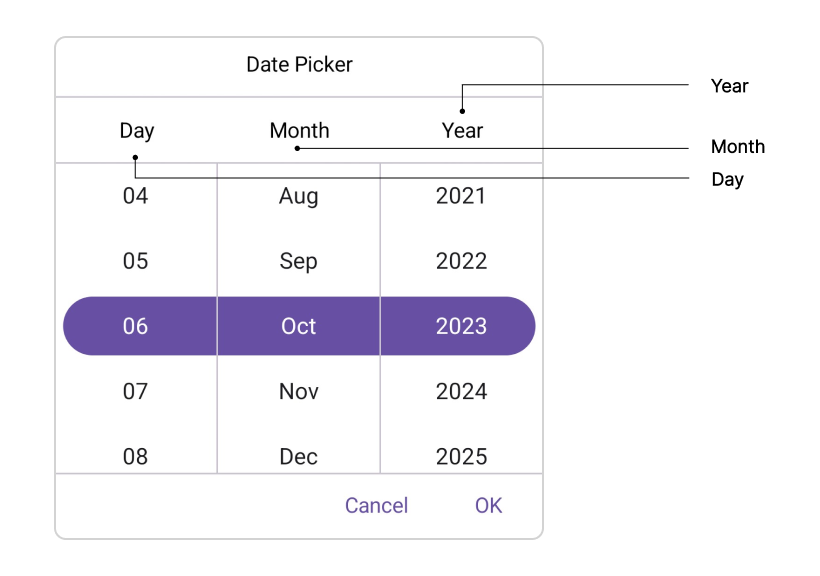
The SfDatePicker exposes accessible column header text through the DayHeaderText, MonthHeaderText, and YearHeaderText properties of DatePickerColumnHeaderView. Localize these values to match the user’s language.
The default value of the DayHeaderText property is “Day”, MonthHeaderText is “Month”, and YearHeaderText is “Year”.
Footer Layout
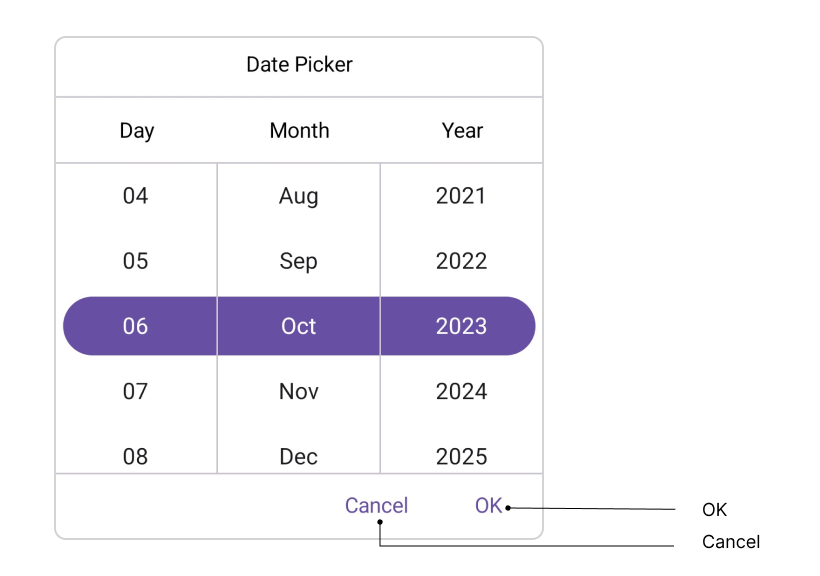
The SfDatePicker supports localized OK and Cancel buttons in the footer through the OkButtonText and CancelButtonText properties of PickerFooterView.
The default value of the OkButtonText property is “OK”, and CancelButtonText is “Cancel”.
Picker Items
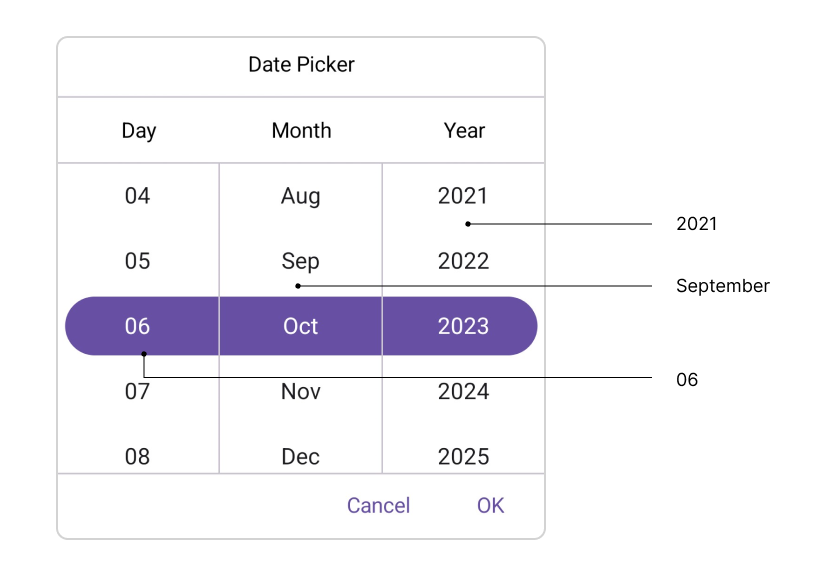
The SfDatePicker formats picker items using the DateFormat property. The following table shows the supported formats and the resulting display:
| Format | Example |
|---|---|
| d, M | 1 |
| dd, MM | 01 |
| MMM | January |
| yyyy | 2023 |
Keyboard Navigation
SfDatePicker supports selection using keyboard interactions. Keyboard mappings may vary slightly by platform (Windows, macOS, iOS, Android); the following tables describe the behavior on Windows.
| Key | Description |
|---|---|
| Tab | Focus the picker. |
| Enter | Opens the selected picker. |
| DownArrow | Selects an item from the currently expanded list by moving downwards. |
| UpArrow | Selects an item from the currently expanded list by moving upwards. |
| RightArrow/Tab | Navigates through the selected item in the right direction. |
| LeftArrow/Shift+Tab | Navigates through the selected item in the left direction. |
| Esc/Enter | Exit and commit selection. |