About Syncfusion® .NET MAUI Shimmer Control
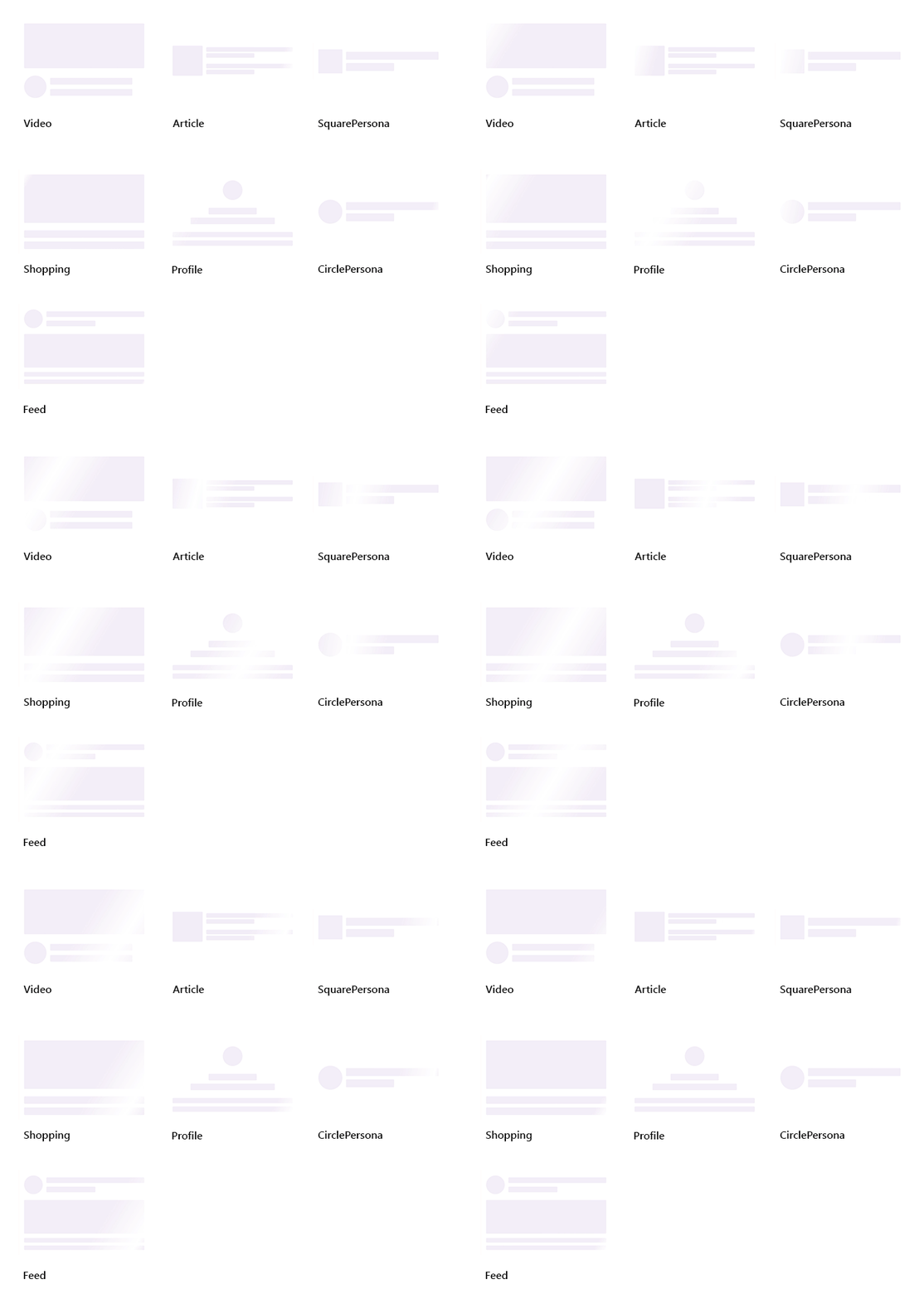
Syncfusion® .NET MAUI Shimmer (SfShimmer) control can increase an application’s responsiveness by displaying a Shimmer effect while the content is loading or processing in the background.
Business use cases
- Mobile applications that require loading placeholders for lists, cards, or content-heavy screens.
- Data-driven applications that display temporary UI while data is fetched from services or APIs.
- Dashboard applications that provide visual feedback during data refresh or processing operations.
- Content-driven apps that require smooth transition between loading and loaded states.
Key features
-
Multiple Shimmer view types allows displaying predefined layouts such as persona or content placeholders for different scenarios.
-
Wave direction customization allows controlling animation flow direction for enhanced visual effects.
-
Custom Shimmer view allows defining custom shapes using different shape types such as rectangle or circle.
Related controls
- Circular Progress Bar for radial progress indication.
- Linear Progress Bar for horizontal progress indication.
- Pull To Refresh for refresh actions.
See Also
- Getting Started shows a step‑by‑step guide to begin using the Shimmer control.
- Customization explains how to customize Shimmer appearance and animations.
- Views explores different Shimmer view types and layouts.
- UI Kit provides interactive demos and ready‑made UI examples.
Resources
Feature Tour
Get a quick overview of key features and capabilities to kick start your journey.
Explore Features
Showcase Samples
Explore real-world sample apps to see components in action and learn by example.
View Samples
Tutorial Videos
Watch step‑by‑step video guides to quickly understand concepts and implementation.
Watch now
Knowledge Base
Find practical solutions, troubleshooting tips and how‑to guides for common scenarios.
Search KB's