Overview of .NET MAUI PullToRefresh
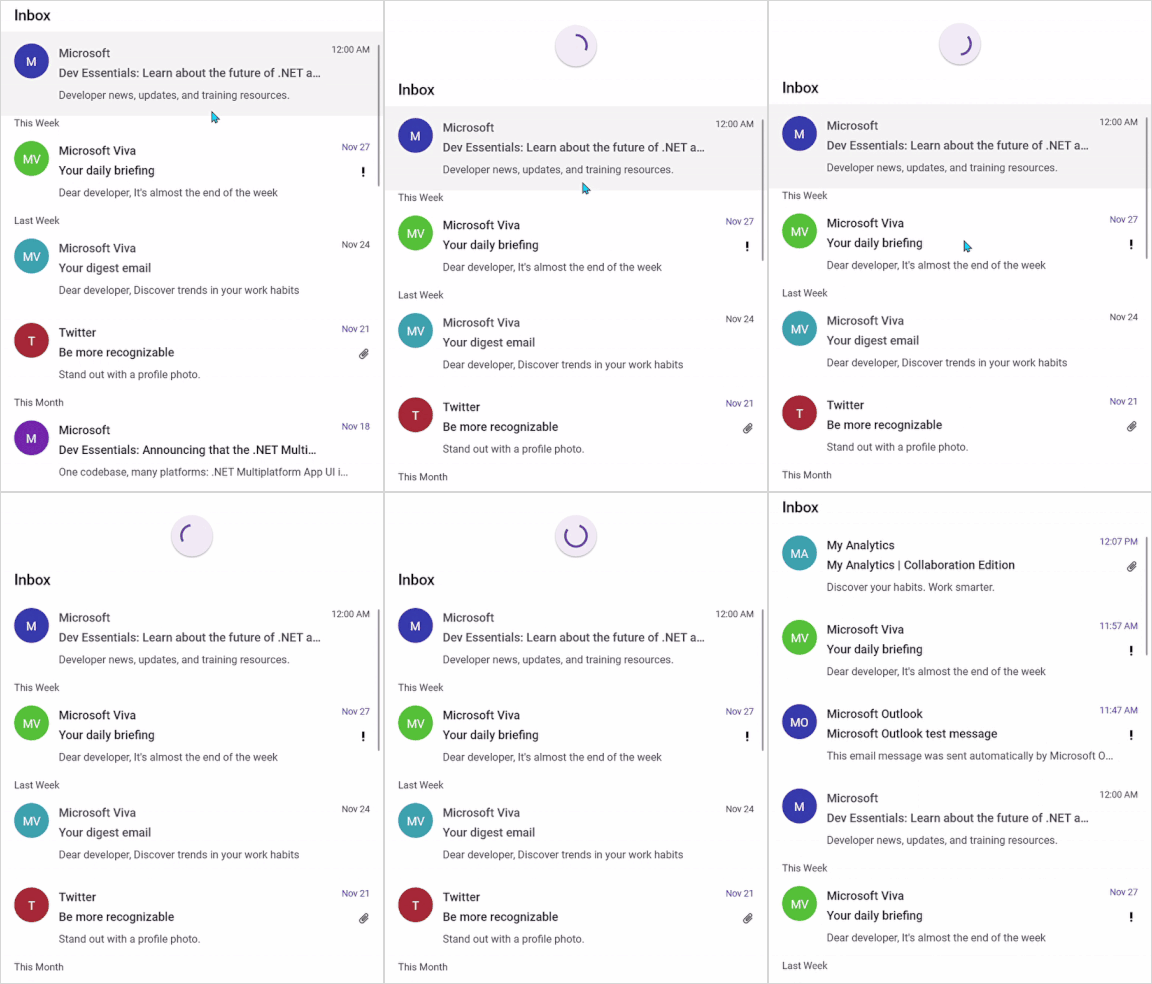
Syncfusion® .NET MAUI PullToRefresh is a refresh control that allows you to interact and refresh the view loaded in it. The PullToRefresh control allows you to refresh the view upon performing the pull-to-refresh action. A progress indicator will be shown while starting the pulling. The application will be refreshed once you have pulled down a certain distance and released the touch.
Business use cases
- Mobile applications that require refreshing list or grid data using pull gestures.
- Social and content apps that update feeds, messages, or notifications dynamically.
- Dashboard applications that refresh data points, metrics, or live information on demand.
- Business and enterprise apps that allow users to reload data efficiently without navigating away from the screen.
Key features
- Transition mode allows configuring animation behavior between the pulling action and refresh indicator.
- Pullable content allows integrating controls such as ListView, DataGrid, and layouts within the refresh container.
- Appearance customization allows modifying properties such as stroke color, thickness, background, and size of the refresh indicator.
- View templating allows displaying custom UI elements during pulling and refreshing actions.
Related controls
- Shimmer for loading placeholders.
- Button for simple actions.
- Linear Progress Bar for progress display.
See Also
- Getting Started shows a step‑by‑step guide to begin using the PullToRefresh control.
- Customization explains how to customize appearance and interaction behavior.
- MVVM shows how to integrate cleanly with MVVM for data binding and commands.
- UI Kit provides interactive demos and ready‑made UI examples.
Resources
Feature Tour
Get a quick overview of key features and capabilities to kick start your journey.
Explore Features
Showcase Samples
Explore real-world sample apps to see components in action and learn by example.
View Samples
Tutorial Videos
Watch step‑by‑step video guides to quickly understand concepts and implementation.
Watch now
Knowledge Base
Find practical solutions, troubleshooting tips and how‑to guides for common scenarios.
Search KB's