Render File Manager in Internet Explorer
In the Internet Explorer browser, ES6 promise polyfills are required to run the File Manager control. Click this link to learn more about the EJ2 controls’ browser compatibility.
To render the File Manager control in the Internet Explorer browser, add the ES6 promise polyfill script above the Syncfusion® Essential® JS 2 Scripts in the layout page.
     <head>
        <!-- ES6 Promise polyfill  -->
        <script src="https://cdn.polyfill.io/v2/polyfill.min.js"></script>
        <!-- Syncfusion Essential JS 2 Scripts -->
        <script src="https://cdn.syncfusion.com/ej2/dist/ej2.min.js"></script>
     </head>
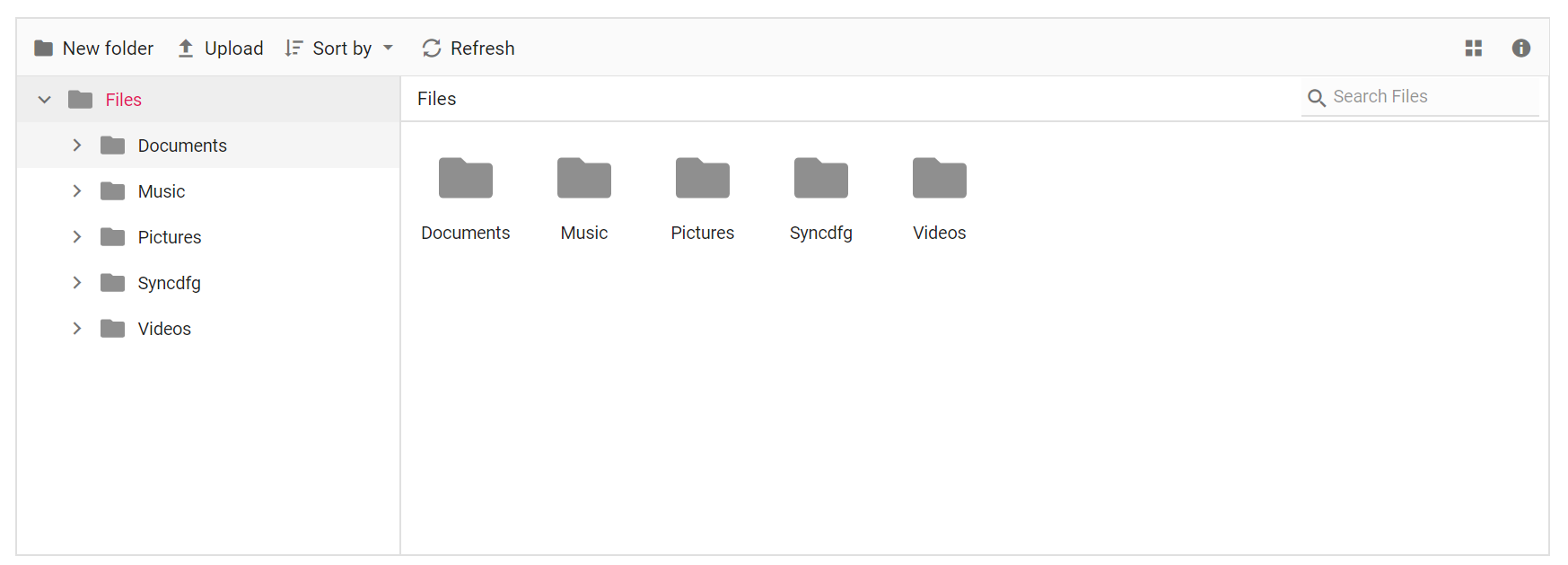
After adding the script file in the layout page, render the File Manager control. The following example shows how to render the File Manager in IE browser.
The output will look like the image below.