How to add custom item in toolbar
18 Nov 20181 minute to read
You can modify the items displayed in the toolbar by utilizing the toolbarItems API. To display both default and customized items, it’s essential to assign a unique name to each item. Additionally, you have the flexibility to alter the default items by adjusting properties such as tooltipText, iconCss, Text, suffixIcon and more. This level of customization allows you to tailor the toolbar to your specific requirements and design preferences. The names used in the code example below serve as unique identifiers for default toolbar items, while custom items can be assigned any unique name value to distinguish them from the defaults.
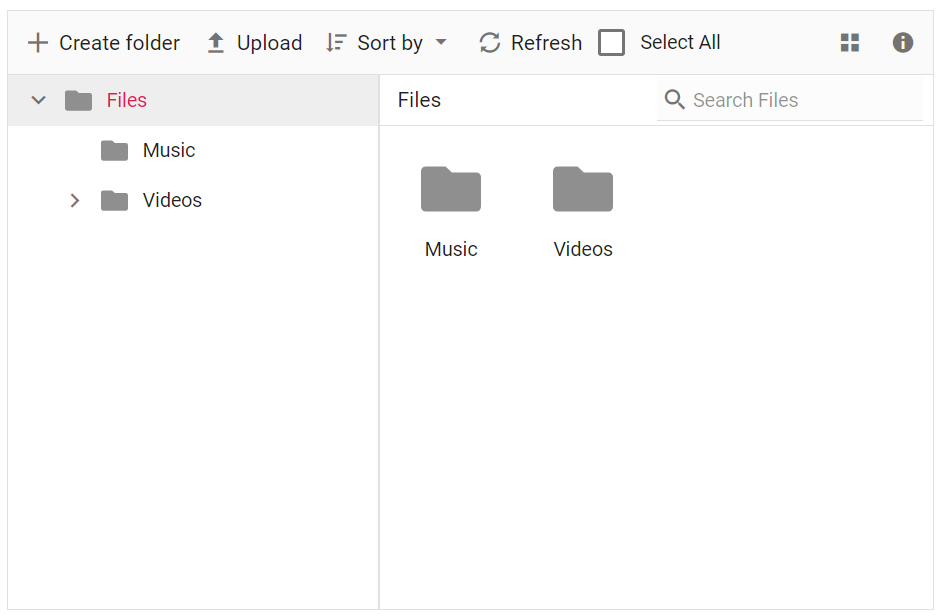
For instance, here’s an example of how to add a custom checkbox to the toolbar using the template property. Here we have modified the default New Folder item and added a custom toolbar item for selection.
The output will look like the image below.