Nested File Manager in ASP.NET Core
18 Nov 20181 minute to read
File Manager can be rendered inside other controls like Tab, Dialog, and more.
Adding File Manager inside the dialog
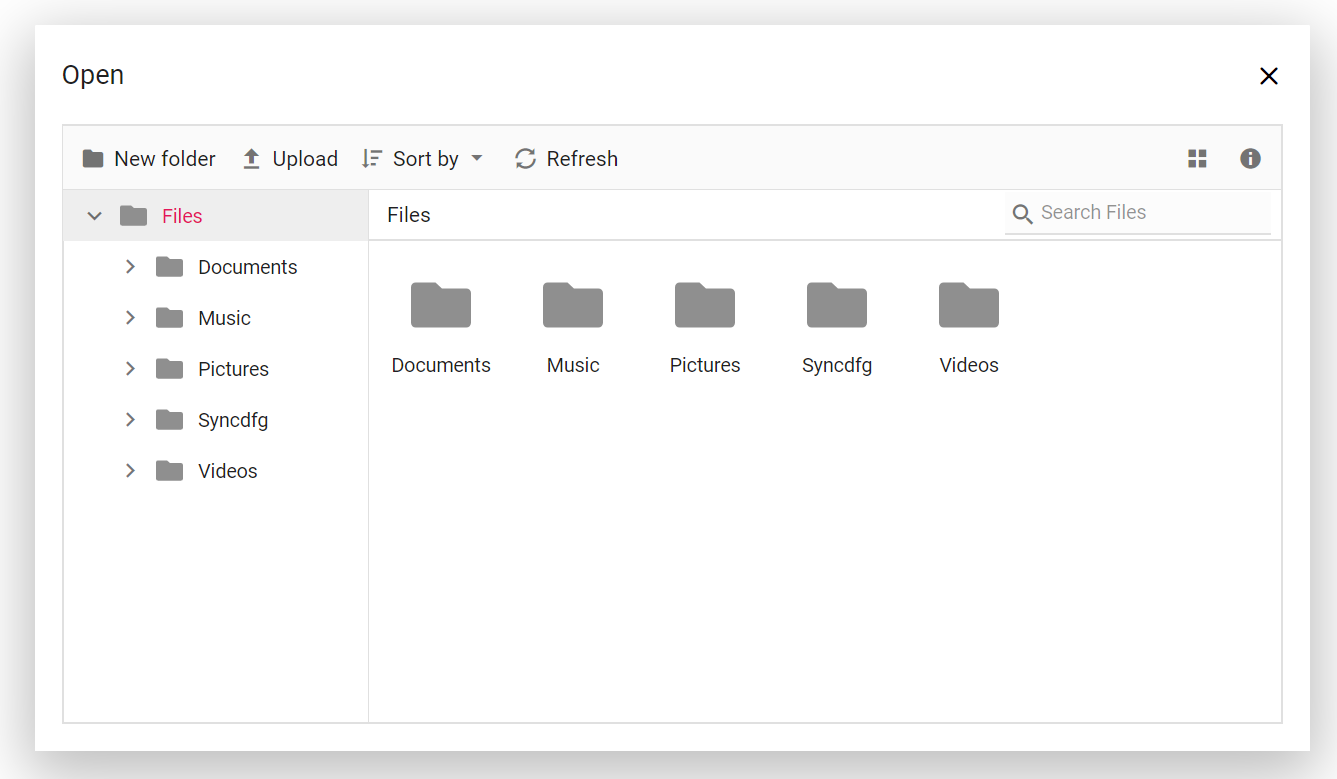
The following example shows the File Manager control rendered inside the dialog. Click the browse button in the Uploader element to open the File Manager inside the Dialog control.
The initial output will look like the image below.

After clicking the file browser button, the File Manager is rendered within a dialog. The output will look like the image below.
Adding File Manager inside the tab
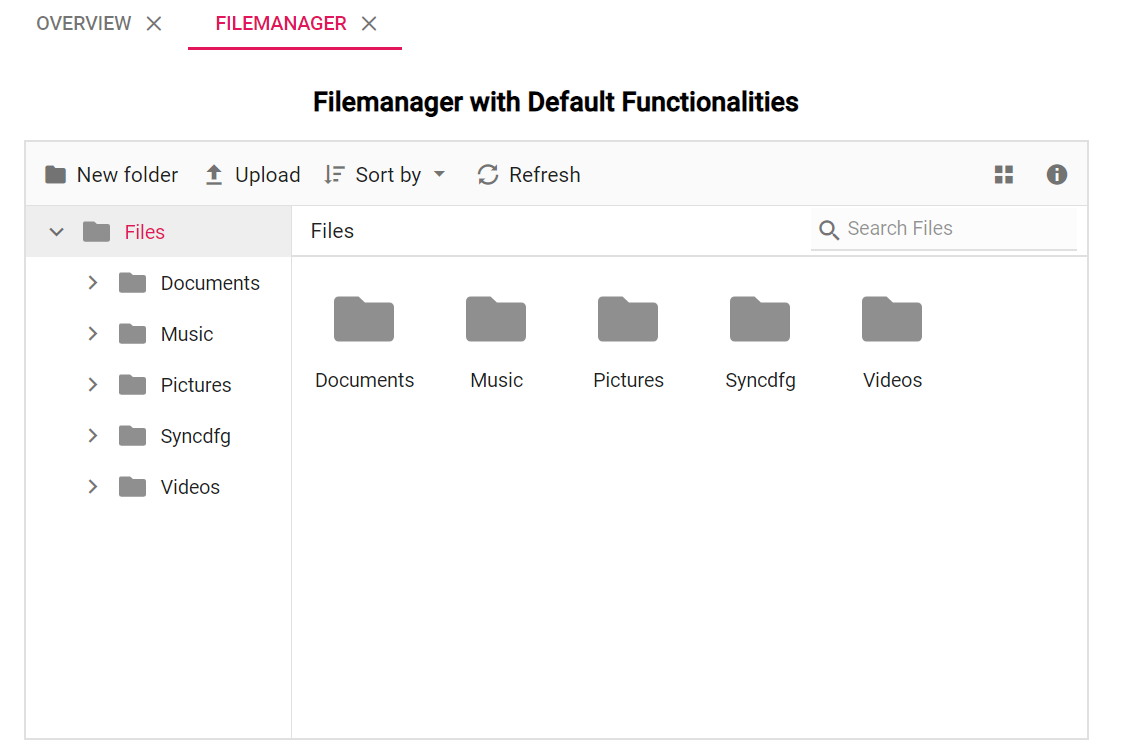
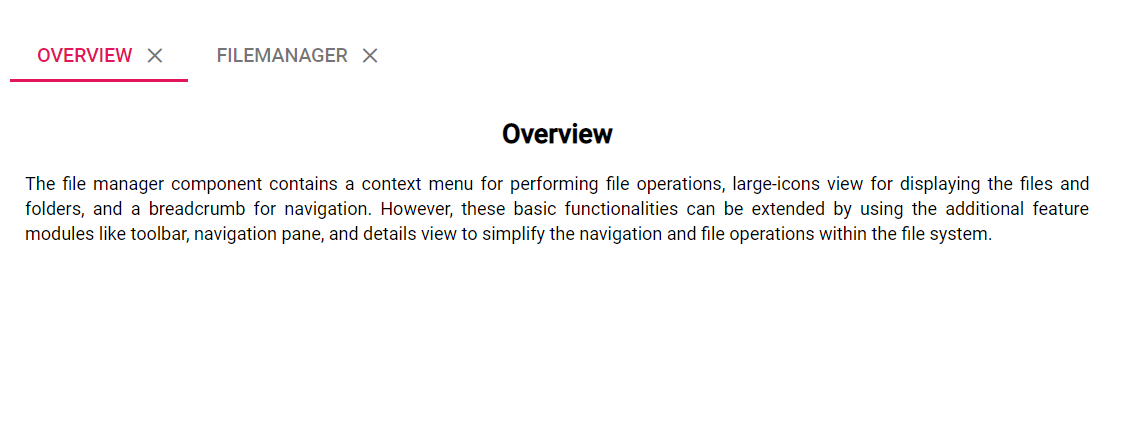
The following example demonstrates the File Manager control placed inside the content area of a tab element.
The initial view output will look like the image below.
The output will look like the image below when the File Manager is placed inside the tab.