RTL in Blazor Smart PDF Viewer
17 Jul 20261 minute to read
The Blazor Smart PDF Viewer supports Right-to-Left (RTL) layout for right-to-left languages, such as Arabic and Hebrew. RTL affects the viewer UI, toolbar alignment, and content flow. RTL is disabled by default and can be enabled by setting the EnableRtl property to true.
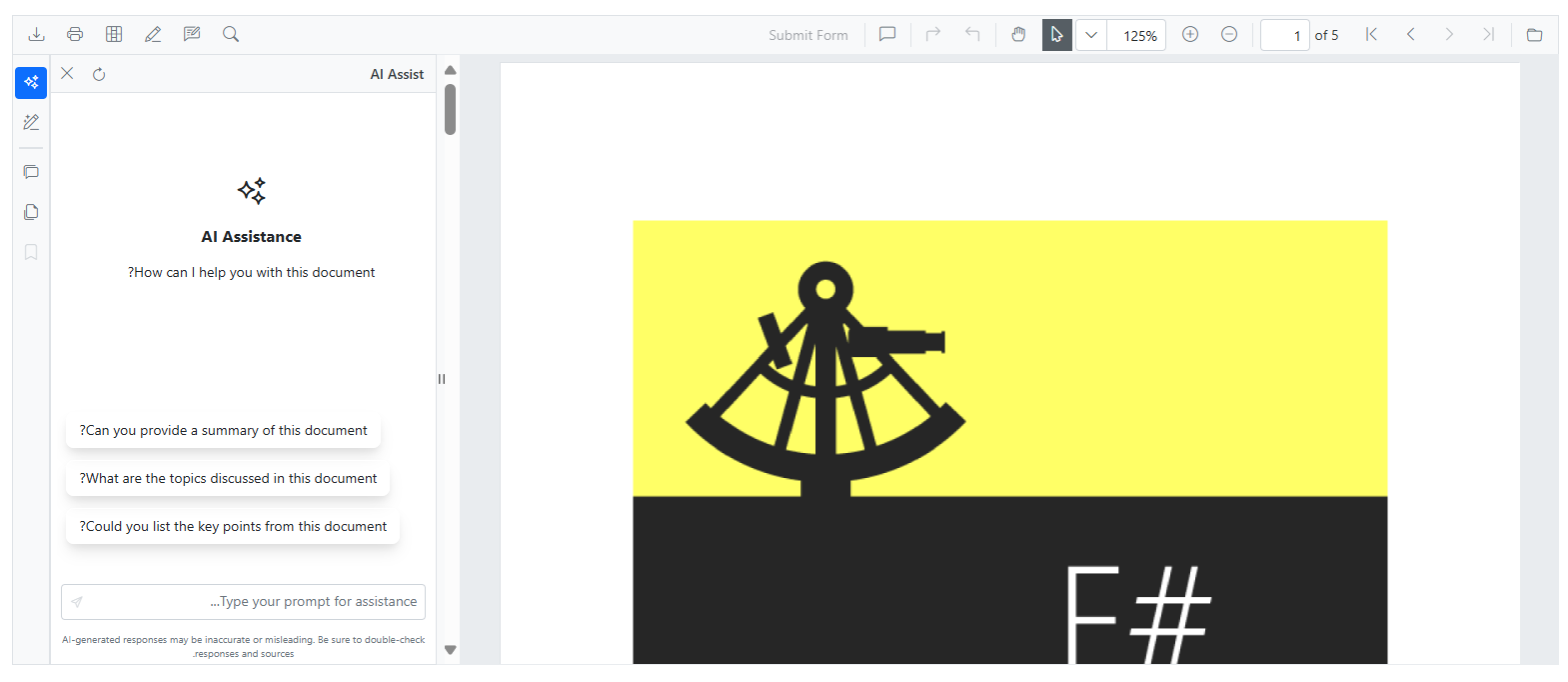
Example
@* Enables Right-to-Left layout support for languages like Arabic and Hebrew *@

<SfSmartPdfViewer DocumentPath="https://cdn.syncfusion.com/content/pdf/pdf-succinctly.pdf"
EnableRtl="true">
</SfSmartPdfViewer>