Enable Print Rotation in JavaScript (ES6) PDF Viewer
14 Aug 20261 minute to read
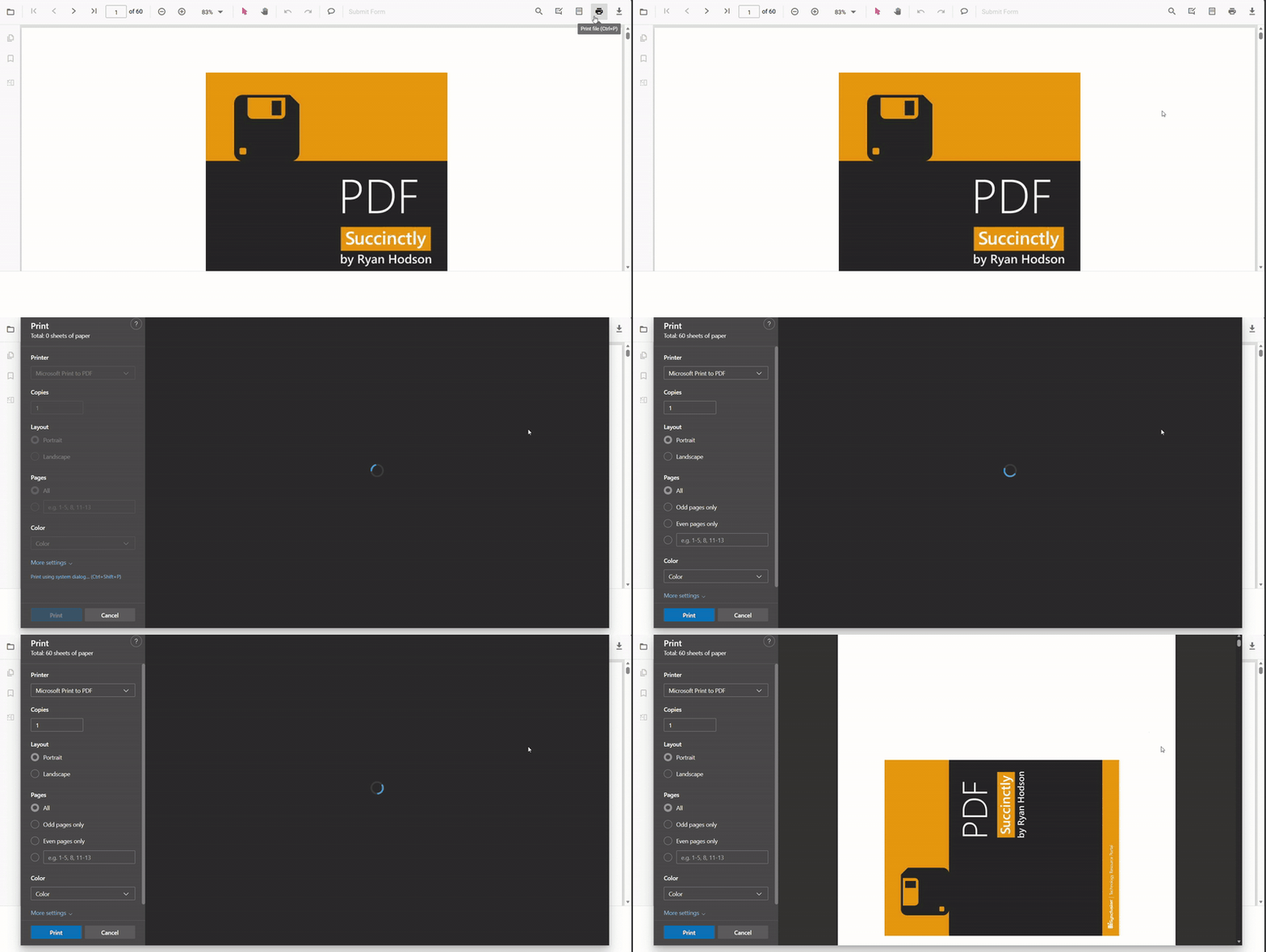
Use the enablePrintRotation property to enable automatic rotation of landscape pages during printing so they match the paper orientation. Enable this setting to reduce clipping of landscape pages; disable it to preserve the document’s original orientation. Ensure the Print module is injected before using this property — see the PdfViewer API reference: PdfViewer API Reference.
import { PdfViewer, TextSelection, TextSearch, Print, Navigation, Toolbar, Magnification, Annotation, FormDesigner, FormFields, PageOrganizer } from '@syncfusion/ej2-pdfviewer';

// Inject required modules
PdfViewer.Inject(TextSelection, TextSearch, Print, Navigation, Toolbar, Magnification, Annotation, FormDesigner, FormFields, PageOrganizer);

const pdfviewer: PdfViewer = new PdfViewer({
    documentPath: 'https://cdn.syncfusion.com/content/pdf/pdf-succinctly.pdf',
    resourceUrl: "https://cdn.syncfusion.com/ej2/31.1.23/dist/ej2-pdfviewer-lib",
    enablePrintRotation: true,
});
pdfviewer.appendTo('#PdfViewer');
import { PdfViewer, TextSelection, TextSearch, Print, Navigation, Toolbar, Magnification, Annotation, FormDesigner, FormFields, PageOrganizer } from '@syncfusion/ej2-pdfviewer';
// Inject required modules
PdfViewer.Inject(TextSelection, TextSearch, Print, Navigation, Toolbar, Magnification, Annotation, FormDesigner, FormFields, PageOrganizer);
const pdfviewer: PdfViewer = new PdfViewer({
documentPath: 'https://cdn.syncfusion.com/content/pdf/pdf-succinctly.pdf',
serviceUrl: 'https://document.syncfusion.com/web-services/pdf-viewer/api/pdfviewer/',
enablePrintRotation: true,
});
pdfviewer.appendTo('#PdfViewer');