Move and Resize Form Fields in JavaScript (ES6) PDF Viewer
14 Aug 20261 minute to read
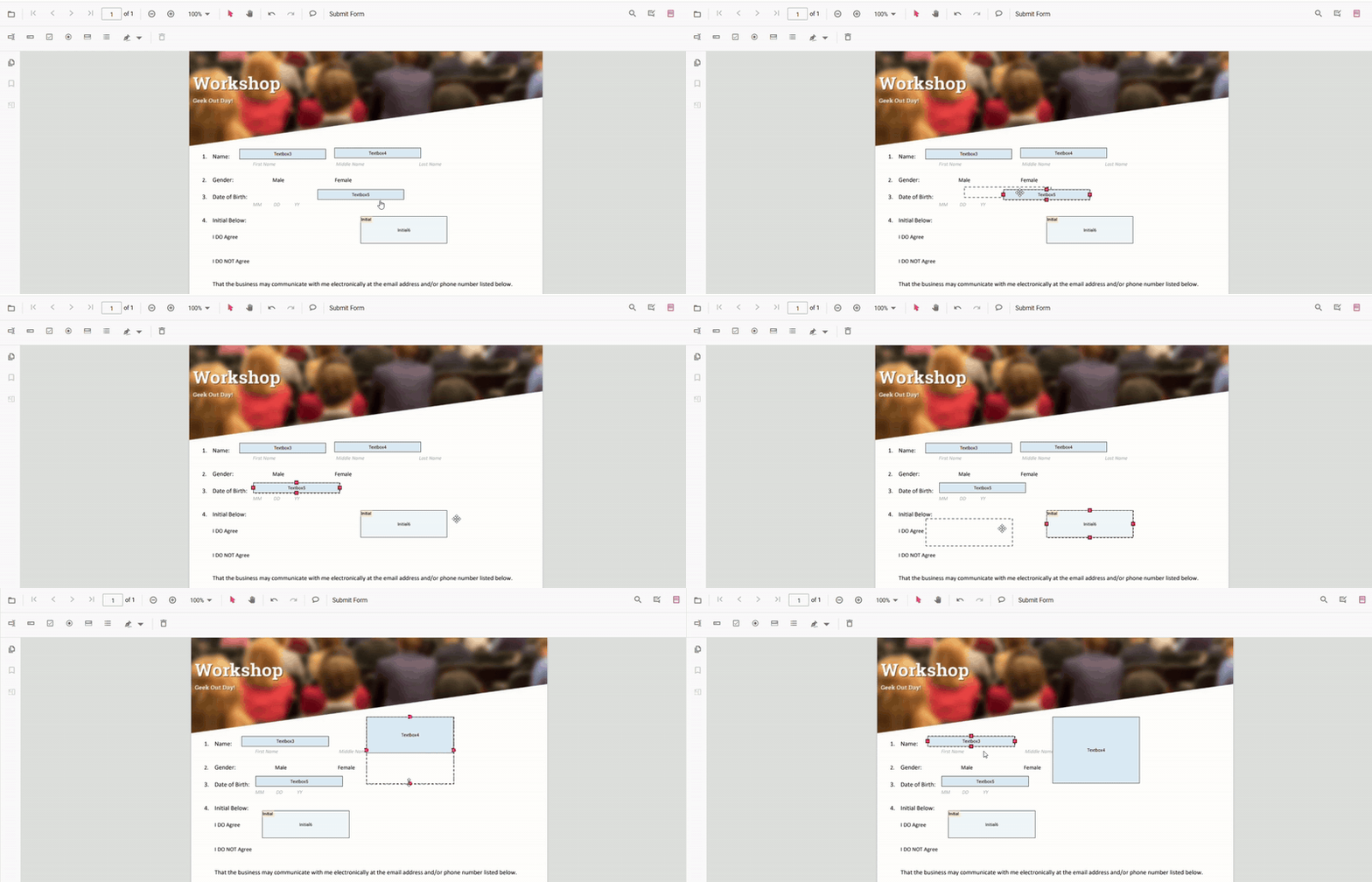
- Move: Drag the form field to reposition it.
- Resize: Use the resize handles to change width and height.
Move and resize fields programmatically (API)
You can set absolute bounds or move fields by a delta.
Set absolute bounds
<button id="resizeMove">Resize and Move form fields</button>// Move & resize by setting absolute bounds
(document.getElementById('resizeMove') as HTMLButtonElement)?.addEventListener(
'click',
() => {
// Retrieve form fields collection
const fields = pdfviewer.retrieveFormFields();
// Find the textbox field by name (Here field name is First Name)
const field = fields.find((f: any) => f.name === 'First Name') || fields[0]; //Update Name accordingly
if (field) {
// Update bounds to move or resize form fields
pdfviewer.formDesignerModule.updateFormField(field, {
bounds: { X: 140, Y: 210, Width: 220, Height: 24 }, // new absolute position & size
} as TextFieldSettings);
}
}
);