Print Modes in Blazor PDF Viewer
18 Aug 20261 minute to read
The PrintMode property determines how the print dialog is opened in the PDF Viewer. By default, it is set to PrintMode.Default, which opens the print dialog from the same browser window.
Available print modes
- PrintMode.Default: Opens the print dialog from the current browser window.
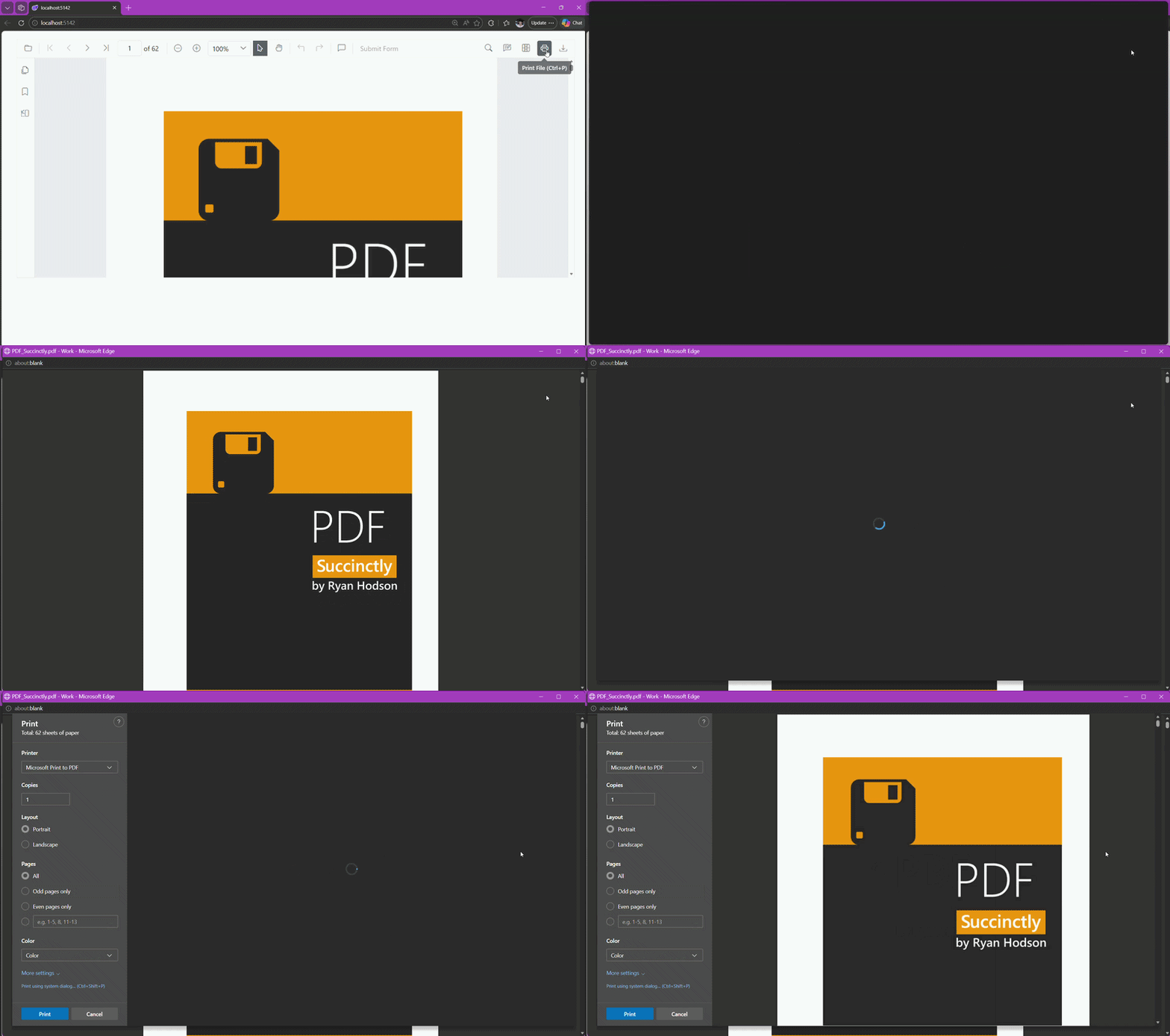
- PrintMode.NewWindow: Opens the print dialog in a new browser window or tab. This mode may be blocked by browser pop-up blockers.
Set print mode
You can configure the print mode during the initialization of the PDF Viewer component by setting the PrintMode property.
@using Syncfusion.Blazor.SfPdfViewer

<SfPdfViewer2 Height="100%"
              Width="100%"
              DocumentPath="@DocumentPath"
              PrintMode="PrintMode.NewWindow" />

@code {
    private string DocumentPath { get; set; } = "wwwroot/Data/PDF_Succinctly.pdf";
}
Disable the browser’s pop-up blocker for the site, or allow new windows/tabs, when using
PrintMode.NewWindow.