About Syncfusion Print PDF in Blazor PDF Viewer Component
14 Aug 20262 minutes to read
The Blazor PDF Viewer includes built-in printing via the toolbar and APIs so users can control how documents are printed and monitor the process.
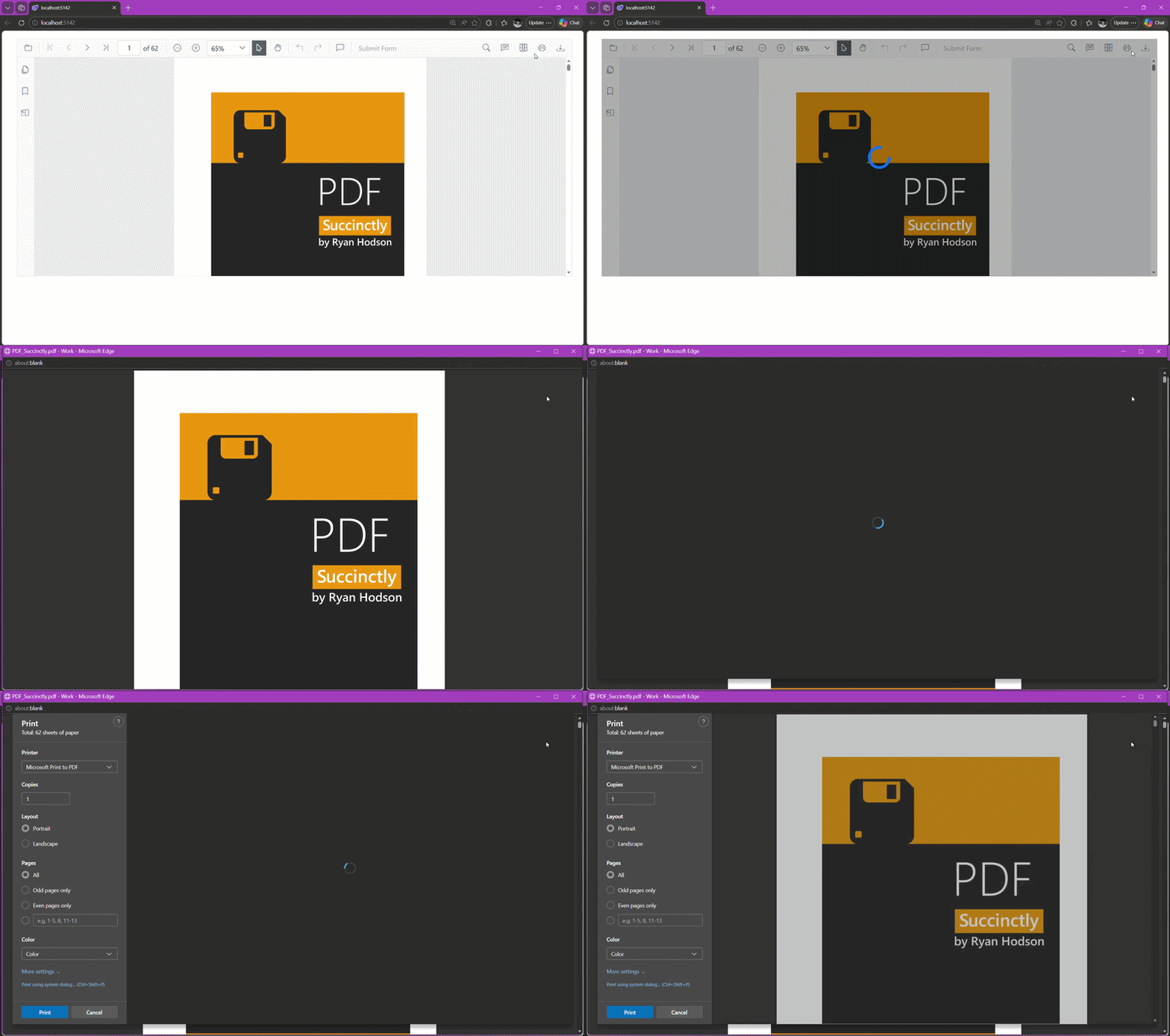
Select Print in the built-in toolbar to open the browser print dialog.
Enable or Disable Print in Blazor PDF Viewer
Control whether printing is available by setting the EnablePrint property (true enables printing; false disables it).
The following Blazor example renders the PDF Viewer with printing disabled.
@using Syncfusion.Blazor.SfPdfViewer

<SfPdfViewer2 Height="100%"
              Width="100%"
              DocumentPath="@DocumentPath"
              EnablePrint="false" />

@code{
    private string DocumentPath { get; set; } = "wwwroot/Data/PDF_Succinctly.pdf";
}
Print programmatically in Blazor PDF Viewer
To start printing from code, call the PrintAsync() method after the document is fully loaded. This approach is useful when wiring up custom UI or initiating printing automatically.
If called before the document finishes loading,
PrintAsync()produces no output or an empty print dialog.
@using Syncfusion.Blazor.SfPdfViewer
@using Syncfusion.Blazor.Buttons
@using Microsoft.AspNetCore.Components.Web

<SfButton OnClick="OnClick">Print</SfButton>
<SfPdfViewer2 Width="100%"
              Height="100%"
              DocumentPath="@DocumentPath"
              @ref="@Viewer" />

@code{
    private SfPdfViewer2? Viewer;
    private string DocumentPath { get; set; } = "wwwroot/Data/PDF_Succinctly.pdf";

    private async Task OnClick(MouseEventArgs args)
    {
        await Viewer.PrintAsync();
    }
}
Key capabilities
- Enable or disable printing with the EnablePrint property
- Start printing from UI (toolbar Print) or programmatically using PrintAsync().
- Auto‑rotate pages during print using EnablePrintRotation
- Choose where printing happens with PrintMode (Default or NewWindow)
- Track the life cycle with PrintStart and PrintEnd events