Getting Started with Server-Backed Angular PDF Viewer
25 Aug 20265 minutes to read
This section explains how to create a simple Angular application and add the server-backed Syncfusion® Angular PDF Viewer component with the minimum required setup.
As of the 2026 Vol 2 main release (July 6, 2026), no new features will be added to the server-backed PDF Viewer, as almost all of the PDF Viewer functionalities are now available in the Standalone PDF Viewer. If you are currently using the server-backed PDF Viewer, refer to the migration documentation to transition to the Standalone PDF Viewer.
Prerequisites
System requirements for Syncfusion® Angular components
Create an Angular application
Use Angular CLI to create a new Angular application, as it provides a standardized project structure, built-in testing tools, and simplified deployment.
Install Angular CLI globally, using the following command:
npm install -g @angular/cliCreate a new Angular application using the following commands:
ng new pdfviewer-app
cd pdfviewer-app
Note: When prompted during project creation, select the default options: CSS for stylesheet, No for SSR/SSG, and None for AI tools.
Install the Syncfusion® Angular PDF Viewer package
Install the Syncfusion Angular PDF Viewer package from npm:
npm install @syncfusion/ej2-angular-pdfviewer --saveImport the required CSS styles
Themes for PDF Viewer can be applied using CSS or SASS files from the npm theme packages, CDN, CRG, or Theme Studio. For more information, see the themes documentation.
This guide uses the Tailwind 3 theme as an example, sourced from the theme package. In this package, each component includes an index.css file that automatically loads all the required dependency styles. To install the Tailwind 3 theme package, use the following command:
npm install @syncfusion/ej2-tailwind3-themeAdd the required PDF Viewer theme style reference to the src/styles.css file:
@import '../node_modules/@syncfusion/ej2-tailwind3-theme/styles/pdfviewer/index.css';The
index.cssfile automatically includes all required dependent component styles for the PDF Viewer. You do not need to import individual dependency styles such as Base, Buttons, Dropdowns, Inputs, Navigations, Popups, SplitButtons, and Notifications separately.
Note: Refer to the Themes topic to learn more about built-in themes and different ways to refer to themes in an Angular project.
Add the Syncfusion® Angular PDF Viewer component to the application
Add the PDF Viewer component to your Angular application in server-backed mode. In this mode, the PDF Viewer communicates with a server-side web service through the serviceUrl property.
The example below uses a standalone component. The default project uses standalone components, and the root component file is src/app/app.ts. Update it as shown below:
import { Component } from '@angular/core';
import { PdfViewerModule, LinkAnnotationService, BookmarkViewService,
         MagnificationService, ThumbnailViewService, ToolbarService,
         NavigationService, TextSearchService, TextSelectionService,
         PrintService, FormDesignerService, FormFieldsService,
         AnnotationService, PageOrganizerService } from '@syncfusion/ej2-angular-pdfviewer';

@Component({
  selector: 'app-root',
  standalone: true,
  imports: [PdfViewerModule],
   providers: [ LinkAnnotationService, BookmarkViewService, MagnificationService,
               ThumbnailViewService, ToolbarService, NavigationService,
               TextSearchService, TextSelectionService, PrintService,
               AnnotationService, FormDesignerService, FormFieldsService, PageOrganizerService],
  template: `
    <ejs-pdfviewer
      id="pdfViewer"
      [serviceUrl]="serviceUrl"
      [documentPath]="documentPath"
      style="height:640px; display:block">
    </ejs-pdfviewer>
  `
})
export class App {
  public serviceUrl: string =
    'https://document.syncfusion.com/web-services/pdf-viewer/api/pdfviewer';

  public documentPath: string =
    'https://cdn.syncfusion.com/content/pdf/pdf-succinctly.pdf';
}
The
documentPathproperty sets the PDF file path to be loaded. You can provide a remote URL, Base64 string, or local file path (e.g.,'assets/sample.pdf') and theserviceUrlproperty specifies the server-side PDF Viewer web service endpoint for PDF rendering. The service URL shown above is for evaluation purposes only. For production, host your own PDF Viewer web service.
Run the application
Run the following command to start the Angular application:
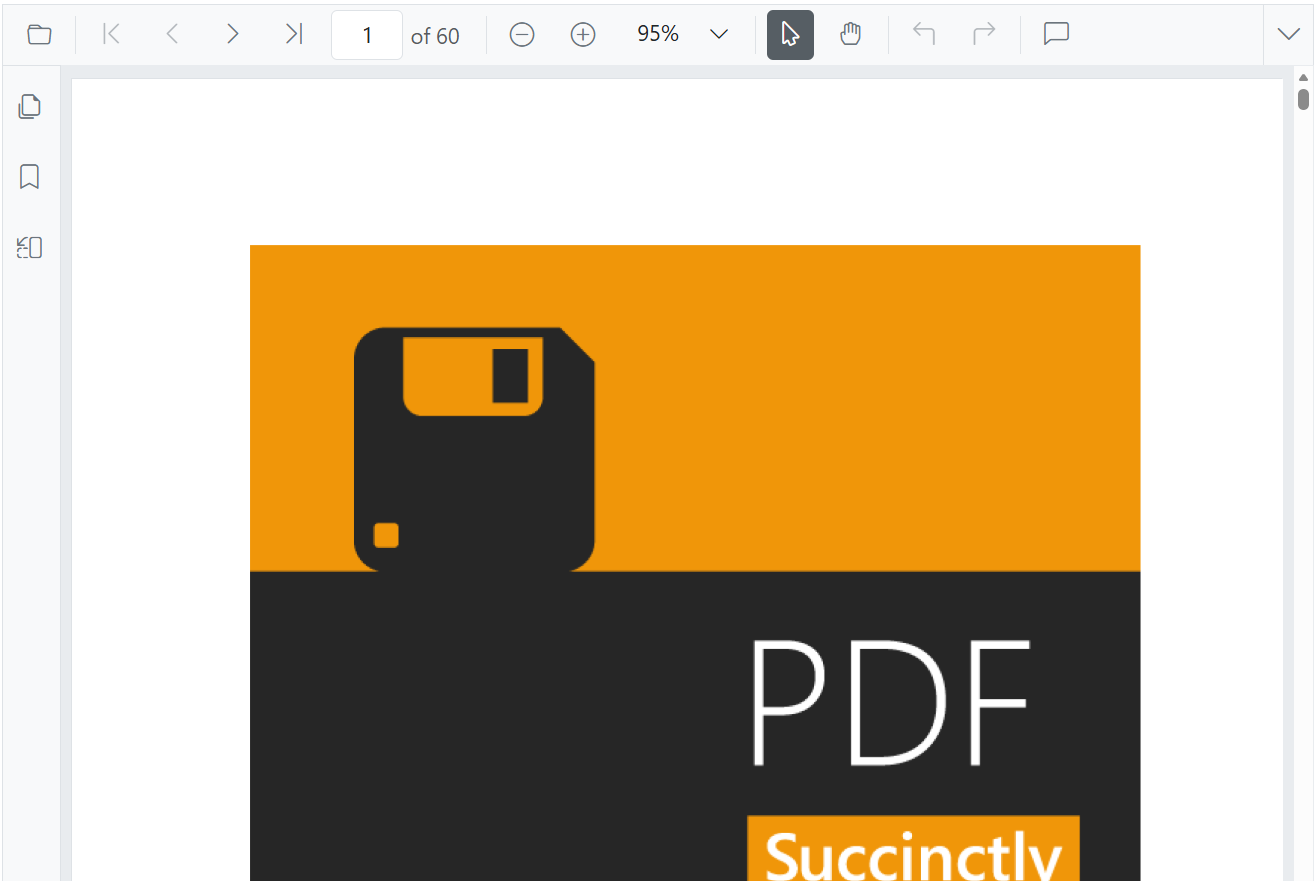
ng serve --openAfter the application starts, open http://localhost (the default Angular dev server URL) in a modern browser such as Chrome, Edge, Firefox, or Safari to view the Angular PDF Viewer component. The output will appear as follows:
Run the PDF Viewer web service
To host your own PDF Viewer service:
- Download or clone the EJ2-PDFViewer-WebServices repository.
- Navigate to the appropriate folder based on your .NET version:
- .NET 6.0 → PdfViewerWebService_6.0
- .NET 8.0 → PdfViewerWebService_8.0
- Restore dependencies and run the service:
dotnet restore
dotnet run
The service will run at https://localhost:7255/pdfviewer. Configure this URL in the serviceUrl property.
Note: In server-backed mode,
pdfium.jsandpdfium.wasmare not required because all PDF rendering happens on the server.
Angular version compatibility and older versions
For detailed compatibility information, refer to the Angular version support matrix.
- Create a Standalone PDF Viewer in Angular 17 and above with-no-standalone-flag.
- Create a Standalone PDF Viewer in Angular 17 and above without –no-standalone flag.
- Create a Standalone PDF Viewer in Angular 12
For older Angular versions, refer to the respective Angular PDF Viewer guides.