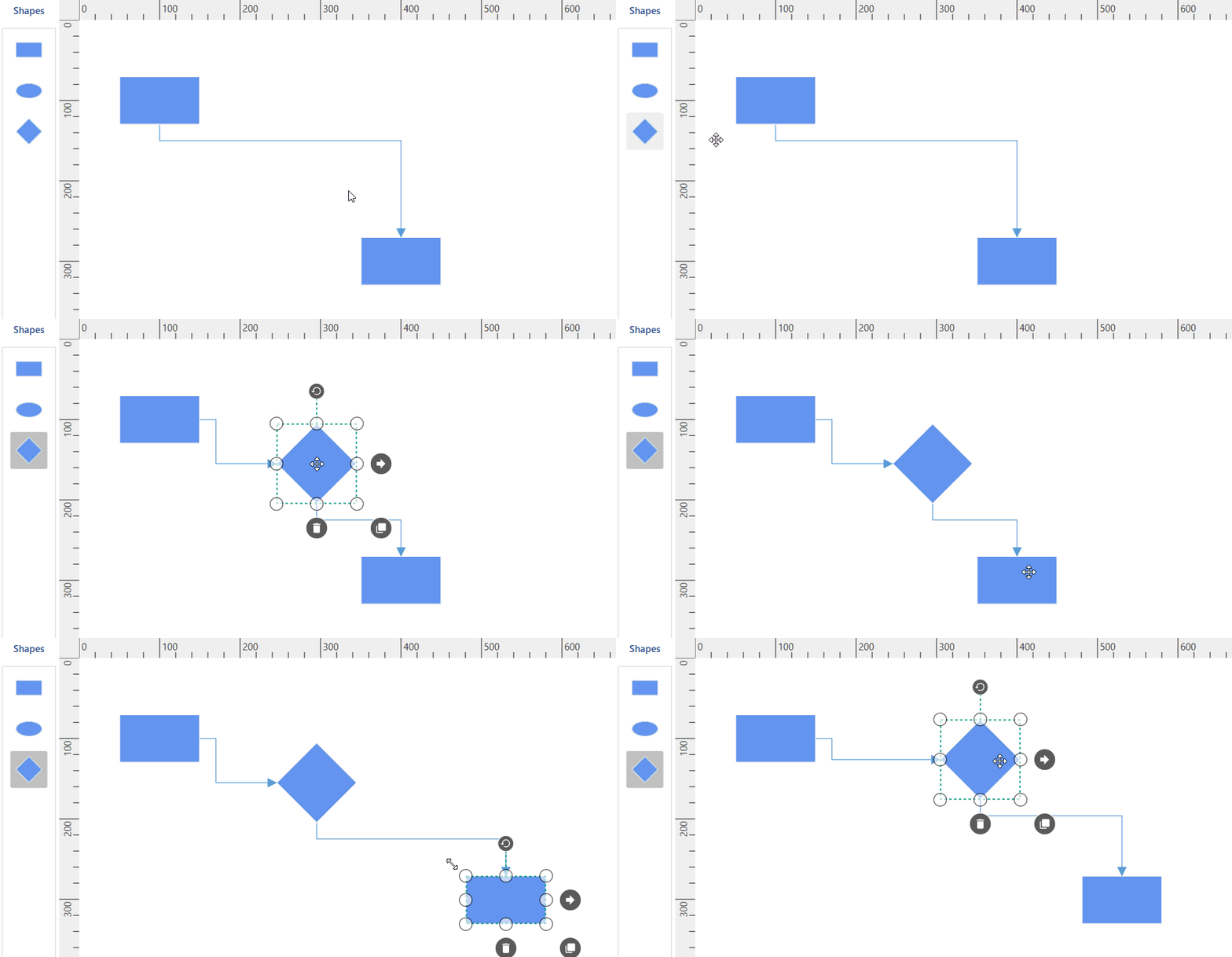
Enable connector splitting in WPF Diagram (SfDiagram)
18 Nov 20181 minute to read
The connectors are used to create a link between two points, ports, or nodes to represent the relationship between them. You can split the connector between two nodes when dropping a new node onto an existing connector and create a connection between the new node and existing nodes by setting EnableConnectorSplitting as true. The default value of EnableConnectorSplitting is false.
<Syncfusion:SfDiagram x:Name="Diagram" EnableConnectorSplitting="True"/>SfDiagram Diagram = new SfDiagram();
Diagram.EnableConnectorSplitting = true;