SelectByType Command in WPF Diagram (SfDiagram)
18 Nov 20181 minute to read
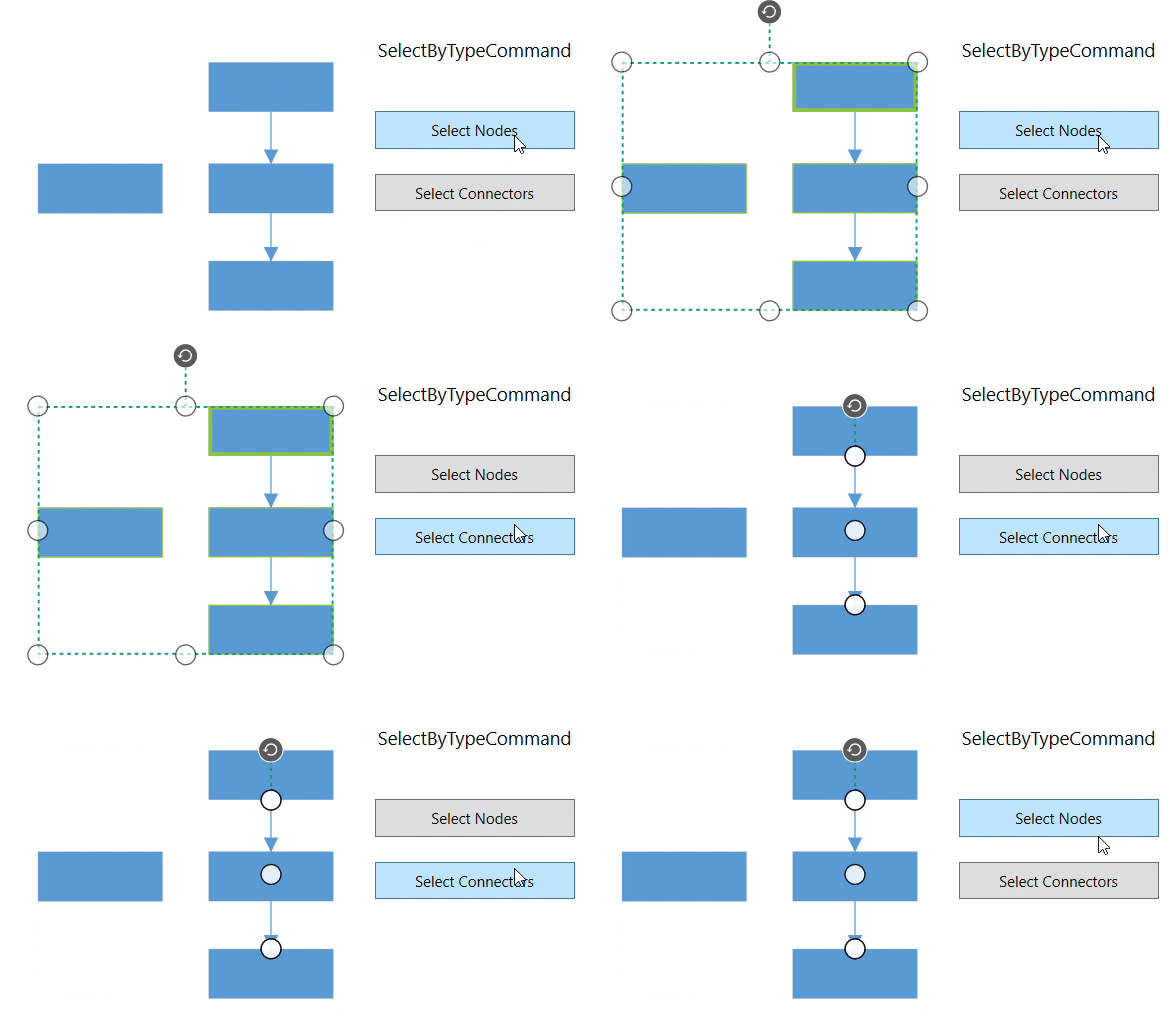
The SelectByType command is used to select the specified type (such as NodeViewModel, BpmnNodeViewModel, etc.) of elements in the diagram.
<Button Height="50" Content="SelectByType" Name="SelectByType" Command="Syncfusion:DiagramCommands.SelectByType" CommandParameter="{x:Type Syncfusion:NodeViewModel}"></Button>IGraphInfo graphinfo = diagramcontrol.Info as IGraphInfo;
graphinfo.Commands.SelectByType.Execute(typeof(NodeViewModel));