Export and print in .NET MAUI Diagram
The Diagram control supports exporting the current diagram and sending it to the system printing pipeline. These capabilities let users share, archive, review, and distribute diagram content outside the application.
Note: Visit the export-print API reference for your package version to confirm the export format parameters and platform availability.
Prerequisites
Refer to the Getting started page to create a project, install the package, and register the handler. Export and print examples assume that an SfDiagram instance named diagram is available.
Export members
| Member | Description | Status |
|---|---|---|
| ExportDiagram | Exports the diagram to a file or stream. | Implemented. |
Print members
| Member | Description | Status |
|---|---|---|
| Sends the diagram to the system printing pipeline. | Implemented. |
Export the diagram
Exporting creates an external representation of the diagram that can be shared with stakeholders. Common use cases include attaching diagrams to reports, archiving workflow definitions, and reviewing diagrams offline.
diagram.ExportDiagram();A typical application exports the latest diagram when the user clicks an Export button:
private  void ExportButton_Clicked(object sender, EventArgs e)
{
     diagram.ExportDiagram();
}
Call FitToPage before exporting if you want the visible area to be exported:
diagram.FitToPage();
diagram.ExportDiagram();
Print the diagram
Printing is available through Print. Common use cases include discussions, design reviews, process workshops, and physical archives.
diagram.Print();Call FitToPage before printing if needed:
diagram.FitToPage();
diagram.Print();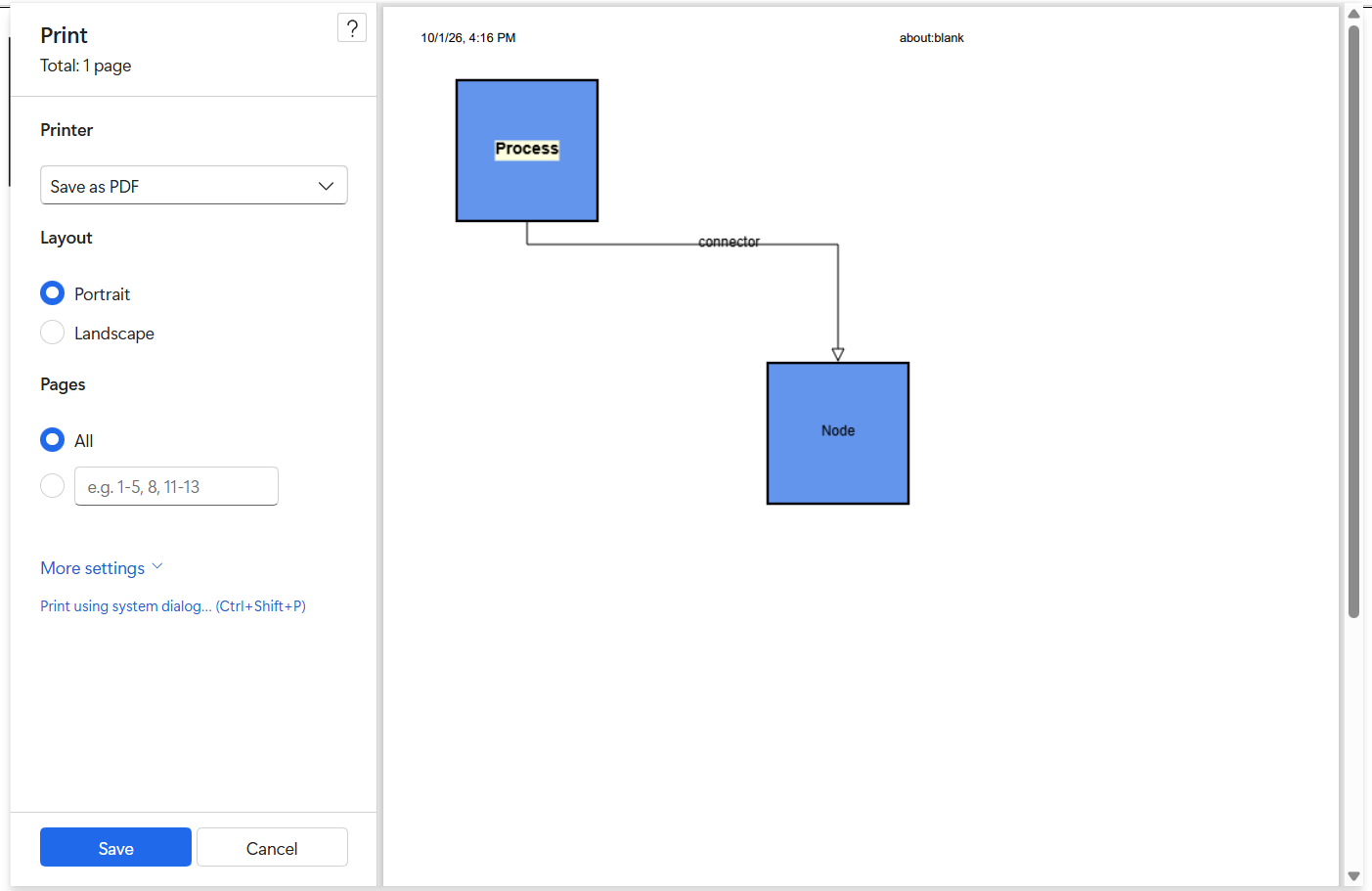
Note: Printing on mobile platforms depends on the underlying operating system support. Validate the supported platforms in the API reference for your package.
Best practices
- Use the asynchronous
ExportDiagramandPrintmethods to keep the UI thread responsive. - Call
FitToPagebefore exporting or printing to make sure that all elements are visible. - Combine export and print with save and load to support versioned archives of diagrams.
- Verify the supported export formats and printing platforms against the API reference for the package version in use.