Docs
18 Nov 20181 minute to read
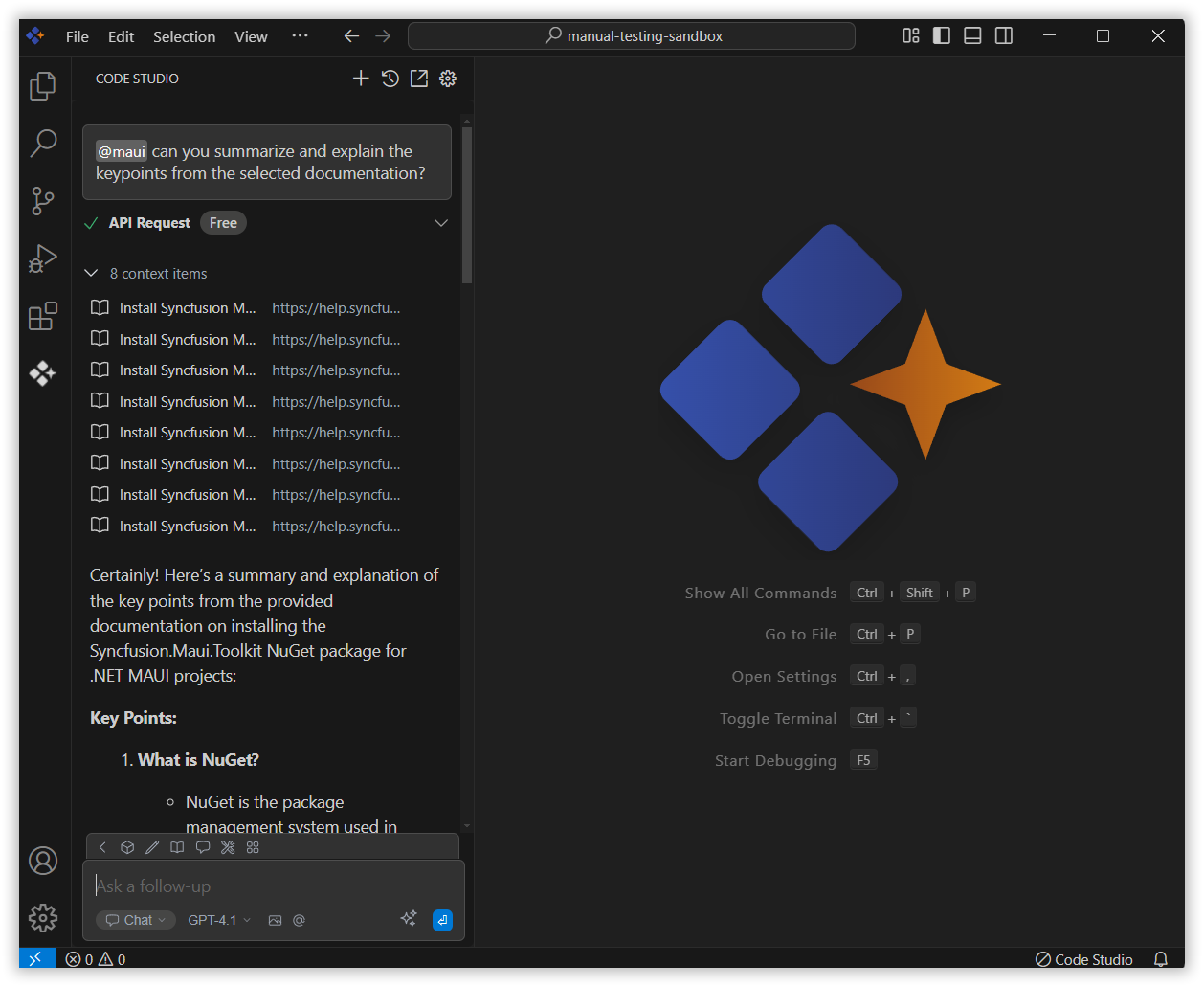
The Docs context provider lets you easily reference content from any documentation site directly within Syncfusion Code Studio, making it more efficient to get help and insights based on the documents you’re working with.
How to Use the Docs context
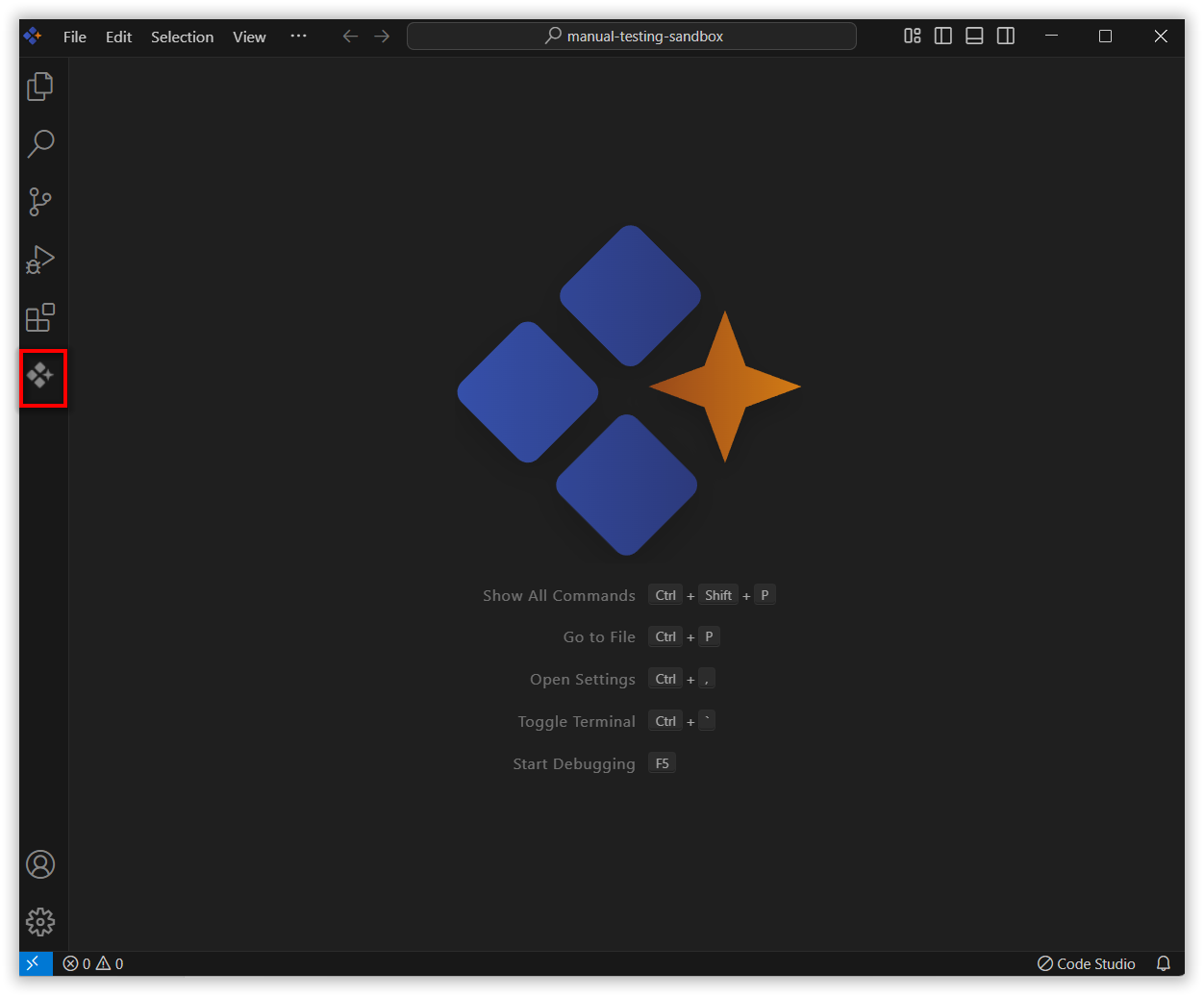
1. Open the Syncfusion Code Studio
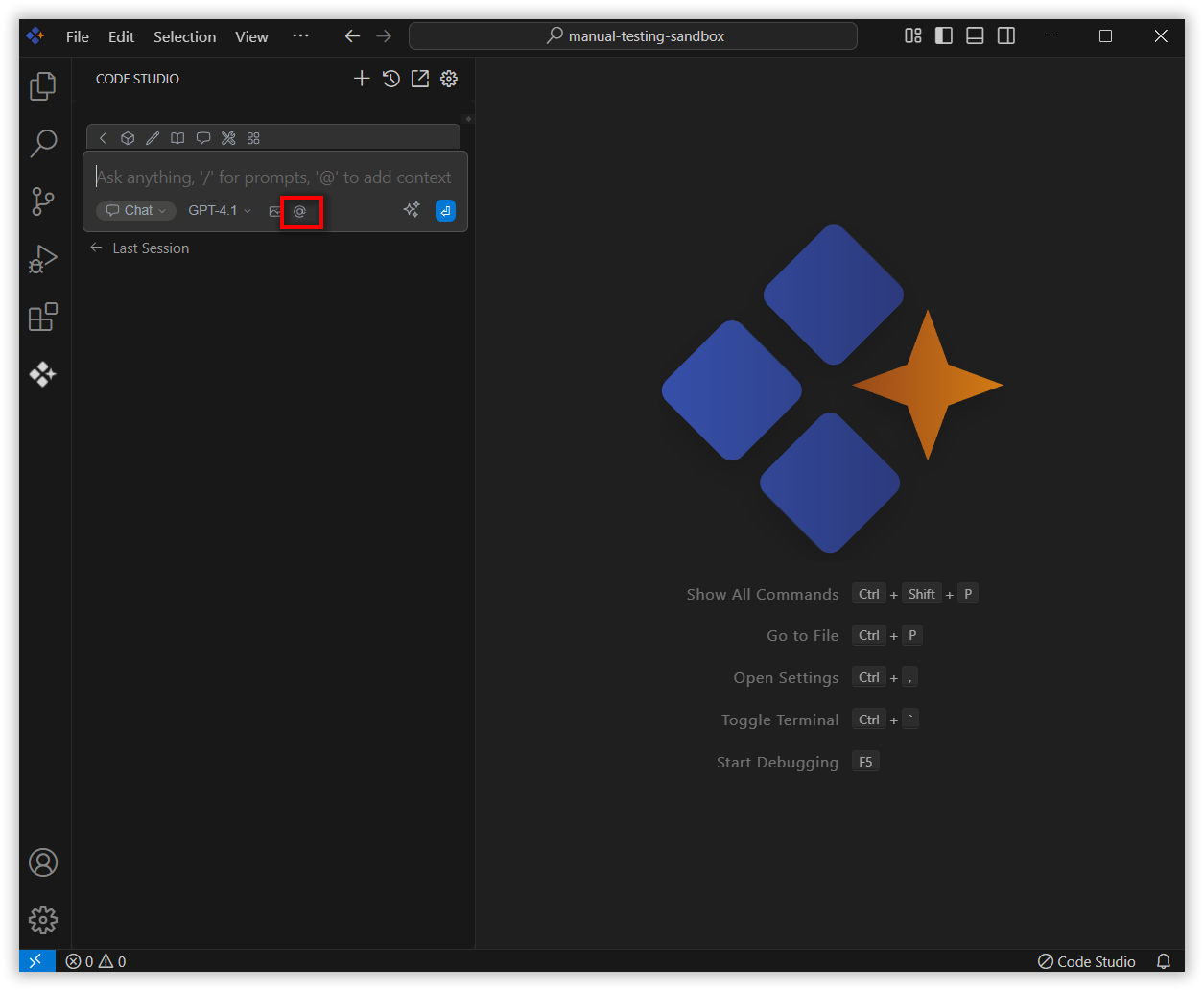
In the Syncfusion Code Studio, the chat interface is located on the left-hand side. This is where you can interact with AI and ask questions or get assistance.
2. Select Docs context
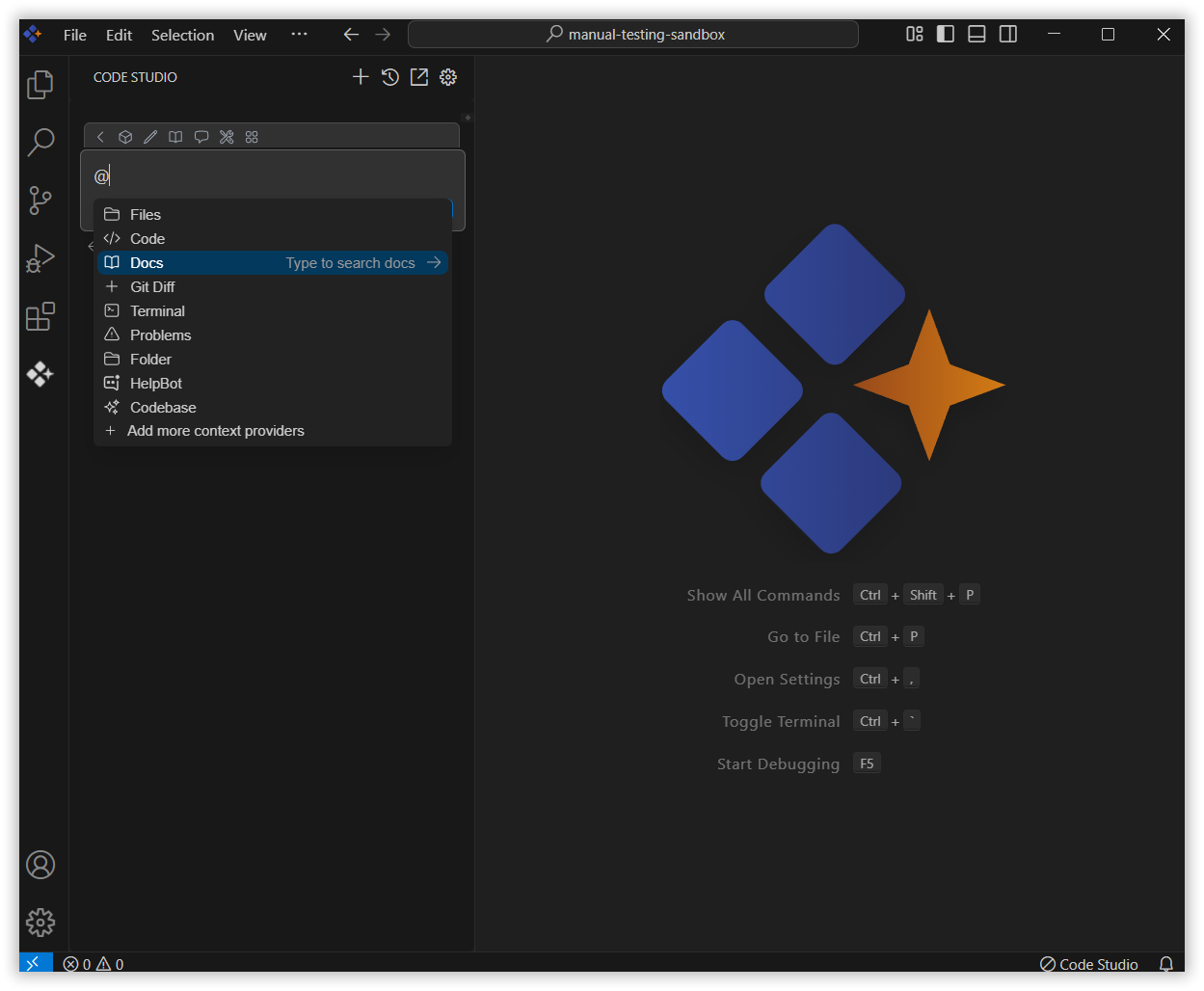
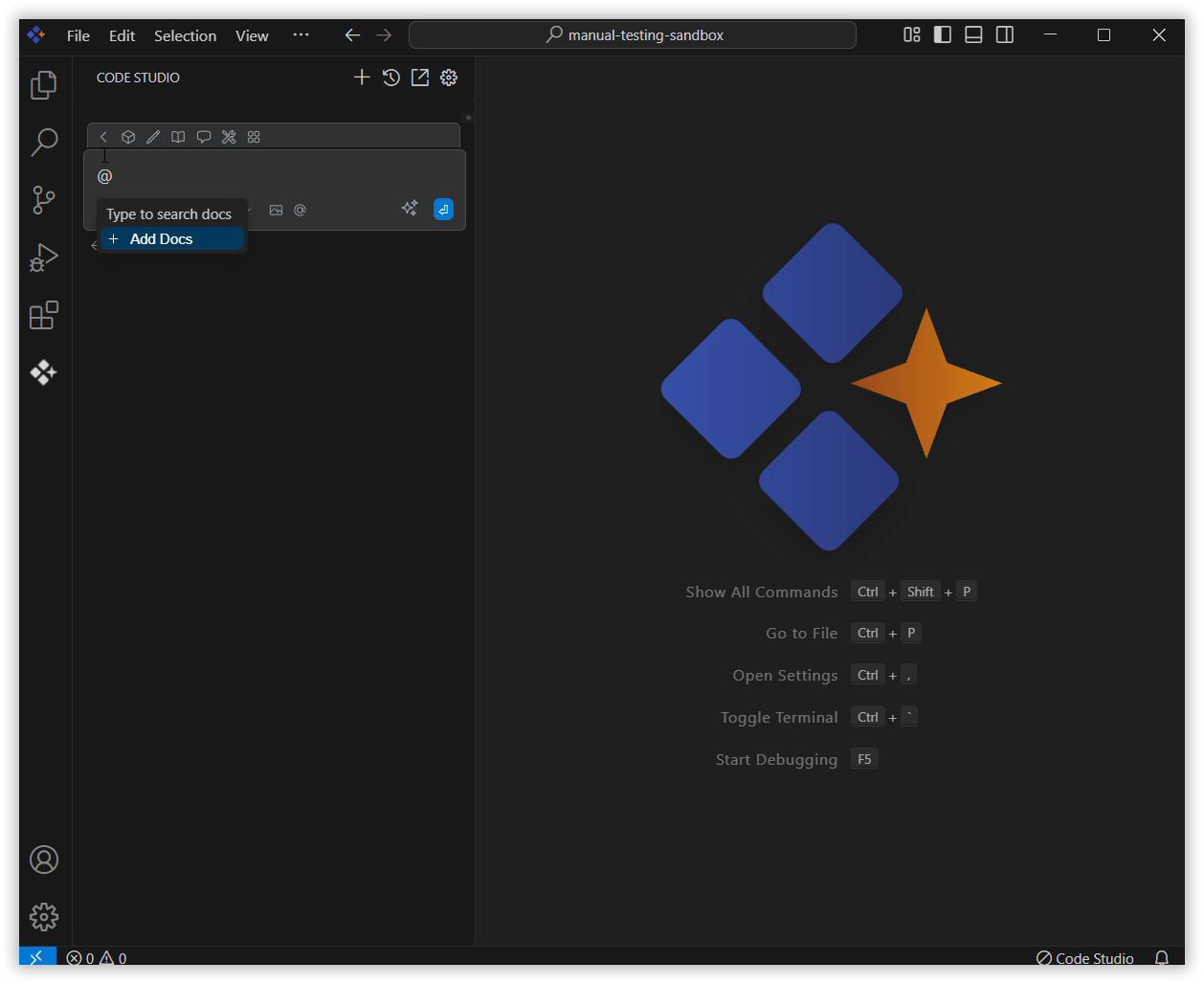
In the chat window, click the @ button and select Docs from the menu.
Note: If you cannot locate the Docs context option in the list, you will need to add it manually to include this context provider in config.yaml file. Please follow the steps outlined in this link to do so.
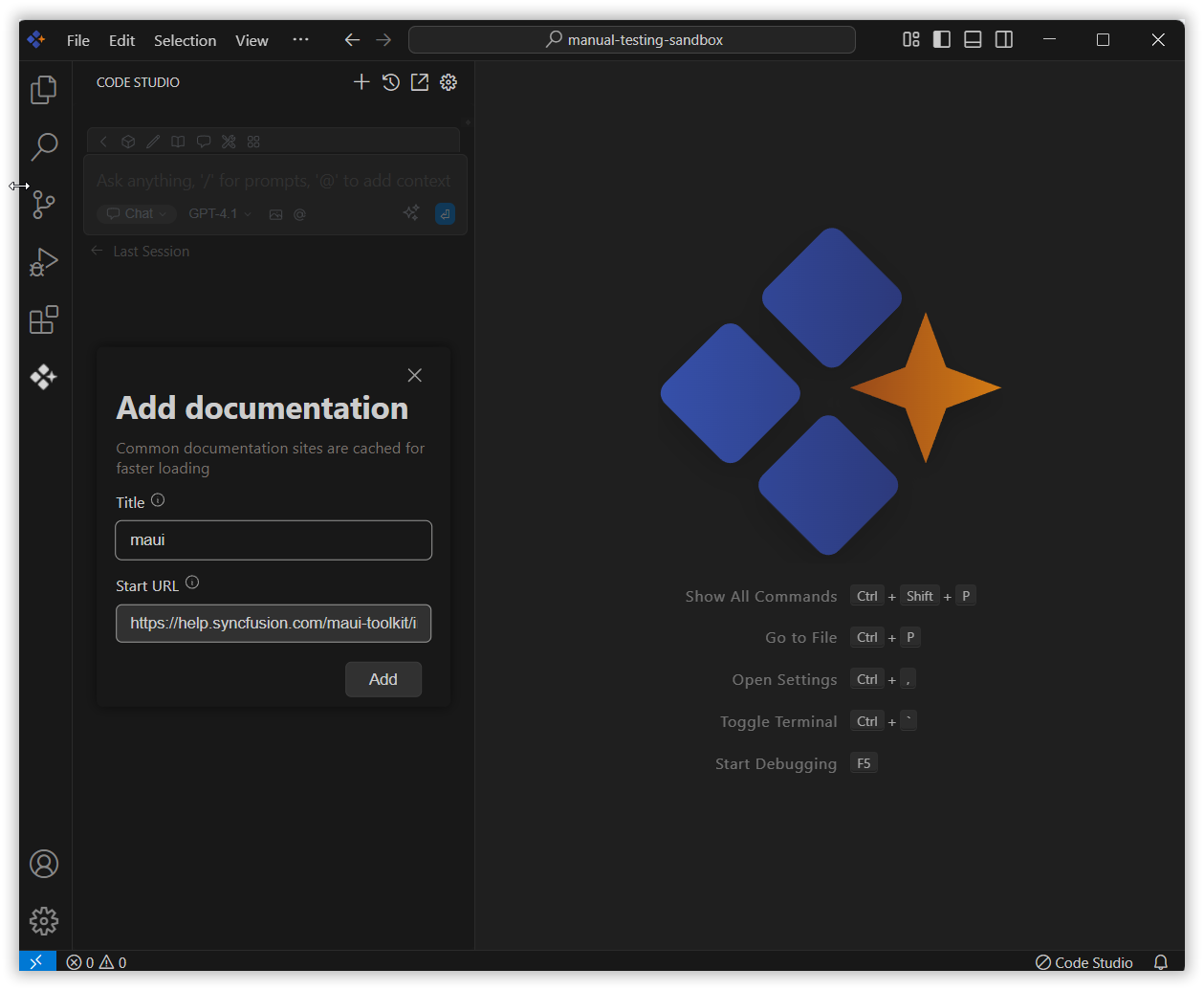
Click Add Docs, enter the title and URL, then click Add to save it.
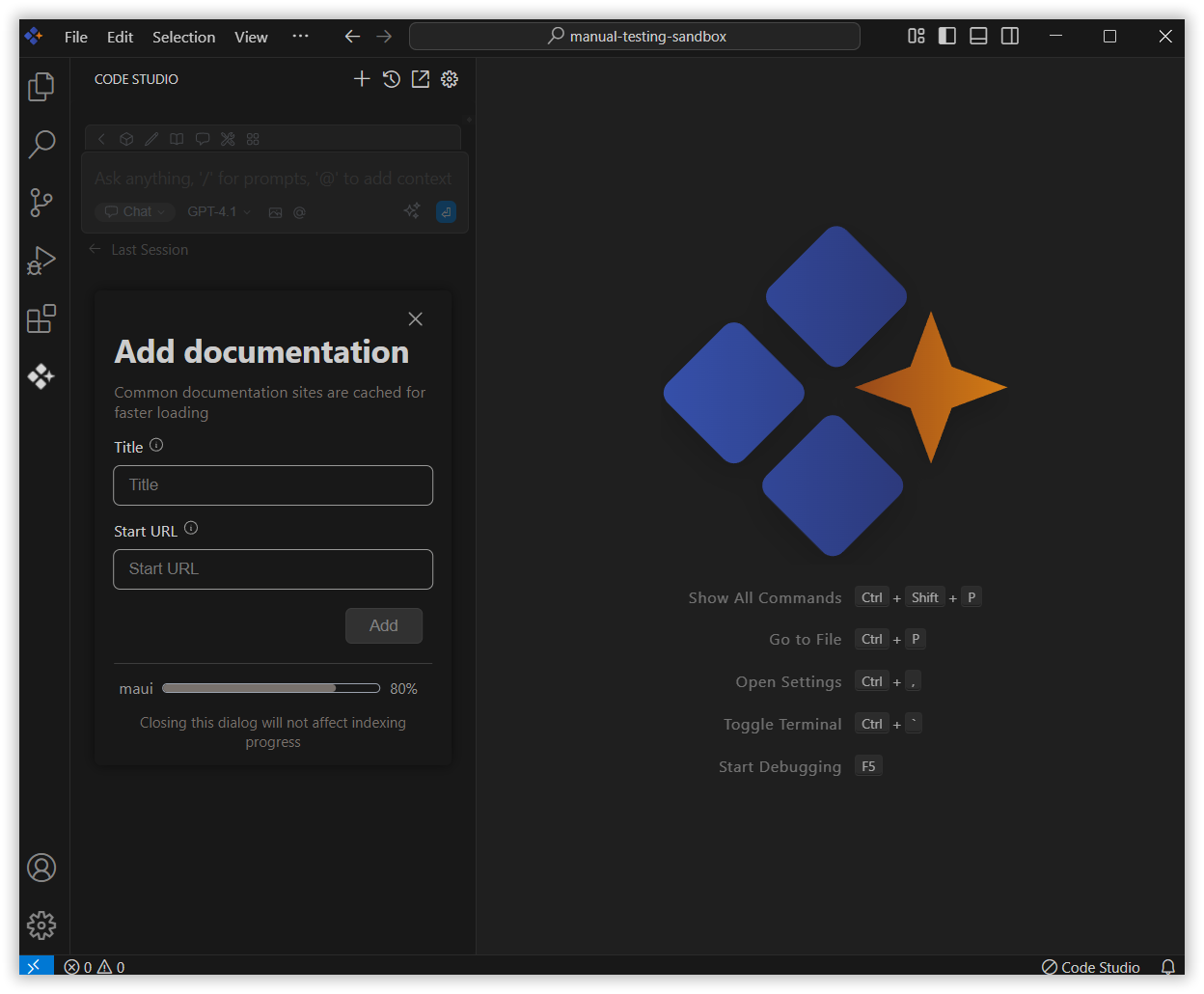
Syncfusion Code Studio generates embeddings from chunked content and stores them locally.
3. Use Docs Context with Query
The document will appear in the list—select the one you want to use.
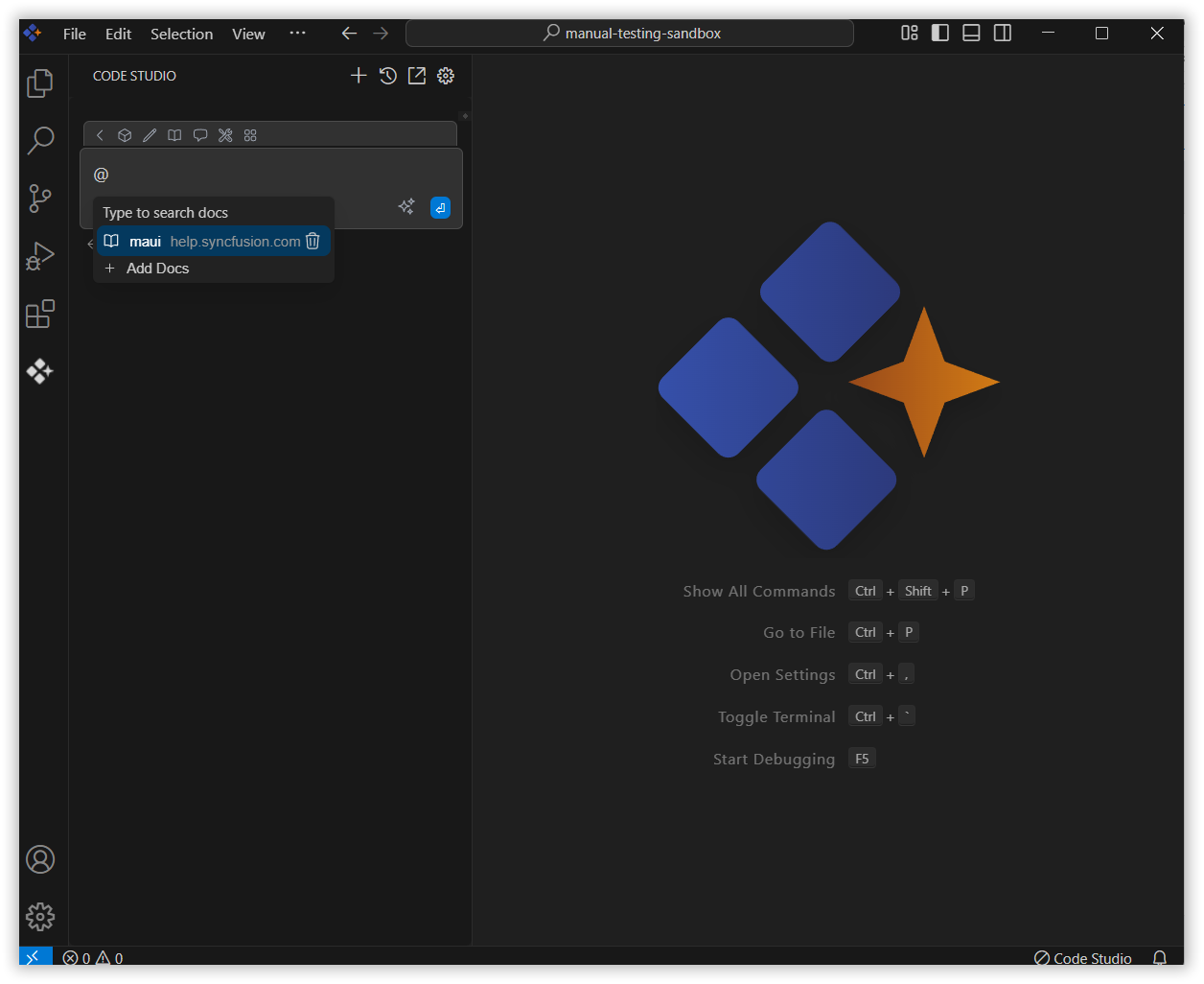
Press Enter, and the AI will respond based on the selected documentation and query.