Web
18 Nov 20181 minute to read
The Web context provider in Syncfusion Code Studio allows the AI to access real-time web content, ensuring responses are accurate, current, and context-aware.
How to Use the Web context
1. Open the Syncfusion Code Studio
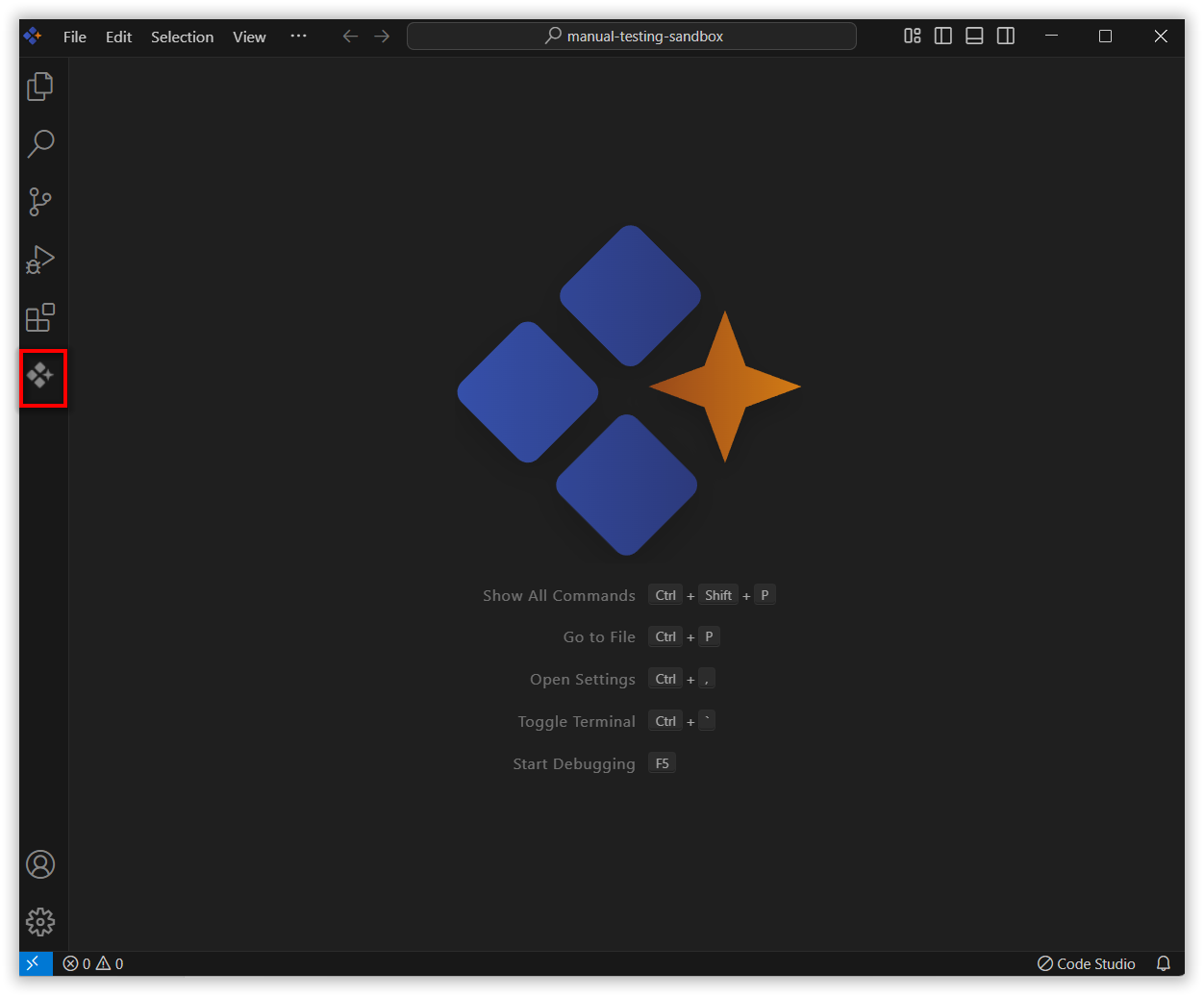
In the Syncfusion Code Studio, the chat interface is located on the left-hand side. This is where you can interact with AI and ask questions or get assistance.
2. Select Web context
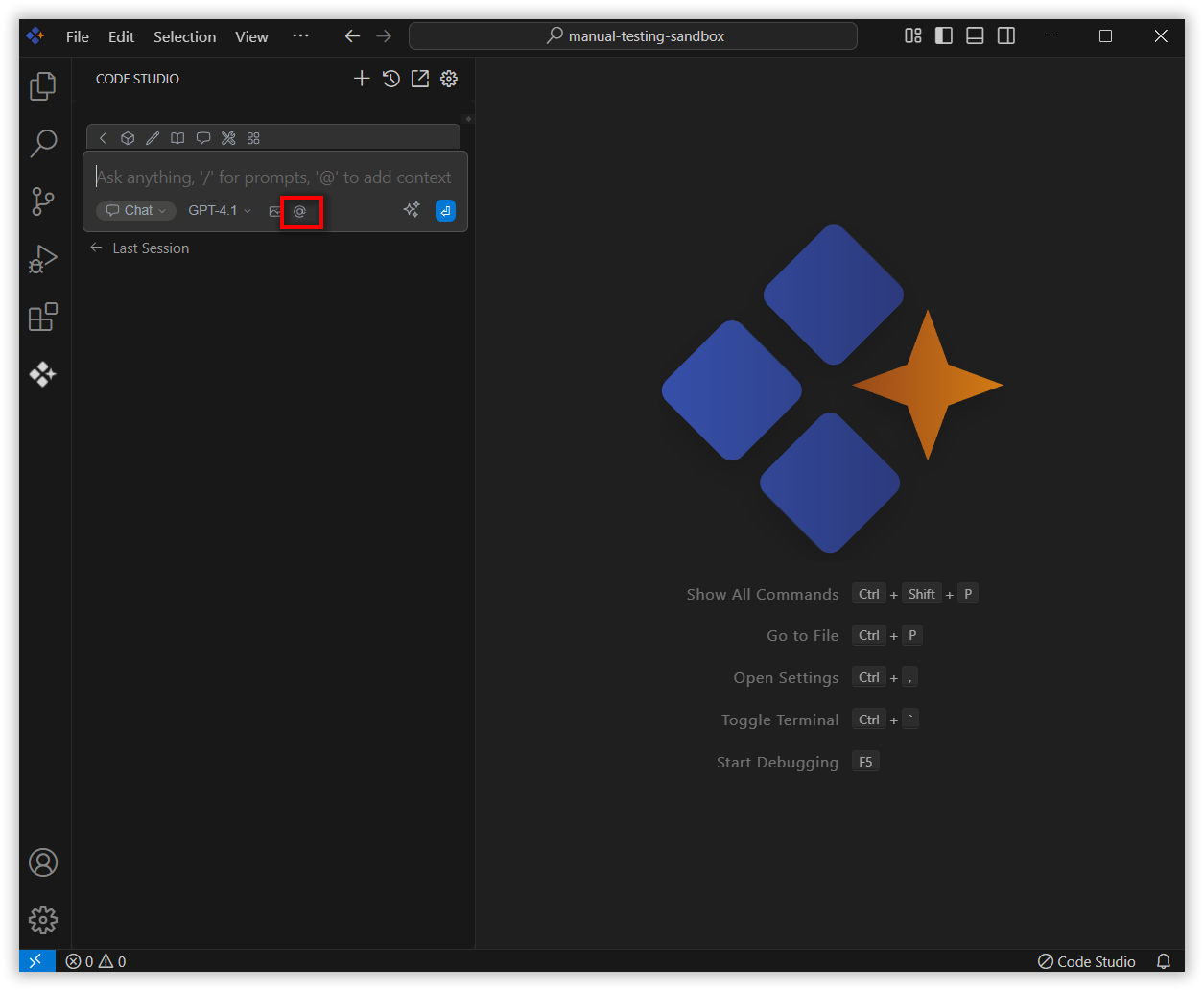
In the chat window, click the @ button.
Note: If you cannot locate the Web context option in the list, you will need to add it manually to include this context provider, Please follow the steps outlined in this link to do so.
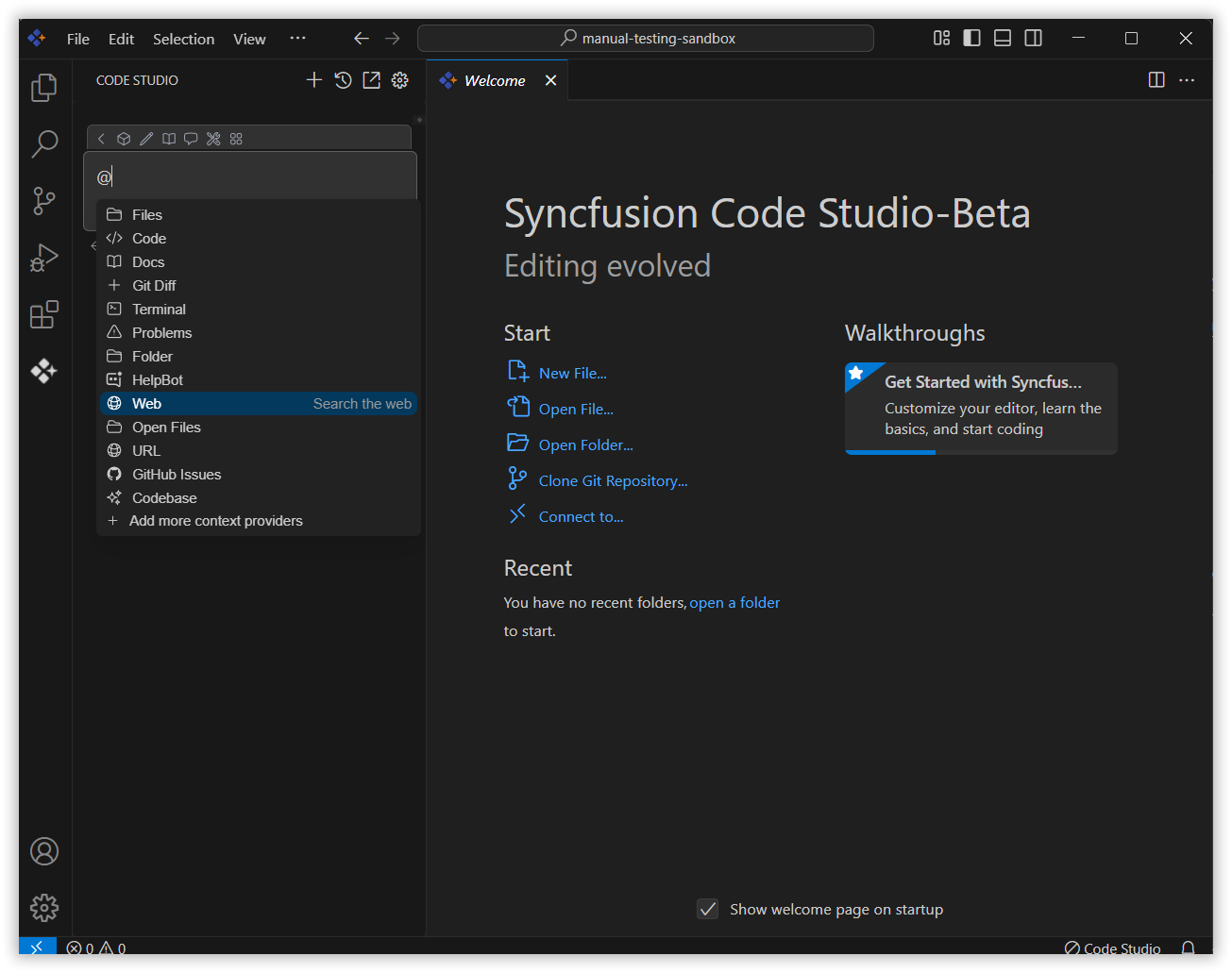
A menu will appear—select Web
3. Use Web context with query
After selecting the Web context provider option, type your query for which you want the AI to provide the latest up-to-date information.
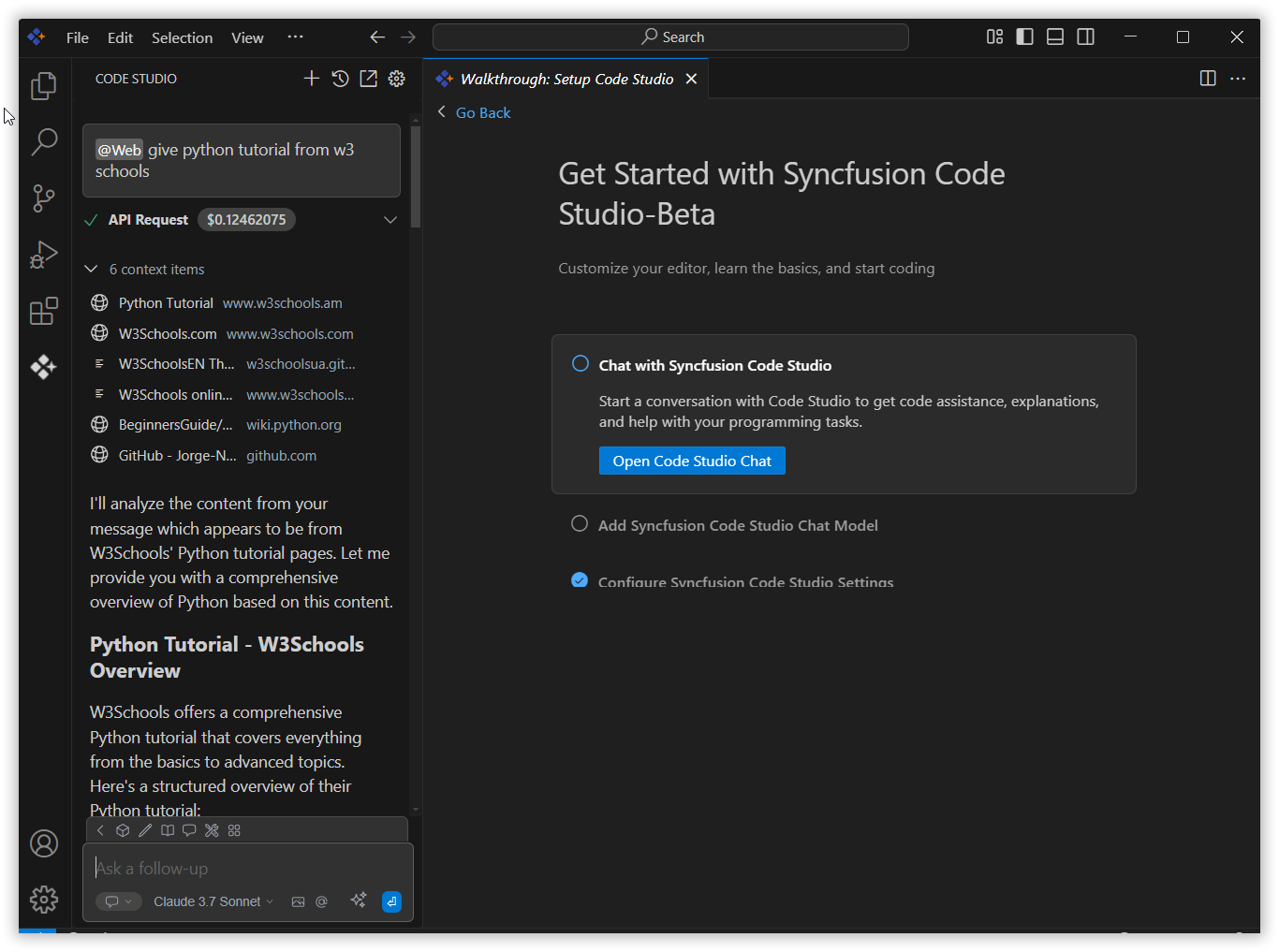
Now, the web context provider will give the response from the latest web content and display the context items that are passed to the AI model, providing up-to-date information for the conversation.