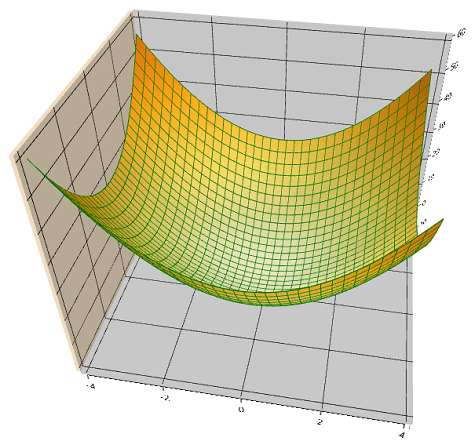
User interaction in WPF Surface Chart
The Essential Surface Chart allows you to zoom and rotate the chart for better visualization of all the axes and their points.
Zooming
Zooming of the surface chart is controlled with the EnableZooming property.
The following code shows how to enable zooming on the surface chart.
<chart:SfSurfaceChart EnableZooming="True" >
    </chart:SfSurfaceChart>
SfSurfaceChart chart = new SfSurfaceChart();
chart.EnableZooming = true;
grid.Children.Add(chart);Zooming can either be done with pinch zooming or programmatically using the ZoomLevel property.
<chart:SfSurfaceChart EnableZooming="True" ZoomLevel="0.5">
    </chart:SfSurfaceChart>
SfSurfaceChart chart = new SfSurfaceChart();
chart.EnableZooming = true;
chart.ZoomLevel = 0.5;
grid.Children.Add(chart);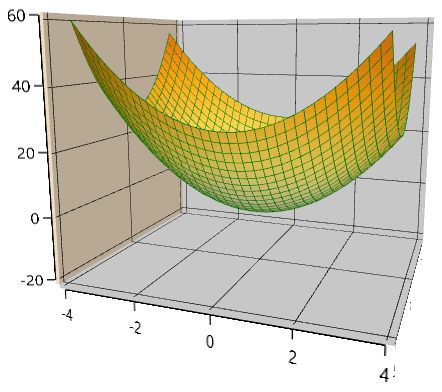
Rotation
The surface chart can be rotated for better visualization of all the axes and their plots.
This can be controlled using the EnableRotation property.
<chart:SfSurfaceChart EnableRotation="True">
    </chart:SfSurfaceChart>
SfSurfaceChart chart = new SfSurfaceChart();
chart.EnableRotation = true;
grid.Children.Add(chart);Rotation can either be done with interaction or programmatically using the Rotate property.
<chart:SfSurfaceChart EnableRotation="True" Rotate="50">
    </chart:SfSurfaceChart>
SfSurfaceChart chart = new SfSurfaceChart();
chart.EnableRotation = true;
chart.Rotate = 50;
grid.Children.Add(chart);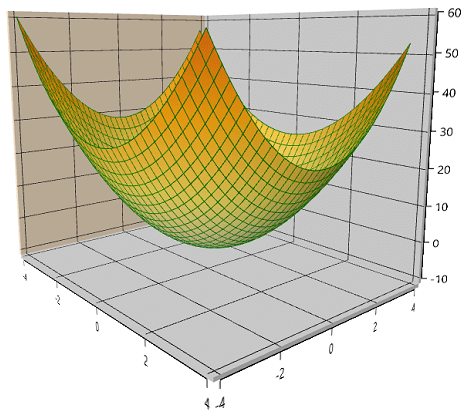
Tilt
The surface chart can be tilted to a certain angle using the Tilt property.
<chart:SfSurfaceChart  Tilt="40">
    </chart:SfSurfaceChart>
SfSurfaceChart chart = new SfSurfaceChart();
chart.Tilt = 40;
grid.Children.Add(chart);