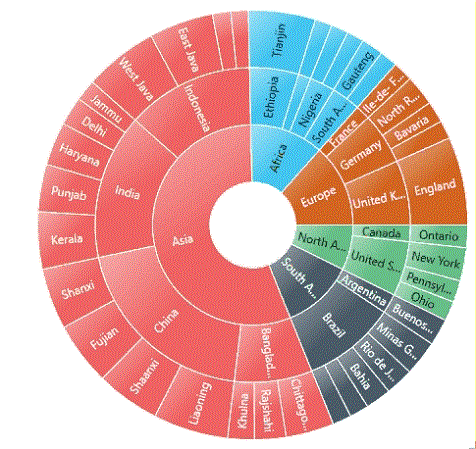
Animation in WPF Sunburst Chart (SfSunburstChart)
The Sunburst Chart allows you to animate the chart segments. You can enable animation using the EnableAnimation property. You can also set the duration for animation by using the AnimationDuration property.
<sunburst:SfSunburstChart
    EnableAnimation="True"
    AnimationDuration="5000">
</sunburst:SfSunburstChart>sunburstChart.EnableAnimation = true;
sunburstChart.AnimationDuration = 5000;Animation Types
The Sunburst Chart provides options to animate the chart segments in different ways using the AnimationType property.
FadeIn – It gradually changes the opacity of the chart segment.
Rotation – During an animation, the control rotates from 0 to 360 degrees.
FadeIn
The following example shows how to enable the FadeIn animation:
<sunburst:SfSunburstChart
    EnableAnimation="True"
    AnimationType="FadeIn">
</sunburst:SfSunburstChart>sunburstChart.EnableAnimation = true;
sunburstChart.AnimationType = AnimationType.FadeIn;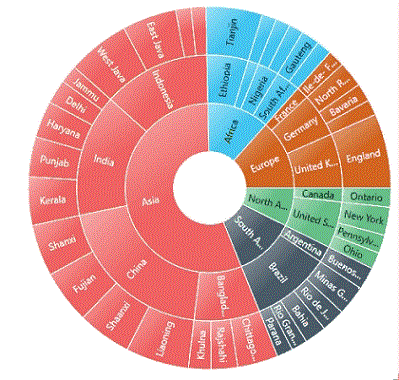
Rotation
The following example shows how to enable the Rotation animation:
<sunburst:SfSunburstChart
    EnableAnimation="True"
    AnimationType="Rotation">
</sunburst:SfSunburstChart>sunburstChart.EnableAnimation = true;
sunburstChart.AnimationType = AnimationType.Rotation;